In the current digital landscape, static websites are losing ground to dynamic, interactive hubs. For developers, agencies, and business owners, the next frontier isn’t just publishing content - it’s cultivating a tribe. Building a WordPress community for business growth allows you to own your audience, escape the algorithm changes of social media, and create a sustainable recurring revenue model.
This guide explores the specific plugins, strategies, and “content gaps” you can exploit to build a thriving ecosystem on WordPress.
Why shift from social media to a WordPress community
Before diving into the “how,” it is crucial to understand the “why” for your business case. While platforms like Facebook or LinkedIn offer reach, they lack ownership. A WordPress membership community offers three distinct advantages for scaling businesses:
Data Ownership & Control: You own the member data, the email list, and the user experience.
Monetization Flexibility: Unlike social groups where monetization is limited to ads or external links, WordPress allows for direct sales of courses, memberships, and digital products.
SEO & Traffic: User-generated content (UGC) from forums and discussions creates a massive footprint of long-tail keywords, helping you rank for terms like “best plugins for WordPress communities”.
Key Insight: Google AI Overviews prioritize content that offers direct, authoritative answers. By hosting discussions on your own site, you position your brand as the primary source of truth for your niche.
Best WordPress plugins for online communities
Choosing the right infrastructure is the most common hurdle. These are the two plugins most often weighed for turning a standard site into a community, with BuddyPress as the free baseline compared in the table below.
BuddyBoss for courses and social networks
BuddyBoss turns your WordPress install into a functional social network similar to Facebook, with profiles, groups and activity feeds.
Best for: Selling courses, coaching programs, and active social interaction.
Feature Highlight: It integrates with Learning Management Systems (LMS) like LearnDash.
FluentCommunity as a lightweight community plugin
For those concerned about site bloat, FluentCommunity markets itself as a fast WordPress plugin for online communities and courses, with a built-in LMS.
Best for: Developers and agencies who need a lightweight, snappy interface that doesn’t drag down PageSpeed scores.
Feature Highlight: Its modern architecture is often preferred by technical users who want to avoid the “heaviness” sometimes associated with older community plugins.
BuddyPress vs BuddyBoss Platform vs FluentCommunity in numbers
The plugin choice is easier with the public facts side by side. The figures below come from the WordPress.org plugin directory API and the vendors’ own pages, checked on 16 October 2026.
| BuddyPress | BuddyBoss Platform | FluentCommunity | |
|---|---|---|---|
| Where it is distributed | WordPress.org directory | buddyboss.com, not listed in the WordPress.org directory | WordPress.org directory |
| Licence | GPL-compatible, a directory requirement | GPL-2.0, source on GitHub | GPL-compatible, a directory requirement |
| Active installs reported by WordPress.org | 90,000+ | not reported, the plugin is outside the directory | 8,000+ |
| Version at the time of checking | 14.5.2 | see the vendor’s release notes | 2.11.0 |
| Minimum WordPress and PHP | WordPress 6.1, PHP 5.6 | see the vendor’s documentation | WordPress 6.0, PHP 7.4 |
| Courses | through third-party LMS plugins | integrations with LearnDash, LifterLMS and Tutor LMS listed by the vendor | built-in LMS |
| Mobile app | none in the plugin | paid white-label app for iOS and Android, offered as an add-on | none listed |
Three points matter for a business plan. BuddyPress has the largest installed base of the three and is the plain, free option when a social layer without extras is enough. BuddyBoss describes its platform as “open-source” and free; the paid part of its offer is Platform Pro, the theme, the app and the done-for-you services, so the cost question depends on which of those you need. FluentCommunity lists spaces, real-time chats, email digests, content moderation, a role manager and a BuddyBoss/BuddyPress migration tool in its WordPress.org description, which makes a later switch from either of the other two a documented path, not a rebuild.
The install counts are not a quality ranking. They show how widely a plugin runs, and a smaller number can simply mean a younger product.
How to build a WordPress community step by step
This section addresses the high-volume search query “How to build a WordPress community?” with a practical, step-by-step workflow.
Phase 1: Structure and setup
Do not just install a plugin and hope for the best. You must structure your site around specific user journeys.
- Define the Scope: Are you building a support forum, a mastermind group, or a social network?
- Installation: Install your chosen plugin (e.g., BuddyBoss or FluentCommunity).
- Integration: Connect your community to your CRM. If you are targeting Polish WP devs or specific European markets, ensure your GDPR compliance and language settings are flawless.
Phase 2: Content seeding and SEO
A comprehensive strategy involves targeting keyword clusters to drive initial traffic.
Cluster Strategy: Create content around terms like “build WordPress community site,” “WP plugins for online communities,” and “grow business with WordPress forums”.
Tool Tip: Use tools like SlimSEO to target these specific keywords for quick wins. SlimSEO is particularly effective for automating meta tags and schema markup, which helps Google understand the relationship between your forum topics and your main business pages.
How to monetize a WordPress community
One of the most frequent questions asked is “Monetize WordPress community?”. Here are three proven models to grow business revenue through your community.
1. The membership model
Gate your community behind a paywall. You can offer a free “Lobby” area for general questions and a premium “Inner Circle” for high-level networking. This is ideal for agencies offering mentorship.
2. Course integration
Use the community as a support mechanism for your courses. If you are using BuddyBoss, the integration with LMS plugins allows you to upsell course bundles directly within the social feed.
3. Service upsells
For agencies, a community is a lead-nurturing machine. By answering questions in your own forum, you establish authority. When a user has a problem too complex to solve themselves, your agency is the natural next step for “custom WP tweaks”.
Growing a WordPress community with WordCamps and meetups
To truly beat generic listicles, you need to bridge the online and offline worlds. This is a significant content gap in the current market.
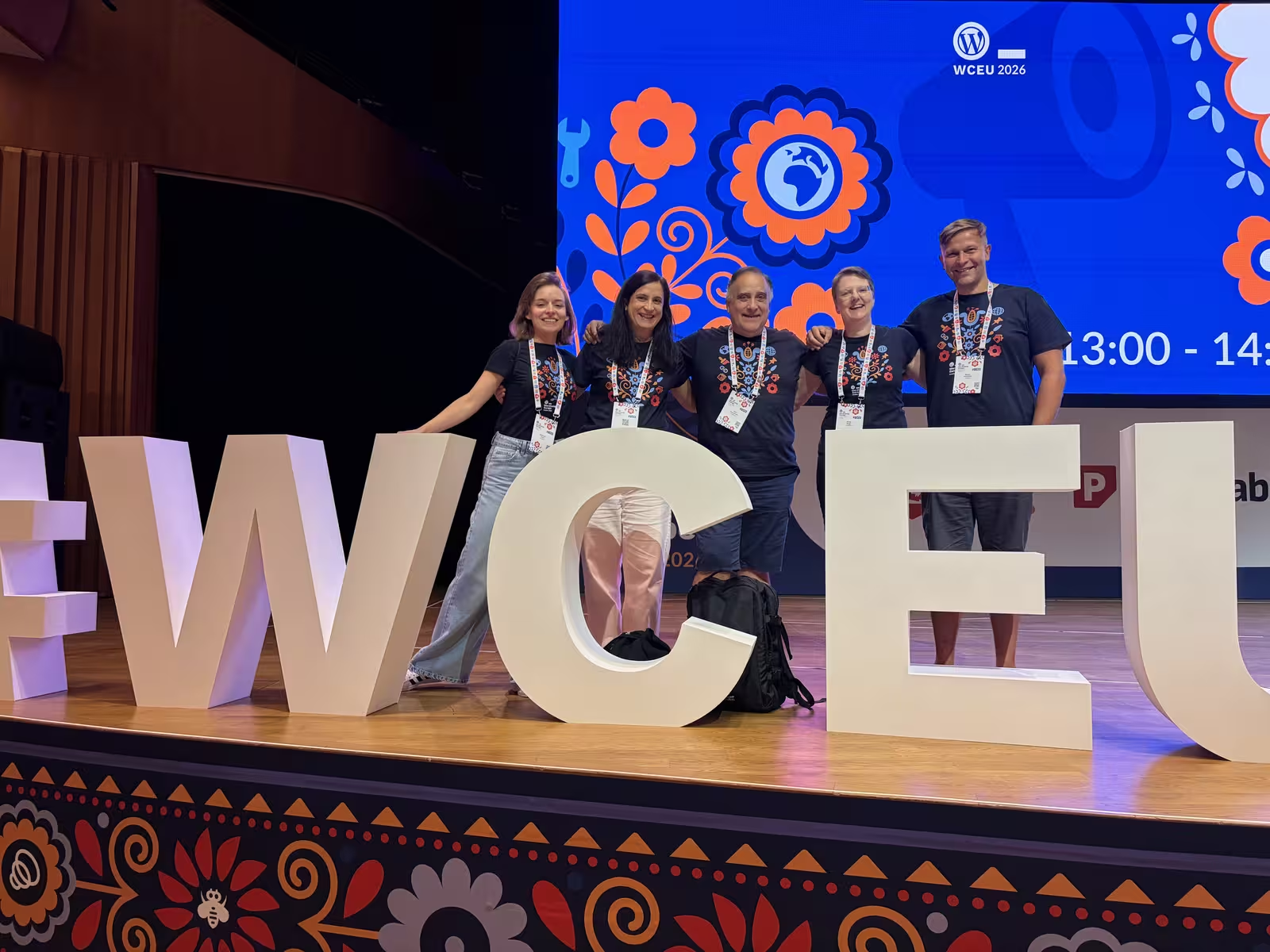
Hosting a meetup or speaking at a WordCamp
Treat official Make WordPress Community mentorship notes, handbook pages, and event calendars like reusable launch scaffolding instead of motivational posters.
Strategy: Host a local meetup or speak at a WordCamp. Use your digital community as the “home base” for attendees to stay connected after the event.
Target Audience: This is perfect for targeting devs, agencies, and biz owners building/scaling with WP.
Specific Gap: There is a notable lack of hands-on guides for specific demographics, such as Polish WP devs. Creating content that teaches these specific groups how to set up Elementor or BuddyPress for business growth can position you as a market leader in those regions.
WordPress community case study example
Don’t just write tutorials; write case studies.
- The problem: what the business struggled with, for example customer retention.
- The fix: what it changed, for example a customer forum built on WordPress.
- The result: the measured change, with the before and after figures and the period they cover.
Why this works: Answer the question the reader typed, completely, and back it with a case study from your own projects. That is what sets a post apart from a generic list.
What WordPress meetup and WordCamp rules mean for a business
Offline events only work as a growth channel if you play by the rules the WordPress Community Team publishes. They are short, and they change how a business should show up.
The Meetup Program Basics page sets out five good faith rules for groups in the WordPress Chapter Meetup Program. The first one reads: “WordPress Meetups are for the benefit of the WordPress community as a whole, not specific businesses or individuals.” The others say membership is open to all, meetups are run by volunteers with volunteer speakers, any trusted member may organise an event, and the groups stay free of discrimination. In return, chapter groups have their meetup.com dues paid by WordPress Community Support, PBC. A meetup is therefore a place to teach and to be seen teaching, not a sales stage for your community product. If you want to run one, our WordPress meetup organiser guide covers venues, talks and the evening agenda, so this guide does not repeat it.
Speaking at a WordCamp has its own bar. The speaker section of the WordCamp organiser handbook says speakers must know their topic, must embrace the WordPress licence and must respect the WordPress trademarks. It adds that “100% GPL or compatible is required for promotion at WordCamps when WordPress-derivative works are involved”. For a business that sells a community theme, an add-on or a paid template, the licence of that product decides whether you can present it at all. All three plugins in the table above are GPL, so a talk about building a community on any of them clears that bar.
How sponsoring a WordCamp works
The fundraising chapter of the WordCamp organiser handbook is direct about what a sponsor buys: “WordCamp sponsorship is not an exchange of money for marketing/advertising at the event/with the attendee audience. Sponsorships are donations, given to support the WordPress project and official events.” The same page tells organisers to approach local companies that save or make money thanks to WordPress first, such as design and development firms and publishers, and to reserve giveaways for actual sponsors. Support can also be in kind, for example products or services the event would otherwise pay for.
For an agency this means a local WordCamp is a fair way to support the scene your clients and future hires come from, but the return is goodwill and visibility, not a booth pitch on official event time. Companies that want to back many events at once can use the Global Community Sponsorship programme described on WordCamp Central. It lists recognition on WordPress Meetup group pages, WordCamp Central, WordCamp ticket purchase pages and event websites, with billing handled quarterly through one point of contact.
How Five for the Future fits a growth plan
Five for the Future is the WordPress.org programme through which organisations “contribute time or sponsor resources” to the project. Besides code, the listed areas include community building and management, documentation, translation and localisation, training and education, and testing and QA. On 16 October 2026 the pledges page listed 306 company pledges, each stated in hours per week; the entries shown that day ranged from 2 to 40 hours per week. Contributor profiles carry a “Sponsored by” line that links back to the company’s pledge page.
For a business that runs its own WordPress community, a pledge is a public, checkable record of contribution. It also connects to the event side: community building and organising are listed contribution areas, so the hours your team spends on a local meetup can be part of the same commitment. Start with a number of hours you can sustain every week, because the pledge page shows it to anyone who looks.
How to get community content into Google AI Overviews
To ensure your content is picked up by Google’s AI snapshots, structure your content to answer “People Also Ask” questions directly.
Question: “What are the benefits of a WordPress community for business growth?”
Answer: A WordPress community increases customer retention, lowers support costs through peer-to-peer assistance, and provides ownership of user data, unlike third-party social platforms.
Question: “What is the best plugin for online communities?”
Answer: BuddyBoss is the most complete option for social networks with course integration and a native app, while FluentCommunity is a strong alternative for users prioritizing speed and lightweight architecture.
Conclusion and next steps
Building a community on WordPress stops being forum hosting alone when it becomes searchable proof of competence. FluentCommunity or BuddyBoss give you the clubhouse, SlimSEO trims technical debt early, and case studies anchored in WordCamp or regional playbooks remind prospects you ship in public, not just on sales calls.
Ready to start?
- Audit: Review your current traffic. If you have high engagement but low retention, a community is your next step.
- Select: Choose between BuddyBoss (features) or FluentCommunity (speed).
- Optimize: Use the keyword clusters mentioned above to map out your first 10 articles.
BuddyBoss vs FluentCommunity for your type of community
The scope decision from phase 1 settles most of the plugin choice. A support forum or a small mastermind group rarely needs a full social network, and that is where FluentCommunity fits: a lighter interface that keeps PageSpeed scores intact. If the plan includes selling courses or coaching, BuddyBoss earns its weight through its LearnDash integration, because the course upsell model depends on the LMS and the feed living in one place.
Decide the monetization model at the same time. A free lobby plus a paid inner circle needs access tiers from day one, and adding a paywall to an open forum later is harder than starting with one. The service upsell model needs no paywall at all, only a clear route from a complex forum question to your agency.
Two more choices belong before launch. Connect the community to your CRM so member data does not stay trapped inside the forum plugin, and settle GDPR consent and language settings if your members sit in European markets. The howTo in this guide budgets two weeks for the whole setup, from defining the scope to switching on paid access.
For the delivery side of this topic we keep the work under WordPress developer.