Full site editing and the block editor in WordPress
Gutenberg blocks, synced patterns, full site editing, custom templates, and block plugins for teams that want a cleaner WordPress editing system.
Most Liverpool businesses do not need a custom build. A good theme, a few well-chosen plugins and a tidy editorial workflow cover a surprising share of briefs. Custom development starts where that stops: the point at which your business does something that no public plugin describes, or where the plugins you have stacked up have become the main source of slowness and risk.
I am Mariusz Szatkowski, a WordPress developer in Gdynia, Poland, working with WordPress since 2006. WPPoland is one person, not a studio with account managers. For Liverpool clients that means I write the code myself, I answer for it, and I deliver it remotely and in writing, one hour ahead of Liverpool time.
What I build under this heading is concrete. Bespoke plugins that hold your own business rules. Gutenberg blocks so editors can assemble pages without breaking the layout. Theme adaptation when you like your current design but need it to behave differently. Integrations that move data between WordPress and the systems your team already uses. Each of those has a different cost profile and a different risk, so the first step is always a written specification and not a quote on a hunch.
The wider picture of custom work sits on my page about development, customisation and theme adaptation for WordPress. This page is about what it looks like for Liverpool.
A plugin is built for the average site. Your business is not the average site. The usual sign that you have outgrown the plugin approach is a list of small workarounds: a custom field added by one plugin, read by a second, overridden by a third, and held together by a snippet someone pasted into functions.php three years ago. The site works, but nobody can say why, and an update to any one piece becomes a small gamble.
Three symptoms tell me a custom build is worth discussing.
The first is duplicated work. Staff retype the same enquiry into a spreadsheet, a CRM and an email, because the website form only sends an email. A small plugin that validates the form, writes to the right system and logs the result removes that retyping for good.
The second is a slow admin. Plugins that each add queries to every page load, especially page builders combined with large custom field sets, make the editor painful. Replacing four plugins with one purpose-built block set often makes the editing experience faster than any hosting upgrade.
The third is a business rule the plugin cannot express. Quote logic that depends on postcode zone, customer type and lead time is a good example. You can bend a generic form plugin around it, but the rule then lives in a configuration screen that nobody can test. In code it becomes a function with a test beside it.
None of this requires abandoning WordPress.
Liverpool is a port city, and the Port of Liverpool and the Liverpool2 deep-water container terminal sit at the centre of a freight and logistics economy across the wider city region. Firms in that chain, from freight forwarders to customs brokers to warehouse operators, tend to share one website problem: the public site and the operational system are two separate worlds, and customers expect them to talk.
WordPress is not a transport management system, and I would not pretend otherwise. What it does well is the public layer: a quote request, a shipment enquiry, a customer area that shows status pulled from the back-office system, a document download page that checks who is asking. The custom work is the bridge.
A typical bridge is a plugin that talks to your system through its REST or SOAP interface, or through scheduled file exchange when the system offers nothing better. I treat the connection like any production integration. Credentials sit outside the database in environment configuration. Requests have timeouts and a retry policy, so a slow back-office system never freezes a page. Failures land in a log your team can read, and a failed sync never silently loses a customer’s enquiry.
How I approach it: a short written description of each data flow, a first slice that moves one kind of record in one direction, and only then the reverse direction and the edge cases. Integrations that begin with “sync everything both ways” are the ones that corrupt data.
If your system has no usable interface at all, I will say so in the specification stage, and we look at the smaller step of exporting to a format your staff can import. A modest bridge that runs is better than an ambitious one that stalls.
Liverpool has a recognised creative and digital district in the Baltic Triangle, and many small agencies and studios work from there and from elsewhere in the city. Small agencies share a staffing problem: design and client work fill the week, and a custom WordPress requirement arrives that nobody on the team wants to own.
That is where I fit as a white-label developer. The agency keeps the client relationship, the design direction and the invoice. I take the build brief and deliver working code into the agency’s repository. Typical hand-offs are a custom post type system with filtering for a directory or a property list, a members area with restricted content, a WooCommerce extension for an unusual pricing rule, or a rescue of a theme that grew out of control.
Practical terms matter more than anything else in this arrangement.
I work in your tools: your Git host, your tracker, your staging environment. You get small pull requests that your own team can review, not a single large drop at the end. I document what I built in plain language, because the person reading it may be a designer who happens to know some PHP. And I stay in the background with the end client unless you want me in the conversation.
I can also design the interface, using the Claude Design workflow to produce layouts and wireframes, and then implement it as a responsive build. If the agency already owns the design, I implement theirs exactly. The brief states at the start which of the two applies, so nobody discovers later that design was assumed to be someone else’s job.
Liverpool has a large visitor economy, from heritage tourism to football to events, and that brings a steady stream of booking and enquiry sites: tour operators, small hotels, venues, tutors, trades. The forms on those sites decide whether the business gets the enquiry at all.
A custom booking or quote form should do four things well.
It should ask only for what the business needs to reply. Every extra field costs completed enquiries. I design the form from the reply the staff member wants to send and work backwards.
It should validate on the server, not only in the browser. A form that trusts client-side checks will eventually accept junk, and junk in a quote system turns into wrong prices or double bookings.
It should keep the result somewhere other than an inbox. Email is a notification, not a database. A custom post type, a table of your own or a push into your CRM keeps a record that survives a lost email.
It should be honest about consent. Marketing consent is a separate, unticked choice; the enquiry itself needs only the information required to answer it. UK GDPR expects data to be limited to what is necessary, and a form built on that principle is also the shorter form.
For availability-based bookings I prefer a small purpose-built data model over a large booking plugin when the rules are simple: a list of slots, a capacity per slot, and a lock while a visitor completes checkout. When the rules involve multi-day stays, seasonal pricing and deposits, a mature plugin is usually the better foundation, and the custom work becomes the layer that adapts it. Choosing between the two is part of the specification.
I am an EU-based developer working for UK clients, so it is worth being precise about which legal framework sits around the code. These are the ones that come up in nearly every Liverpool brief. The statements below come from the legislation as published on legislation.gov.uk.
UK GDPR and the Data Protection Act 2018 are the core of UK data protection law. Your business remains the controller of the personal data on your site. A custom build is where you can make that practical: a documented data map, retention rules that a scheduled job enforces, and an export-and-erase path for when someone asks for their data.
The Privacy and Electronic Communications (EC Directive) Regulations 2003, usually called PECR, govern cookies and similar technologies and electronic marketing. Regulation 6 requires consent for storing or accessing information on a visitor’s device, apart from strictly necessary uses. In practice I build analytics and marketing scripts so that they do not load until the visitor has chosen. The Data (Use and Access) Act 2025 amends parts of this area, so I check the current wording of the provision for each project rather than relying on a fixed list of exemptions.
The Consumer Contracts (Information, Cancellation and Additional Charges) Regulations 2013 apply to online sales to consumers. Regulation 29 gives the consumer the right to cancel a distance contract within the cancellation period set by regulation 30, and the regulations set out what information must be given before the order. If your custom checkout changes the order flow, the wording and the pre-contract information are tested as part of the build.
The Equality Act 2010, section 29, covers the provision of services, and an inaccessible website can be a barrier to a service. I build to WCAG 2.2 AA as a working target and test keyboard navigation and form errors by hand.
Nothing here is legal advice. I flag where a build touches one of these rules, and your solicitor decides what your business must do.
All of my work is remote. I do not hold on-site meetings, and I do not need to; Liverpool is a good place to buy from because so little about a WordPress build requires a shared room.
My working day sits one hour ahead of yours, so your morning is my late morning and your afternoon is mine. Questions go by email or in your tracker, and I answer in writing. A written decision trail is useful later, especially when a different developer inherits the project.
The sequence is the same for most projects. You send the brief or even an informal description of the problem. I return a short written specification: what will be built, what will not, what the risks are, and what I need from you. When that is agreed, a first working slice goes to a staging site you can click through. After that the work ships in small steps, each with tests on the parts that can hurt, such as payments, data deletion and permissions.
Everything is delivered into a repository you control. When the project ends, the code, the deployment notes and the editor guide are yours, and nothing about the site requires me to keep running it. Optional care after launch exists, but it is a separate decision. See my WordPress maintenance and support in Liverpool page for how that works.
Pricing is individual and depends on the specification, not on the size of your company. I do not put numbers on public pages, and the written specification is where the scope and the figure are agreed together.
Because I make my living from custom work, it is worth saying plainly when I would advise against it.
If a maintained plugin does the job and your needs are ordinary, buy the plugin. Custom code you commission today is code someone has to keep compatible with WordPress, PHP and your other plugins for years. The saving from a custom build only appears when the business rule is genuinely yours.
If the real problem is a slow site, the answer is usually measurement first. A custom plugin will not fix an unoptimised image library or a hosting plan under strain. I would look at the cause, which may be a PHP and WordPress performance problem and not a missing feature.
If your needs are mostly about selling products, check whether a WooCommerce setup with the right extensions is enough before commissioning anything. My WooCommerce developer in Liverpool page covers that route, and my WordPress developer in Liverpool page covers general site work.
If nobody in your organisation will own the tool after launch, wait. A custom plugin without an owner is the same orphaned-software problem as an abandoned theme, with the difference that you paid for it.
Examples of my work.
A package of various special banners for the osemka.pl website
A package of various special banners for the osemka.pl website
The website strefapremium.pl has been designed as a modern premium portal, dedicated to users seeking exclusive content and services. The site combines high-...
Describe your project by e-mail. I reply within 24 hours.
Describe your projectGutenberg blocks, synced patterns, full site editing, custom templates, and block plugins for teams that want a cleaner WordPress editing system.
A practical ACF repeater tutorial showing how to style even, odd, or every third row with PHP modulo logic or modern CSS nth-child selectors.
Gutenberg 24.2 turns on React 19 by default, moves notes into the editor margin and changes link search in menus. What React 19 removed, how to test blocks on a copy of the site and how to turn React 19 off.
Custom WordPress engineering and architecture.
Scalable headless, ERP, and AI architecture for enterprise.
Stores, checkout flow, and sales logic.
Stability, updates, and post-launch support.
What the monthly care fee covers and what changes it.
Business process automation around WordPress and company systems.
Headless WordPress, Sanity, Strapi, and Contentful with Astro or Next.js.
Astro, MDX, edge delivery, and Core Web Vitals measured on real traffic.
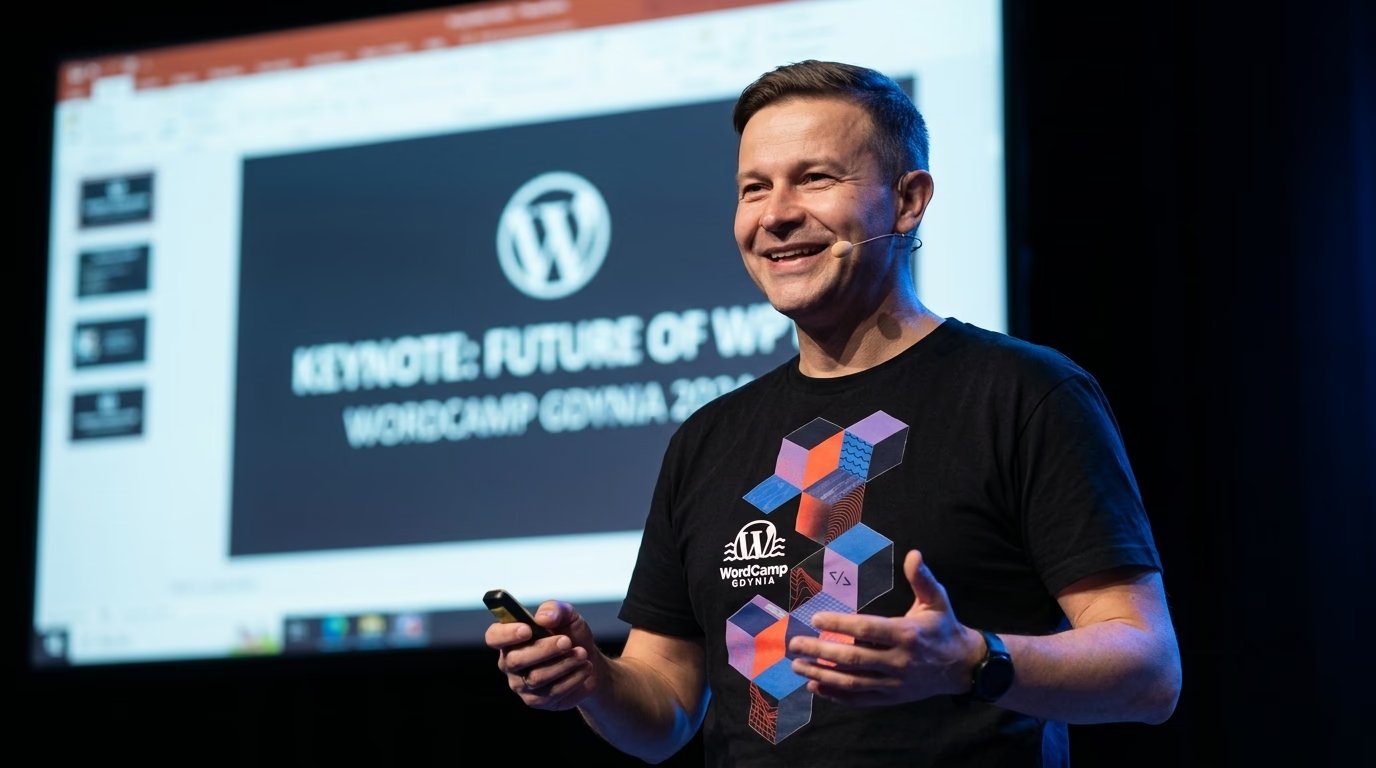
How to start as a WordPress developer in 2026. Local environment, theme and plugin development, REST API and headless paths, security and Core Web Vitals. A practitioner playbook that does not waste your first month.

WordPress 7.0 with AI Client vs Astro 6 after Cloudflare acquisition. Speed, cost, SEO and security comparison. My take after 20 years as a WP developer - when to migrate and when to stay.
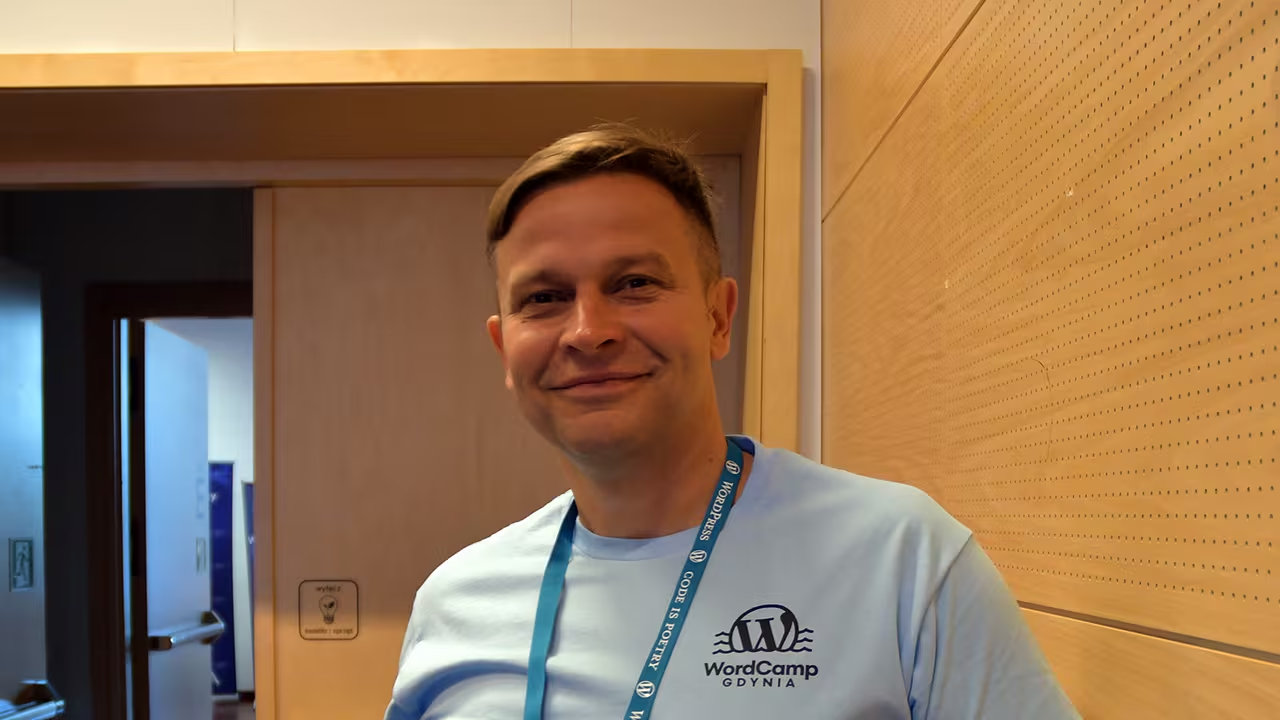
WordPress 7.0 with AI Client against Astro 7 with the Rust compiler and Vite 8. Speed, cost, SEO and security compared, plus the real bill for my own Astro 6 to 7 migration.