Economics of headless WordPress 2026: where it pays back, where it does not
Most “we cut hosting cost by 70 percent with headless” claims are accounting fiction. They count the new bill, not the migration cost that produced it, and they ignore the senior engineering time that keeps the new architecture running. Headless WordPress does pay back; it just does not pay back automatically.
This article is the framework I use with clients to decide before the migration starts. It is the operator-side counterpart to the Headless WordPress service pillar and the Next.js vs Astro decision matrix.
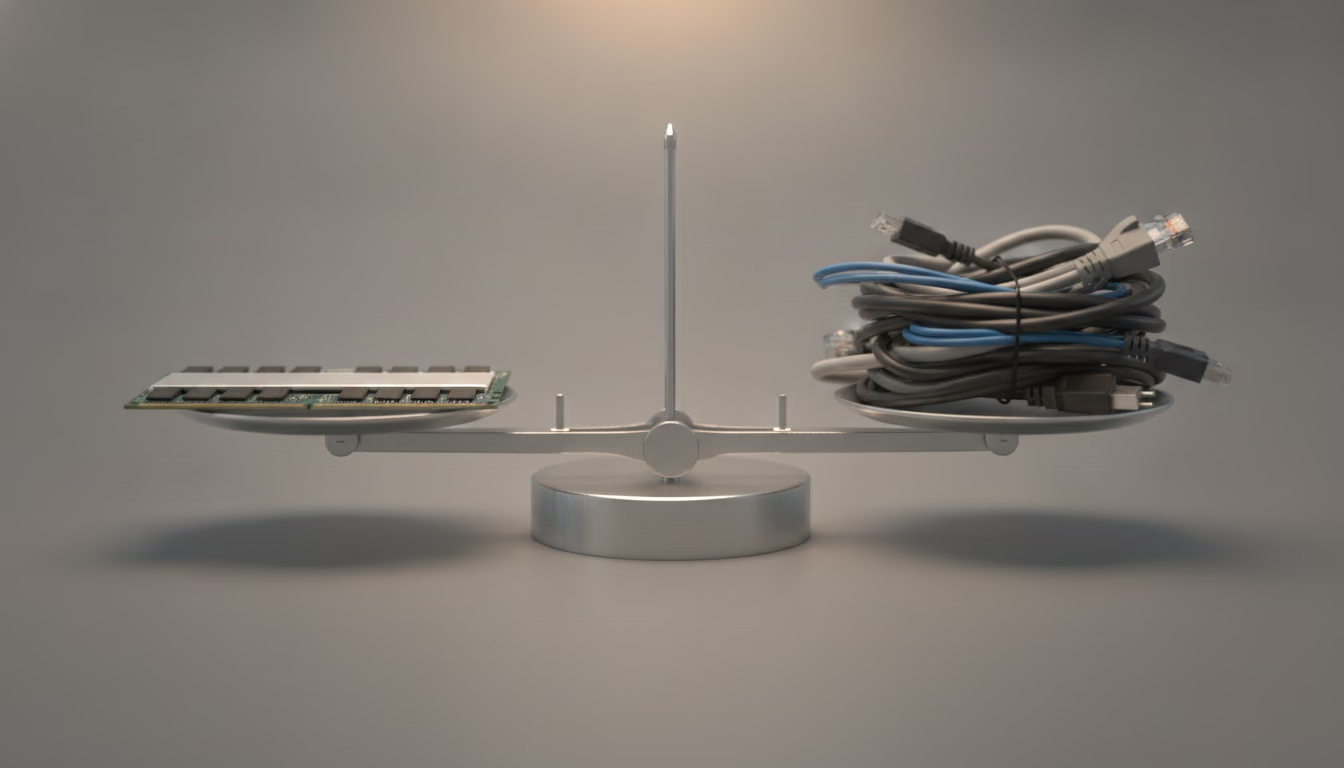
The framing is simple but often missed: changing the abstraction is not free. The economics question is whether the saving on the new abstraction beats the cost of moving.
Is headless WordPress worth the cost
- Headless reduces public-traffic hosting cost by removing PHP per request.
- Headless adds a one-off migration cost dominated by SEO preservation work.
- Headless adds an ongoing edge runtime cost that scales with traffic.
- Break-even for a content site is usually months. For a tiny site, never.
- The bigger payback is conversion-side, not cost-side; Core Web Vitals win revenue. Pure Shopify builds are scoped with a Shopify developer, not as a side quest inside a WordPress budget.
For the React/App Router side of a headless front, see the Next.js developer pillar.
What are the three cost columns in headless WordPress
Calling it “hosting cost” is the first mistake. There are three columns.
Column one, public-traffic infrastructure. What you pay to serve a visitor. On a WordPress monolith this is the PHP host bill plus CDN. On headless this is the edge runtime (for example, Cloudflare Workers) plus a smaller WordPress origin that only serves editors and the REST API.
Column two, build and migration. What you pay once to move from one architecture to the other. Senior engineering time, SEO preservation, redirect mapping, image migration, content-team retraining, parallel-running both stacks during the cutover.
Column three, ongoing engineering. What you pay every month to keep the new architecture running. CI minutes, framework updates, Cloudflare account management, monitoring, the cost of a senior front-end engineer being responsible for the front-end framework.
A serious comparison sums all three columns over the same time horizon. Most marketing claims sum only column one and present the delta as the saving.
How much does headless WordPress hosting cost
WordPress monolith on a typical PHP host pays for capacity. Whether the site receives one visitor or one thousand visitors, a server is running. The bill is fixed. CDN costs scale with traffic. Database, object cache, and full-page cache reduce CPU per request but do not delete it.
Headless on Cloudflare Workers pays per request and per CPU millisecond. The pre-rendered HTML response at the edge takes a fraction of a CPU millisecond. The WordPress origin only runs when an editor saves, when a webhook triggers, or when the front needs new data. For a public traffic shape that is mostly read-heavy, this is structurally cheaper.
For a WooCommerce store the picture is more nuanced. Personalised pages and authenticated routes still cost CPU on the front. Static catalogue pages do not. The split usually still favours headless once the catalogue stabilises.
Cloudflare Workers pricing for a headless WordPress front end
Cloudflare publishes its rates on the Workers pricing page. The Free tier allows 100,000 requests per day and 10 milliseconds of CPU time per invocation. Workers Paid carries a minimum charge of 5 USD per month per account. On the Standard usage model it includes 10 million requests and 30 million CPU milliseconds per month. Each additional million requests is 0.30 USD, each additional million CPU milliseconds 0.02 USD.
For the headless calculation, two sentences in that documentation matter more than the rates. First: requests to static assets are free and unlimited. Pre-rendered HTML deployed as a static asset therefore carries no per-request charge, and only the routes that run Worker code are billed: search, forms, cart, draft preview. The second comes from the limits page: waiting on the network, meaning fetch() calls, KV reads and database queries, does not count toward CPU time. A Worker that pulls data from the WordPress REST API and waits for the origin pays for its own computation, not for a slow origin.
The CPU limits decide the tier. On Free, an HTTP invocation gets 10 ms of CPU. On Paid, the default is 30 seconds per request, and it can be raised to 5 minutes. The difference matters for SSR, because every on-demand render has to fit inside that budget. A fully static front end serves free static assets and never touches the CPU limit.
Full rebuild or ISR for headless WordPress
The cost of refreshing content lands in one of two places: at build time or at request time.
With a full static build, every publish in WordPress fires a webhook and a new build. The Cloudflare Pages limits show where the ceilings are: 500 builds per month on Free, 5,000 on Pro and 20,000 on Business, with one build at a time on Free, five on Pro and twenty on Business. A build times out after 20 minutes. Free accepts up to 20,000 files per site, paid tiers up to 100,000. An editorial team that saves 20 times a day, with a build on every save, needs about 600 builds a month, which is more than Free provides. A multilingual site with thousands of posts and images can reach the file limit instead. Both ceilings can be worked around, for example by batching builds or keeping images outside the deployment, but that is work to plan in column two, not to discover after launch.
Incremental Static Regeneration in Next.js moves that cost to request time. The ISR documentation describes two modes: time-based refresh through revalidate, and on-demand refresh through revalidatePath or revalidateTag, which a WordPress webhook can call after a post is saved. The same page lists caveats that change the bill. ISR is only supported on the Node.js runtime and not with a static export. With several instances, the default file-system cache is per instance, and on-demand revalidation only invalidates the instance that receives the call, so a shared cache handler is needed. Background regeneration runs on the instance that served the request, and on platforms with per-request billing it counts as additional compute. ISR saves builds, then, but adds infrastructure and a compute line. A full build stays simpler for as long as it fits inside the limits.
Why is migration the biggest cost in headless WordPress
The largest one-off cost in any headless WordPress project is the migration itself. Specifically, the SEO preservation work. The seven patterns covered in SEO patterns for headless WordPress all cost time. Skipping any of them costs more.
Concrete components:
- Mapping every existing canonical URL.
- Capturing redirect history, including silent redirects from
/wp-contentand country-code switchers. - Carrying Yoast or Rank Math metadata into the front render.
- Rebuilding hreflang as self-referential HTML, not just JSON.
- Verifying structured data parity in Search Console’s rich-result reports.
- Locking the legacy WordPress origin out of search index visibility.
- Rebuilding image alt text and structured image data for image search.
A migration that does this work properly takes weeks of senior engineering time. A migration that does not, costs months of recovery later. The polemic version: every “we saved 70 percent” case study where the company also had to “redo SEO three months in” is a case where the migration cost was paid twice.
How much does headless WordPress cost to maintain
A headless build adds permanent operational surface. CI now runs not just WordPress plugin updates but also framework upgrades, dependency audits, and front-end build pipelines. Cloudflare Workers usage needs review. Edge cache behaviour needs monitoring. A senior front-end engineer is needed in the loop, where a monolith could sometimes be operated by a back-end-only generalist.
Concretely, expect:
- One CI workflow for the WordPress origin (plugins, themes, core).
- One CI workflow for the front-end build and deploy.
- One observability surface covering edge runtime, Workers errors, REST API health.
- One person on call for both stacks who actually understands the boundary.
That last item is the under-priced one. I have audited migrations where the original engineering team left after the cutover and the next team inherited an architecture they did not own. The economics of that situation are bleak regardless of column-one savings.
What the WordPress origin still needs after going headless
The origin shrinks, but it does not disappear. The WordPress requirements are the same as for a monolith: PHP 8.3 or greater recommended, MySQL 8.0 or MariaDB 10.11 or greater, and HTTPS support. What changes is the load profile, not the list of duties. The server still needs updates, backups and monitoring; it just serves editors and the build instead of visitors.
The build pulls content through the REST API, and that has its own arithmetic. The pagination documentation caps per_page at 100 records, and the X-WP-Total and X-WP-TotalPages headers return the record and page counts. A full build of a site with 10,000 posts is therefore at least 100 requests for the post list alone, before pages, categories, media and every further language version. An origin that answers slowly under that load stretches every build, and a Cloudflare Pages build has 20 minutes for everything.
Draft preview needs authentication. The REST API handbook limits cookie authentication to requests made from inside WordPress, so an external front end uses Application Passwords. They have shipped in core since version 5.6 and reach the REST API over HTTPS as Basic Auth. An application password is one more secret to store in the Worker settings and to rotate, which is one more line in column three.
When does headless WordPress pay back
The framework I run with clients is conservative. I model 24 months and three columns, with traffic shape and content cadence as inputs.
Headless usually pays back inside 12 months when:
- Public traffic is high enough that PHP host capacity is the bottleneck.
- Mobile Core Web Vitals are tied to revenue (e-commerce, lead-gen).
- The editorial team will keep using WordPress and benefits from the same workflow.
- A senior front-end engineer is already on the team or contracted for the duration.
The Core Web Vitals condition can only be checked by measuring before and after the migration. web.dev sets the good thresholds: LCP within 2.5 seconds, INP of 200 milliseconds or less and CLS of 0.1 or less, measured at the 75th percentile of page loads, segmented across mobile and desktop. If the site already meets those thresholds on the monolith, the conversion argument weakens and the calculation has to stand on the other columns.
It does not pay back inside 24 months when:
- Public traffic is low and a small PHP host suffices.
- Content cadence is low (one post a month) so editorial speed is not a bottleneck.
- The site is dominated by interactive product UI that needs SSR + client hydration anyway.
- No senior front-end engineer is available; orchestration cost lands on a generalist.
What makes headless WordPress pay back faster
Three things shift the break-even faster than expected:
One, edge AI features. Cloudflare Workers AI, MCP servers, and edge-rendered personalisation are cheap on a Workers runtime and expensive (often impossible) on a shared PHP host. A site that wants to ship LLM-generated meta descriptions, agent-friendly endpoints, or per-region pricing will hit the headless break-even faster.
Two, accessibility law. Ireland transposed the European Accessibility Act as the European Union (Accessibility Requirements of Products and Services) Regulations 2023 (S.I. No. 636/2023), and Part 12 of those Regulations covers enforcement and offences; Germany did the same with the BFSG, in force since June 2025. The UK sits outside the Act, yet section 29 of the Equality Act 2010 places a duty to make reasonable adjustments on service providers. Each regime can turn an inaccessible front end into a legal cost, within the scope described below. Migration audits that need to fix accessibility anyway often pay for themselves on the legal-risk column alone.
Three, AI commerce and agentic discovery. As the strategy section of my Tech Radar Trial ring includes Universal Commerce Protocol, agent-readable commerce becomes a buying signal. Headless architectures expose products as data more cleanly than monoliths.
Who the European Accessibility Act covers
The legal argument in the previous section only applies where the law does. Directive (EU) 2019/882 covers services provided to consumers after 28 June 2025, e-commerce services among them. The directive defines those as services provided at a distance, through websites and mobile device-based services, by electronic means, at the individual request of a consumer, with a view to concluding a consumer contract. Article 4(5) exempts microenterprises providing services from the accessibility requirements. A microenterprise, in the directive’s terms, employs fewer than 10 persons and has an annual turnover or an annual balance sheet total not exceeding EUR 2 million.
That gives a simple split. An online shop above the microenterprise threshold carries the legal-risk column whatever its architecture, and the migration is the moment accessibility fixes go into the front end anyway. A microenterprise, or a site that does not sell to consumers and provides none of the other services the directive lists, has no such column, so the legal argument does not speed up its payback. It is the same conclusion as in the section on when headless does not pay back: small sites lack the items on the savings side that would cover the migration cost.
Related headless WordPress guides
This article supports the Headless WordPress service pillar, pairs with the SEO patterns article, links to my headless vs monolithic WordPress 2026 enterprise TCO guide for multi-year financial modeling, and references the Next.js vs Astro decision matrix. The decision flow: read this for “is the trade worth it”; then the TCO guide for the full 4-year financial model; then the SEO patterns for “how do we keep ranking”; then the framework decision for “which front does the workload need”.