Expanded and up-to-date version of this topic: Headless WooCommerce with Astro.
Headless WordPress for WooCommerce: when it pays back, and what to skip
The intent behind the question “is headless WordPress a good fit for WooCommerce” is rarely about technology. It is about whether the store will keep working through the migration, whether the existing extensions survive, and whether the new architecture pays back inside the budget cycle. The honest answer is: depends on the store.
This article makes the call concrete. It supports the Headless WordPress service pillar and the headless economics piece, where the framework lives.
Which stores suit headless WooCommerce
- Good fit for stores where mobile Core Web Vitals limit conversion.
- Good fit for stores with stable catalogues that cache well at the edge.
- Bad fit for tiny shops where orchestration cost exceeds the saving.
- Bad fit for stores running heavy WooCommerce extensions that assume PHP-rendered fronts.
- Edge runtime: Cloudflare Workers handles both Astro and Next.js back to a WordPress origin.
What does headless WooCommerce mean?
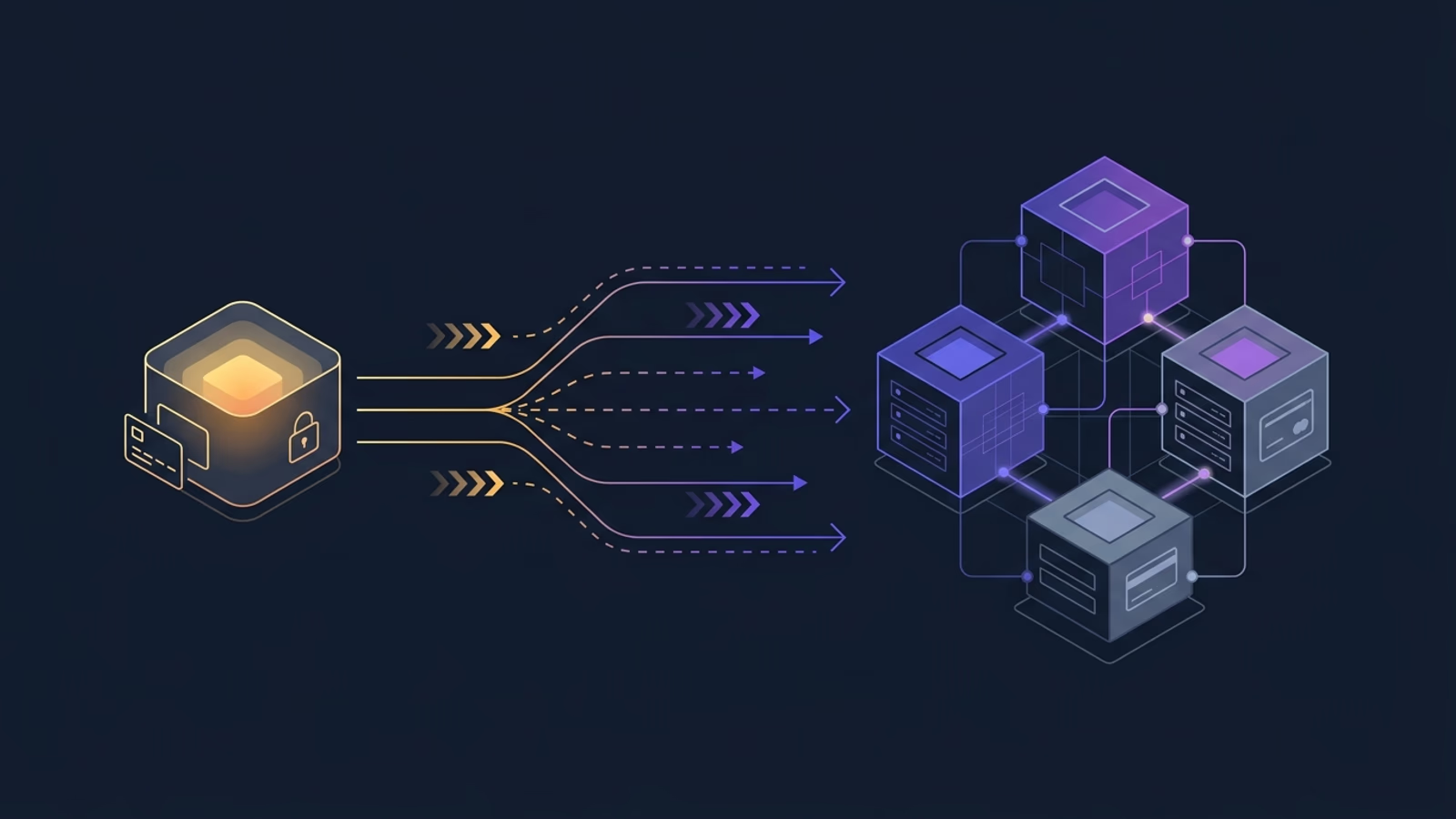
WordPress with WooCommerce keeps the editorial workflow, the order management, the inventory store, and the payment processing. The headless front (Astro or Next.js) renders the public catalogue, product pages, cart, and checkout UI. The two communicate over the WooCommerce Store API, the REST API, or GraphQL.
Three pieces of the architecture matter:
The origin. Still WordPress. Still WooCommerce. Same admin, same plugins, same payment flows. Editors do not change tools.
The front. Astro or Next.js running on Cloudflare Workers. Renders pre-built HTML for the catalogue and product pages, falls back to SSR for cart and checkout. Reads from the WordPress origin.
The boundary. REST or GraphQL between the two. Cookies and headers preserved across the boundary so session continuity works. This is the load-bearing piece, and the one that breaks first if a junior engineer ships.
When does headless WooCommerce pay back?
Concrete scenarios where the trade is positive:
- A 200-product fashion store with 70 percent mobile traffic and a sub-2-second mobile LCP being directly tied to conversion.
- A B2B catalogue with 5000 stable SKUs where most pages cache for hours at the edge.
- A WooCommerce store also serving as the catalogue source for a mobile app or AI-shopping agent (Universal Commerce Protocol).
- A site already serving its own JS bundle with heavy interactivity, where the cost of editorial WordPress + Next.js together is not much higher than the existing setup.
In all four, the win is some mix of edge-rendered Core Web Vitals (revenue effect) and predictable Cloudflare Workers cost (saving effect).
When is headless WooCommerce not worth it
Concrete scenarios where it does not pay back:
- Single-product stores or stores with under 20 SKUs and low traffic. The migration cost dwarfs the saving.
- Stores running 10+ active WooCommerce extensions that touch the front end. Each one needs an audit, often a re-implementation, or a hybrid build.
- High-volatility inventory (live auctions, flash sales, real-time bookings). Cache invalidation cost rises faster than the front-end saving.
- Heavily personalised pricing per customer. Edge caching weakens; the architecture loses much of its advantage.
The polemic version: headless is not a default. The default is “stay monolithic until the bottleneck moves to the front”. Once the bottleneck is mobile Core Web Vitals, then the trade pays back.
What should you audit before headless WooCommerce
A senior engineer running this audit before any migration commitment:
- List every active WooCommerce extension. Mark each as “supports headless”, “needs re-implementation”, or “blocks headless”.
- Snapshot Core Web Vitals on mobile for the top 50 product pages. If LCP and INP are already healthy, the headless saving is smaller.
- Pull traffic shape: visit volume, return-visitor share, mobile share, geographical distribution. High mobile + diverse geography favours headless on Cloudflare Workers.
- Map the redirect history. WooCommerce sites accumulate redirects from product renames and category restructures. Migration must preserve them.
- Identify per-customer pricing or session-driven content. The more there is, the smaller the headless edge.
The result is a yes or a no. I have advised against headless migrations as often as I have advised for them.
What does a headless WooCommerce build include?
When the audit comes out positive, the senior-team build looks like this:
- WordPress with WooCommerce on a small managed host as the origin.
- Astro or Next.js front (per the Next.js vs Astro decision matrix).
- Cloudflare Workers + Pages for edge delivery.
- Redis at the WordPress origin for object cache and session storage.
- WooCommerce Store API enabled, with rate limiting on the Worker.
- All seven SEO patterns for headless WordPress preserved.
The decision flow runs in that order. The TCO framework in the economics piece closes the loop.
Related headless WordPress articles
This long-tail article anchors to the Headless WordPress service pillar and to its three supporting pieces. For migration-side risks, the SEO patterns article is the seven-point checklist. For decision framing, the Next.js vs Astro matrix and the economics article carry the load.
For platform comparison, see Shopify Plus vs WooCommerce headless.
UK and Ireland checkout rules on a headless front
An Astro or Next.js storefront does not remove pre-contract information duties. The UK Consumer Rights Act 2015 and the Consumer Rights Act 2022 in Ireland both expect clear pricing, delivery information, and cancellation rights before payment. If checkout still runs on WordPress while the catalogue is edge-rendered, both layers must show identical legal copy.
PECR and cookie consent
Session continuity between Worker and WooCommerce origin depends on cookies and headers. In the UK, PECR treats non-essential analytics and personalisation scripts on the headless catalogue as consent-gated. Map what loads on first product view versus what loads only after add-to-cart. Many headless migrations fail legal review before they fail performance tests.
VAT display and HMRC expectations
B2B and B2C shops that keep WooCommerce as the order source often rely on tax plugins at the origin. Cache product HTML at the edge only after those plugins are audited. Fast pages that hide VAT breakdown can pass Core Web Vitals and still attract complaints to the CCPC in Ireland or Trading Standards in Great Britain.
International transfers on edge infrastructure
When Cloudflare Workers serve the catalogue from global nodes, document international transfers and standard contractual clauses in your Article 30 record. A technically clean cart does not replace a DPIA once health data or minors appear in the order flow.
Store API in production: rate limits and cache keys
The Store API feeds cart and checkout to the headless layer. Rate limits on the Worker stop bots from hammering the origin on catalogue reads. Cache keys should include product ID, visibility, and tax class, not just the URL. UK shops with zero-rated B2B lines need separate keys per customer group, or a trade buyer sees consumer VAT in a cached fragment.
Hybrid fallback routes
Not every extension rebuilds cleanly headless. Subscriptions, invoice plugins, and quote workflows often stay monolithic. A senior team maps those paths at the reverse proxy: catalogue and PDP from the Worker, account and renewals on the WordPress origin. That cuts rewrite cost and keeps support on the admin merchants already know.
Monitoring after go-live
For at least four weeks, watch CrUX and checkout error logs together. Headless failures often show up as CORS mistakes, cookie domain mismatches, or stale nonces. Alerting on origin 5xx during Worker deploys prevents revenue loss faster than blind cache purges.