Website & application migration in Gothenburg
I migrate sites from WordPress, Joomla, Drupal, Angular, Vue and other technologies to Astro and Next.js. I plan each migration to keep SEO, content and features intact and switch over in an agreed window. I work alone and have years of experience with both legacy and modern stacks.
Specific context: Scalable architecture for growing products, strong security baselines, and multilingual user journeys optimized for regional and international audiences.
- I have had a wordpress.org account since 2006.
- I contributed to WordPress core for versions 7.0 and 7.1.
- I maintain 30 plugins on wordpress.org.
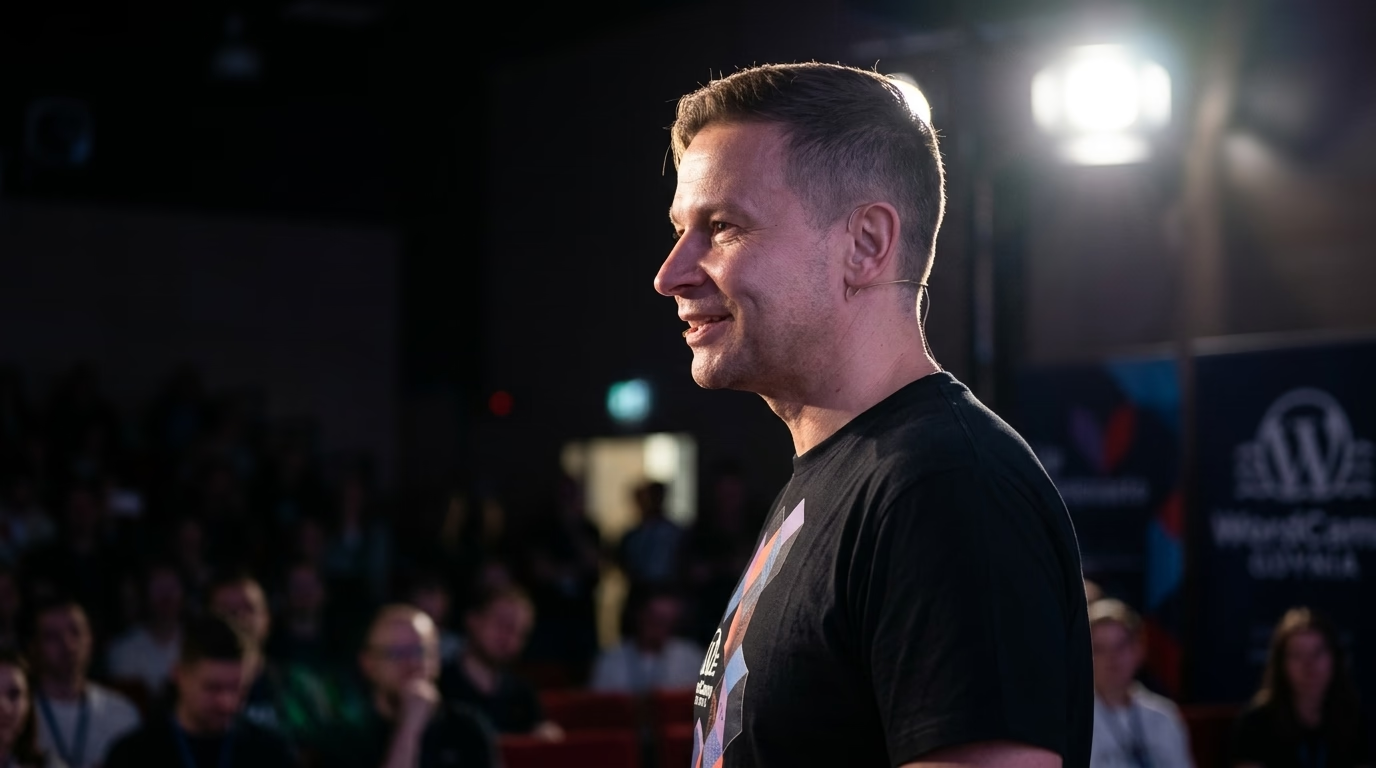
- I organise and speak at WordCamps.
- I have attended every WordCamp Europe from 2017 to 2026.
- Local WordPress meetup: WordPress Göteborg Meetup
Migration to Next.js & Astro in Gothenburg
I migrate sites from monolithic WordPress, Joomla, Drupal and other CMSs to modern Headless architecture powered by Astro or Next.js. In Gothenburg I execute zero-downtime migrations, your site stays live throughout the entire process.
I migrate applications from Angular, Vue, legacy React, jQuery, PHP and static generators (Hugo, Jekyll, Gatsby) to Astro or Next.js. You gain better performance, SEO and easier long-term development.
A migration to Astro or Next.js in Gothenburg reaches PageSpeed 95-100 and a sharply lower TTFB, because pages are served from the edge rather than assembled per request. A static front-end eliminates common attack vectors and drastically lowers hosting costs.
Every migration includes full URL mapping, 301 redirects, meta tag and structured data transfer. Your Google rankings don't just hold, they typically improve thanks to better Core Web Vitals.
Gothenburg is Sweden’s second-largest city, on the west coast at the mouth of the Göta älv, with about 600,000 people in the city and about 1.1 million in the metropolitan area. Its port is the largest in the Nordic countries, and the city’s economic development agency names life science, mobility, technology, electrification and deep tech among its strong sectors. Many companies here run websites that grew for years on WordPress, Joomla or Drupal, often in Swedish and English. When that stack becomes slow, hard to update or risky to patch, a move to Astro or Next.js can fix it. This page explains how I run that move and what I check so search traffic survives it.
When is moving off WordPress to Astro or Next.js worth it?
It is worth it when the CMS itself is the problem, not one plugin or the hosting plan. Typical signs: pages rebuilt on every request for content that changes once a month, an admin that editors avoid, plugin updates that break the theme, or security patches nobody applies on time. If cleaning up plugins and adding a page cache would solve it, I say so and the migration does not happen.
Astro suits content sites: service pages, product documentation, blogs, multilingual corporate sites. It ships static HTML by default and adds JavaScript only where a component needs it. Next.js suits sites with logins, customer portals, dashboards or heavy server rendering. Both can read content from a headless CMS, from Markdown, or from the old WordPress REST API during the move.
How does a migration to Astro or Next.js work, step by step?
- URL inventory. I crawl the current site and export every indexable URL, plus the URLs that get links or traffic according to your Search Console and analytics. Redirects from earlier redesigns go on the list too.
- URL map. Each old URL gets one target: the same path, a new path with a 301, or a deliberate 410 when the content is gone for good. The map lives in a spreadsheet you can read and in the redirect file the new host serves. No chains, and no sending everything to the homepage.
- Content model. Post types, custom fields, taxonomies and menus become typed collections. This is where hidden problems surface: page builder shortcodes, images embedded in HTML, translations linked through a plugin table rather than a shared ID.
- Structured data. Organisation, breadcrumb, article, product or FAQ markup is generated from the same fields as the visible page, so the two cannot drift apart.
- Languages and hreflang. Each Swedish or English page links to all its translations and to itself. If you target Sweden specifically, the Swedish version can use sv-SE; if you target Swedish speakers anywhere, sv is enough. I generate these links from the content model and test that every pair is reciprocal.
- Staging and parity checks. Before launch I compare old and new pages field by field: title, meta description, canonical, H1, structured data and internal links. Each difference is fixed or documented.
- Staged cutover. On larger sites the new frontend takes over one section at a time, with edge rules sending the rest to the old system. Small sites switch in one step.
- Search Console after launch. I submit the new sitemap, watch the page indexing report and inspect a sample of redirected URLs. If the domain or subdomain changes, I file a Change of Address request, as Google’s site move guide describes.
What can go wrong in a CMS migration, and how do I check it?
- Lost URLs. A page that existed and now returns 404 loses its links and rankings. After launch I run the old URL list against the new site and fix every 404 and every redirect chain.
- Language versions cut loose. If the English page redirects correctly but the Swedish one does not, hreflang breaks and Google may show the wrong language. I check reciprocity on the built HTML, not in the CMS settings.
- Redirects removed too early. Google’s guidance is to keep redirects as long as possible, generally at least one year. I leave them in place unless you decide otherwise.
- Forms and tracking that stop working. Contact forms, newsletter sign-ups and analytics often live in plugins. I list each one before the move and test it on staging with real submissions.
- Editors who cannot publish. A fast site nobody can update is a failed project. The editing flow is agreed at the start, and editors get a walkthrough before cutover.
Which Swedish rules affect a website in Gothenburg?
Language. Under the Swedish Language Act (språklag 2009:600), Swedish is the main language of Sweden and society’s common language. Finnish, Yiddish, Meänkieli, Romani Chib and Sami are recognised national minority languages. A private company is free to publish in English as well, and many Gothenburg businesses selling abroad do, so the language structure of the site needs a decision before content moves: URL prefixes, translated slugs, the language switcher and hreflang.
Personal data. Form submissions, analytics and newsletter lists fall under the GDPR. In Sweden the Swedish Authority for Privacy Protection (IMY) works to uphold the protection of personal data, and certain personal data breaches must be reported to it. A migration is a good moment to list which scripts load on each page, which ones set cookies and where form data ends up, because the new stack only gets what you deliberately add back.
Accessibility. Lag (2023:254) om vissa produkters och tjänsters tillgänglighet, Sweden’s implementation of the European Accessibility Act, has applied since 28 June 2025. It covers e-commerce services aimed at consumers, delivered through websites and mobile apps. Services from microenterprises are exempt from its accessibility requirements. Post- och telestyrelsen (PTS) supervises e-commerce services under the related ordinance. If your shop is in scope, I build the new templates with keyboard navigation, labelled form fields, sufficient contrast and a sensible heading order from the start, which costs far less than retrofitting them.
Hosting. Hosting is a choice, not a default. Astro output can be served from a static host or a CDN; Next.js with server rendering needs a runtime. If your data handling requires hosting in the EU, I pick a provider and region that meet it and record the choice in the handover.
What do you get at the end of the migration?
You get the repository, the URL map, the redirect file, environment variables, the deploy pipeline and a short document on how content is edited and published. If you want, I watch indexing and Core Web Vitals in the weeks after launch and fix what comes up.
The general process is described on my Next.js and Astro migration page, and the frontend side on the Astro developer page.
How do I get a written scope for my site?
Send me the current site URL, the CMS and version it runs on, the languages it publishes in, and where your traffic comes from: organic search, ads, newsletters or referrals. Access to Search Console helps but is not needed for the first look. I reply with a written scope: what moves, what changes, which URLs need redirects and which risks I see on your specific site.
WordPress community signals in Gothenburg
The community reference is WordPress Göteborg Meetup (https://www.meetup.com/wordpress-gothenburg/). It does not replace a contract; it sets the technical vocabulary teams use in Gothenburg.
Map of Gothenburg and surrounding area
Selected projects
Examples of my work.
CMS Conf 2026: Modern Web Architecture
Building a high-performance conference website using Astro 5, Tailwind 4, and an AI-first approach with LLM optimization.
Confidential WooCommerce Performance Recovery & Core Web Vitals Optimization
How an EU-based B2B WooCommerce operator with a multilingual catalogue resolved critical checkout lag, reduced LCP from 5.4s to 1.8s, and cut checkout TTFB from 2.1s to 0.4s without risking transaction integrity.
Corporate Website: BALTIC PALACE
Baltic Palace is a unique spot on the map of the Polish coastline, combining modernity with cozy interior designs and a distinctive architectural form. Locat...
WordPress support & development in Gothenburg
Methodology guides (SEO, GEO, compliance)
How I approach AI citations, WooCommerce B2B modernization, and NIS2-aligned operational resilience on WordPress. These guides apply to every client location.
See also in Sweden
What makes Gothenburg unique
Local expertise:
- Migration to Astro & Next.js in Gothenburg, Sweden
- From WordPress, Joomla, Drupal and legacy frameworks
- Staged migrations with redirect mapping and SEO checks
I work remotely for businesses in Gothenburg.
Need this service: Next.js / Astro migration in Gothenburg?
Describe your project by e-mail. I reply within 48 hours.
Describe your projectFAQ - Next.js / Astro migration Gothenburg
Do you migrate everything at once or incrementally?
Incremental by default on larger sites. The new frontend takes over one section at a time while the rest keeps running on the old system, with edge rules splitting the traffic until the move is finished. A single cutover only makes sense on small sites, where running two stacks in parallel costs more than one clean switch.
My site has Swedish and English versions. What happens to hreflang?
Every language version lists all its siblings and itself, for example sv and en, or sv-SE if you target Sweden specifically. I generate the tags from the content model and check on the built HTML that each pair points both ways. Google's site move guide says to update hreflang to the new URLs, so the old addresses never appear in them.
Does the Swedish accessibility act apply to my web shop?
Lag (2023:254) has applied since 28 June 2025 and covers e-commerce services aimed at consumers. Services provided by microenterprises are exempt from the accessibility requirements. Post- och telestyrelsen (PTS) supervises e-commerce services. If the act applies to you, the migration is the cheapest moment to build the new templates to meet it.
Do I need the Change of Address tool in Search Console?
Only if the domain or subdomain changes, for example from a .com to a .se domain. Path changes inside the same domain, a switch between www and non-www, or a move to HTTPS do not need it, according to Google's site move documentation.
Explore other WordPress services and knowledge base
Migration to Astro, Next.js, and headless WordPress.
WooCommerce sync with ERP and wholesale systems.
Business process automation around WordPress and company systems.
Library of concrete automation use cases.
Headless WordPress, Sanity, Strapi, and Contentful with Astro or Next.js.
Astro, MDX, edge delivery, and Core Web Vitals measured on real traffic.
Custom WordPress engineering and architecture.
Scalable headless, ERP, and AI architecture for enterprise.
Related categories
Supporting articles
Six to sixteen weeks for typical engagements, with a four-phase shape: discovery, scoping, build and cutover, tuning. The variables are catalogue size, integration count, URL preservation, and editorial team readiness, not framework choice.
A definitive 4-year Total Cost of Ownership (TCO) analysis, real-world Core Web Vitals benchmarks, Astro 7 GraphQL APQ architecture, and a 10-point executive decision matrix for choosing between decoupled and traditional WordPress.

The Shopify Plus vs WooCommerce headless decision in 2026 is no longer a binary "platform vs custom" trade-off. Both can run headless, both integrate AI, both ship at the edge. The real axes are control, total cost over five years, and exit strategy. This article walks the matrix with confirmed platform facts.