Website & application migration in Stockholm
I migrate sites from WordPress, Joomla, Drupal, Angular, Vue and other technologies to Astro and Next.js. I plan each migration to keep SEO, content and features intact and switch over in an agreed window. I work alone and have years of experience with both legacy and modern stacks.
Specific context: SaaS product focus, recurring subscription models (WooCommerce Subscriptions), and API-first architecture.
- I have had a wordpress.org account since 2006.
- I contributed to WordPress core for versions 7.0 and 7.1.
- I maintain 30 plugins on wordpress.org.
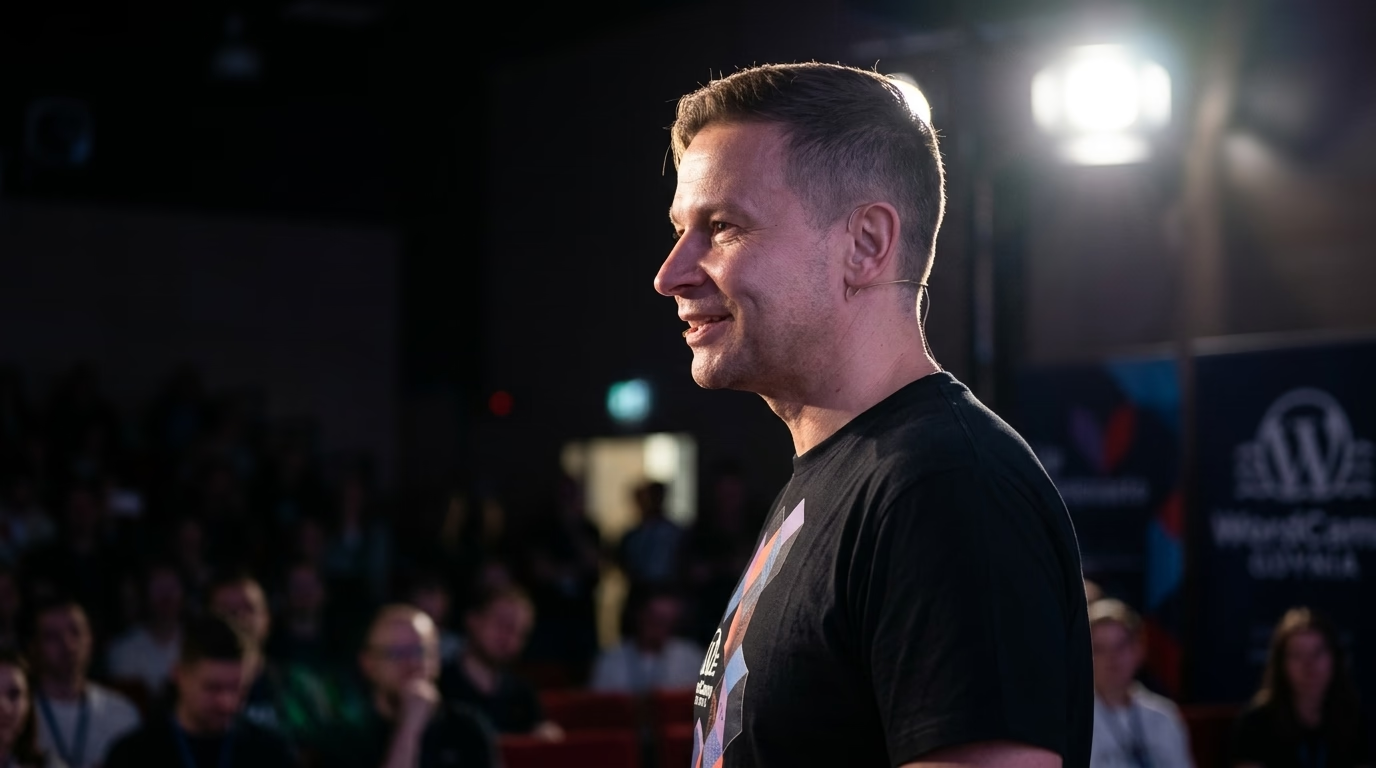
- I organise and speak at WordCamps.
- I have attended every WordCamp Europe from 2017 to 2026.
- Local WordPress meetup: WordPress Stockholm
Migration to Next.js & Astro in Stockholm
I migrate sites from monolithic WordPress, Joomla, Drupal and other CMSs to modern Headless architecture powered by Astro or Next.js. In Stockholm I execute zero-downtime migrations, your site stays live throughout the entire process.
I migrate applications from Angular, Vue, legacy React, jQuery, PHP and static generators (Hugo, Jekyll, Gatsby) to Astro or Next.js. You gain better performance, SEO and easier long-term development.
A migration to Astro or Next.js in Stockholm reaches PageSpeed 95-100 and a sharply lower TTFB, because pages are served from the edge rather than assembled per request. A static front-end eliminates common attack vectors and drastically lowers hosting costs.
Every migration includes full URL mapping, 301 redirects, meta tag and structured data transfer. Your Google rankings don't just hold, they typically improve thanks to better Core Web Vitals.
You run a website in Stockholm on WordPress, Joomla, Drupal or an ageing framework and want to move to Astro or Next.js without losing rankings or enquiries. I take on these migrations as an independent developer, from the URL inventory and content model to Search Console checks after go-live. The full method is on my page about migration to Next.js and Astro; this page covers what a move means for a business in Stockholm.
Do I need a migration, or would optimisation be enough?
Not every slow site needs a new frontend. If caching is missing, images ship uncompressed or twenty unused plugins are active, I fix that first and measure again. A migration pays off when the problem sits in the architecture: the theme loads the same scripts on every page, every core or plugin update is a gamble, security patches get postponed because nobody knows what will break, and editors wait longer in the admin than visitors wait on the front end.
I base the decision on measurements: Core Web Vitals from real-user data, server response times, the number of plugins that inject their own front-end code, and how much effort the last few updates took. If the numbers point to optimisation, I say so before any migration scope is written.
How does a migration to Astro or Next.js work in practice?
URL inventory. I collect every URL that is live or receives traffic. Google’s guide to site moves with URL changes names the sources: sitemaps, analytics or server logs, the links report in Search Console, the CMS itself, and embedded assets such as images, PDFs, JavaScript and CSS, which need redirects too. Server logs often reveal old campaign pages that appear in no sitemap.
Redirect map. Every old URL gets a destination: the same address, a new address behind a 301, or a deliberate 410 when the content is retired. Redirects point straight at the final target with no chains, and I never send hundreds of old pages to the home page. The map lives as a file in the repository and is tested automatically against staging before launch. Google advises keeping redirects for as long as possible, generally at least a year, so a file in version control is safer than a plugin setting that disappears in the next rebuild.
Content model. A WordPress post is rarely just a title and body. Shortcodes, page builder blocks, ACF fields and embedded forms have to become structured fields, or HTML clutter follows you into the new frontend. You and I decide whether WordPress or Drupal stays as a headless CMS, whether content moves to Markdown files, or whether another headless CMS fits your editors better.
Structured data and metadata. Titles, meta descriptions, canonicals, Open Graph tags and JSON-LD move with the content. I compare them page by page between the old and new versions, because plugins such as Yoast or Rank Math generated much of this automatically, and nothing generates it in the new frontend unless it is built on purpose.
hreflang. Many Stockholm sites run a Swedish and an English version. Google ignores hreflang tags unless the pages point to each other, and each language version must list itself as well as every other version. After a move, all of those references must use the new URLs, which is one of the most common faults I find on multilingual relaunches.
Staged cutover. A small site switches over in one go. On a larger one I move sections one at a time, for example the blog first and the service pages next, and keep the rest on the old system until the first section is indexed cleanly.
What should a Stockholm business check before relaunching?
Stockholm is the capital and most populous city of Sweden, with about one million people in the municipality and about 2.5 million in the metropolitan area. The audience is large enough for real organic competition, so a migration that loses rankings costs enquiries quickly.
Language. The Swedish Language Act (Språklag 2009:600) makes Swedish the principal language in Sweden (section 4) and names five national minority languages: Finnish, Yiddish, Meänkieli, Romani Chib and Sami (section 7). The Act does not require a private company to publish its site in any particular language, but it explains why public-sector buyers and organisations close to them often ask for content in several. Each language version needs a clean URL structure and correct hreflang in the new system.
Data protection. Sweden’s GDPR supervisory authority is the Swedish Authority for Privacy Protection (Integritetsskyddsmyndigheten, IMY), which monitors how personal data is handled and can impose administrative fines. In a migration this touches contact forms, newsletter sign-ups, analytics scripts and embedded third-party content. Before the move I list which data goes where, so the new frontend does not quietly load a tracking script that used to wait for consent. Where form submissions and logs are stored, inside the EU or outside it, is written into the scope.
Accessibility. Since 28 June 2025, Sweden’s Act on the accessibility of certain products and services (Lag 2023:254) has applied. It implements Directive (EU) 2019/882 and covers e-commerce services aimed at consumers, with an exemption for microenterprises with fewer than ten employees and turnover or balance sheet of no more than 2 million euros. Government authorities, municipalities and many publicly funded providers have been covered since 1 January 2019 by Lag 2018:1937 on accessibility of digital public services, which requires an accessibility statement (tillgänglighetsredogörelse) with a way for people to report problems. A migration is the right moment to fix heading structure, alt text, keyboard navigation and contrast in the components, instead of patching each page later. Which obligation applies to you is a question for your legal adviser; I build the technical side.
What can go wrong, and how do I check it?
Forgotten URLs. An old campaign landing page that still has backlinks returns 404 after launch. After go-live I run the complete list of old URLs against the new site and check every status code, not only the ones in the sitemap.
Lost metadata. Missing canonicals or duplicate titles show up in Search Console only weeks later. Before launch I diff the rendered HTML of both versions automatically.
Indexing. I submit the new sitemap in Search Console and watch the page indexing report and Core Web Vitals in the weeks after the move. The Change of Address tool is only for a move between domains or subdomains; for path changes on the same domain it is not needed, and I do not use it there.
Forms and integrations. Contact forms, CRM connections and newsletter sign-ups are tested on staging with real destination addresses before the DNS switch.
How do I start a migration with you?
Send me three things: the URL of your current site, the CMS and its version, and an overview of your main traffic sources (organic search, ads, newsletter, referrals). Read access to Search Console helps if you can grant it. From that I write a scope with the URL inventory, the recommended target (Astro or Next.js), the content model and a cutover plan. The work runs by email and in shared documents, in English.
Stack fit in Stockholm
Stockholm is an important business and technology centre. We deliver WordPress solutions focused on performance, resilience and measurable business outcomes. SaaS product focus, recurring subscription models (WooCommerce Subscriptions), and API-first architecture.
Meetup: WordPress Stockholm (https://www.meetup.com/wordpress-stockholm/).
Map of Stockholm and surrounding area
Selected projects
Examples of my work.
abovio.pl, Electronics Distribution with Extensive Product Catalog
Abovio.pl is an advanced online store project in my WordPress developer portfolio, created as an electronics distribution platform for both companies and ind...
Airhelp - WordPress Project | WPPoland
AirHelp was founded in 2013 as a start-up and has grown to become the global leader in defending air passenger rights, helping over 13 million people underst...
alextg.pl - WordPress Project | WPPoland
alextg.pl is a WordPress website for a company that helps customers obtain financing. The project focused on clear service presentation, contact flow and stable technical upkeep...
WordPress support & development in Stockholm
Methodology guides (SEO, GEO, compliance)
How I approach AI citations, WooCommerce B2B modernization, and NIS2-aligned operational resilience on WordPress. These guides apply to every client location.
See also in Sweden
What makes Stockholm unique
Local expertise:
- Migration to Astro & Next.js in Stockholm, Sweden
- From WordPress, Joomla, Drupal and legacy frameworks
- Staged migrations with redirect mapping and SEO checks
I work remotely for businesses in Stockholm.
Need this service: Next.js / Astro migration in Stockholm?
Describe your project by e-mail. I reply within 48 hours.
Describe your projectFAQ - Next.js / Astro migration Stockholm
How long should the 301 redirects stay in place after the move?
Google's documentation on site moves says as long as possible, generally at least one year, and suggests considering keeping them indefinitely. I store the redirects as a file in the repository rather than a plugin setting, so a later rebuild does not lose them.
Does my Swedish website need an accessibility statement after the migration?
It depends on who runs it. Authorities, municipalities and many publicly funded providers fall under Lag (2018:1937) and must publish a tillgänglighetsredogörelse. Private shops selling to consumers have been covered by Lag (2023:254) since 28 June 2025, unless they are microenterprises. Your legal adviser confirms which duty applies; I build the technical side.
Astro or Next.js, which one fits my site?
Astro when the site is mostly content that rarely changes per visitor: service pages, a blog, documentation. Next.js when there are logins, personalised areas or a lot of server-side logic. I make that call after the inventory, not before.
What changes for editors if WordPress stays as a headless CMS?
Editors keep working in the admin they know. What changes is that publishing triggers a build or revalidation, and preview and forms are wired differently. I set both up and test them with the people who update content every day.
Explore other WordPress services and knowledge base
Migration to Astro, Next.js, and headless WordPress.
WooCommerce sync with ERP and wholesale systems.
Business process automation around WordPress and company systems.
Library of concrete automation use cases.
Headless WordPress, Sanity, Strapi, and Contentful with Astro or Next.js.
Astro, MDX, edge delivery, and Core Web Vitals measured on real traffic.
Custom WordPress engineering and architecture.
Scalable headless, ERP, and AI architecture for enterprise.
Related categories
Supporting articles
Six to sixteen weeks for typical engagements, with a four-phase shape: discovery, scoping, build and cutover, tuning. The variables are catalogue size, integration count, URL preservation, and editorial team readiness, not framework choice.
A definitive 4-year Total Cost of Ownership (TCO) analysis, real-world Core Web Vitals benchmarks, Astro 7 GraphQL APQ architecture, and a 10-point executive decision matrix for choosing between decoupled and traditional WordPress.
The Shopify Plus vs WooCommerce headless decision in 2026 is no longer a binary "platform vs custom" trade-off. Both can run headless, both integrate AI, both ship at the edge. The real axes are control, total cost over five years, and exit strategy. This article walks the matrix with confirmed platform facts.