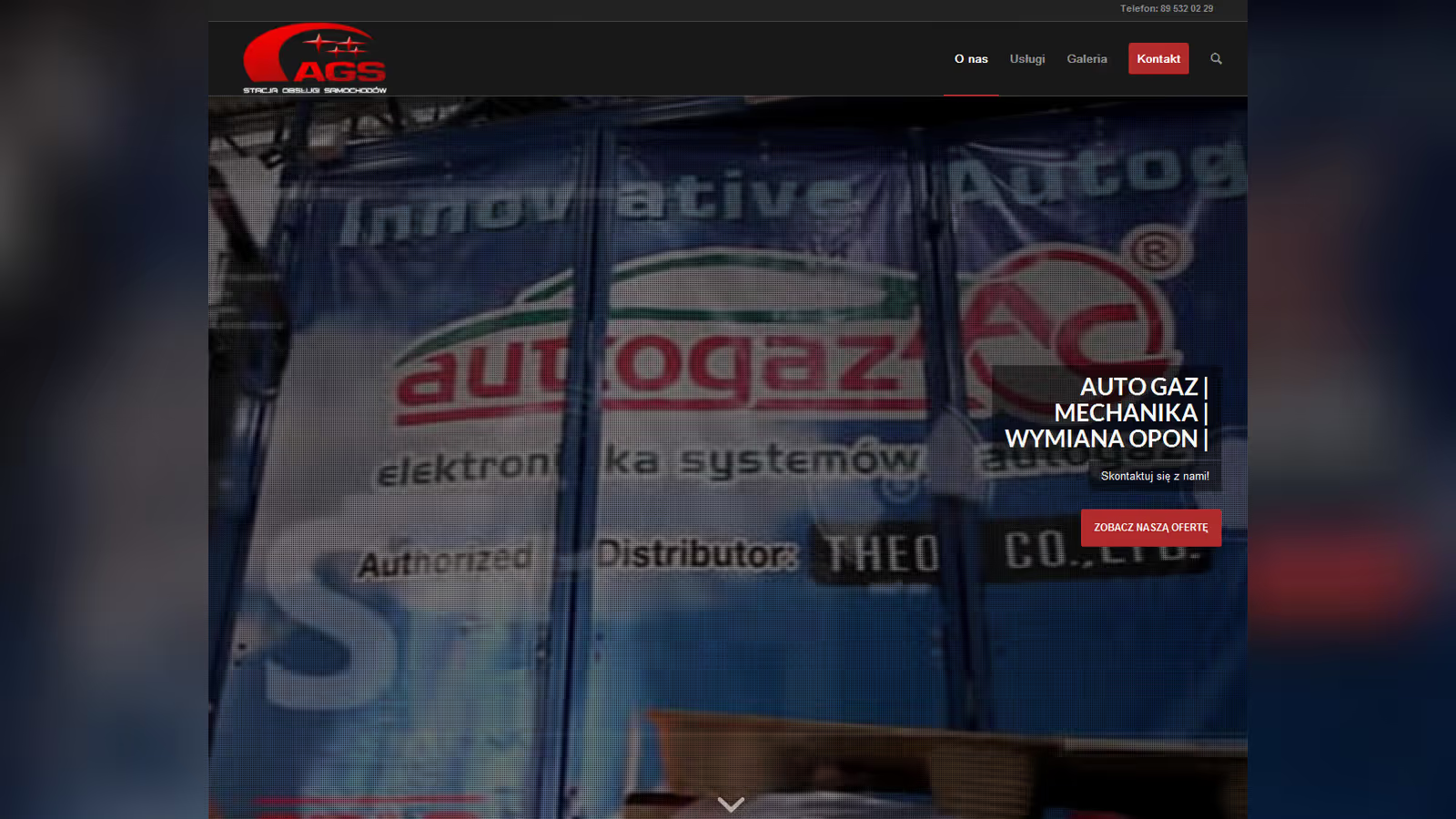
WordPress website for an LPG installation workshop in Olsztyn
autogaz.olsztyn.pl is a website for a workshop in Olsztyn that installs gas systems in cars. The project brings service descriptions, contact details, and practical information together in a structure that supports new enquiries.
What is autogaz.olsztyn.pl and who visits it?
The site was created for an Olsztyn-based mechanical workshop specializing in the installation of LPG systems in cars, from personal vehicles to vans. My goal was to create a portal that showcases the services, encourages contact, and attracts drivers looking to save on fuel. It’s a website for Olsztyn residents, car owners, and transport companies, and I made sure the technology holds up.
What powers autogaz.olsztyn.pl?
To build this site, I implemented solutions that give it power:
- Responsiveness, the code works on every device, from smartphones in the garage to desktops in the office.
- Service Sections, custom post types to display LPG systems, dynamically loaded via Fetch API.
- Booking Form, quick contact with server-side validation, anti-spam, and saving inquiries in the database with cron reminders.
- Workshop Blog with SEO, posts about LPG optimized for phrases like “LPG installation Olsztyn,” with fast indexing via Google Search API.
- Cloud Backups, daily backups on S3 with versioning and Zstandard compression.
- Speed on the Road, caching with Varnish, image optimization via Cloudflare, and WebP generated on the server.
- Calculator Module, simple JS with Web Worker to calculate LPG savings, cached in Redis.
How to speed up a WordPress workshop site with Redis and Varnish
Working on autogaz.olsztyn.pl had its challenges, here’s what I encountered and how I tackled it:
- Database Load, the posts and service descriptions were slowing down the site. I implemented Redis for caching and ClickHouse for fast query reporting.
- Heavy Photos, LPG installation photos were slowing loading times. I used Cloudflare CDN with AVIF and lazy loading via Intersection Observer.
- Lagging Forms, high traffic caused issues with reservations. I added queue management with RabbitMQ and throttling at the Nginx level.
- Outdated Cache, new services weren’t immediately updated. I implemented Varnish with purge on events and stale headers for the API.
Which tools run an LPG workshop site on WordPress
To make autogaz.olsztyn.pl run smoothly, I implemented the following stack:
- Yoast SEO, meta tags, sitemaps, and pings to Google for new content.
- UpdraftPlus, backups on S3 with encryption and weekly rotation.
- Cloudflare, CDN with Argo routing and Brotli for assets.
- Redis, session and calculator caching with LRU eviction policy.
- Varnish, server-side caching with custom VCL and grace mode for stability.
- Lighthouse, Core Web Vitals audits with automated reporting in GitLab CI.
- RabbitMQ, queuing reservations and emails, with dead letter queues for errors.
- ClickHouse, query analytics with fast data aggregation.
- Memcached, light cache for API responses and small objects on the page.
What maintenance an LPG workshop website needs
Autogaz.olsztyn.pl is not a one-off fix, it’s a site that requires ongoing maintenance. I do regular updates to the system and plugins, testing on a staging environment with full backups on S3. Cloudflare with Redis and Memcached ensures smooth performance on every request, while Varnish and RabbitMQ maintain stability under high traffic. I monitor performance with ClickHouse, optimize SQL queries with composite indexes, and manage cache when updating offers. I can also expand the website, adding appointment scheduling modules, integrating with workshop systems, or live status updates, to keep the workshop always running at full speed.
For an LPG workshop website, the useful first step is to write down services, booking flow, location data, technical content, and maintenance expectations.
Frequently asked questions
Practical answers to apply the topic in real execution.
What scope did the autogaz.olsztyn.pl project cover?
#How did delivery run for autogaz.olsztyn.pl?
#What was the hardest technical part of autogaz.olsztyn.pl?
#What part of autogaz.olsztyn.pl could be reused on another build?
#Need an FAQ tailored to your industry and market? I can build one aligned with your business goals.
Let’s discuss