Service pillar
Mobile app development in React Native, Expo and Flutter on your own developer accounts
Plan a mobile appSend me the project details.
Say which platforms you need (iOS, Android or both), what the app should do, which system it has to talk to, and whether your Apple Developer and Google Play accounts already exist.
- React Nativewith Expo and EAS
- Flutterone codebase in Dart
- Your accountsApple and Google Play
- BackendWordPress, WooCommerce, API
Why the app lives on your developer accounts
The Apple Developer account and the Google Play Console account belong to your company. You create them, and I join as a team member with a role that lets me upload builds and manage the listing, not as the owner. The app, its reviews, the signing credentials and the relationship with your users stay with you, and you can remove my access at any time without losing anything. If the accounts do not exist yet, I explain what each store asks for and you register them yourself.
Which technology fits the app
React Native with Expo suits teams that already work in JavaScript or TypeScript, or that share logic with a React web app. Expo's EAS services handle cloud builds, store submission and over-the-air updates of the JavaScript layer. Flutter suits apps with a strongly custom interface: it draws everything with its own rendering engine and is written in Dart. I choose after looking at the screens, the target devices, the integrations (camera, push notifications, payments, offline mode) and who will maintain the app afterwards. Other technologies come in when a requirement rules these two out.
How the app connects to your website
Most apps I build talk to a system that already exists: a WooCommerce shop for catalogue, cart and orders, a WordPress site as the content source through its REST API, or a custom API in Laravel or Node.js. I set up sign-in, push notifications and offline behaviour, and document the API so the backend stays under your control.
How a project runs
It starts with a written scope. Then I design the screens or take yours, build the app and send test builds you install through TestFlight on iOS and internal testing on Google Play. Store listing, screenshots and submission happen from your accounts. At the end you get the source code in a repository and the documentation.
What I do not do
I do not create your brand identity or logo, and I cannot promise that a store approves an app: the review is Apple's and Google's decision. I plan for the usual rejection reasons from the start.
Frequently asked questions
Do I need my own Apple and Google accounts?
Yes, if the app should be published under your company name. You register the Apple Developer and Google Play Console accounts, and I get a team role on each. This keeps ownership, payouts and user data with you.
React Native or Flutter?
React Native with Expo when your team already knows JavaScript or TypeScript or shares code with a web app. Flutter when the interface is heavily custom. I give a recommendation after seeing the screens and the integrations, and I say what each choice costs you in maintenance.
Can one app run on iOS and Android?
Yes. Both React Native and Flutter share most of the code between the two platforms. Platform differences such as permissions, push notifications and store requirements are handled separately for each.
Can the app use my WooCommerce shop or WordPress site?
Yes. The app reads products, orders and content through the REST API or through a small custom API. Whether payments run through the shop checkout or a native payment sheet depends on the shop and the store rules, and I check that before building.
Do you maintain the app after launch?
Yes, as a separate agreement from the build. Each new iOS and Android release and each change in store requirements can need an update, so an app without maintenance gradually stops working.
Explore other WordPress services and knowledge base
Stores, checkout flow, and sales logic.
Store outage, slow checkout, post-update chaos.
Ongoing WooCommerce care, monitoring, and uptime.
EU store checklist: VAT, accessibility, evidence pack.
White-label WordPress development for agencies.
WooCommerce sync with ERP and wholesale systems.
Business process automation around WordPress and company systems.
Library of concrete automation use cases.
Related categories
Supporting articles
Architecture for a WooCommerce catalog on Astro 7. What stays in wp-admin, which plugins die with the theme, Store API versus GraphQL, and why checkout stays on WooCommerce.

Google launched Universal Cart in Search and Gemini powered by the Universal Commerce Protocol (UCP). How to prepare WooCommerce for native AI shopping.
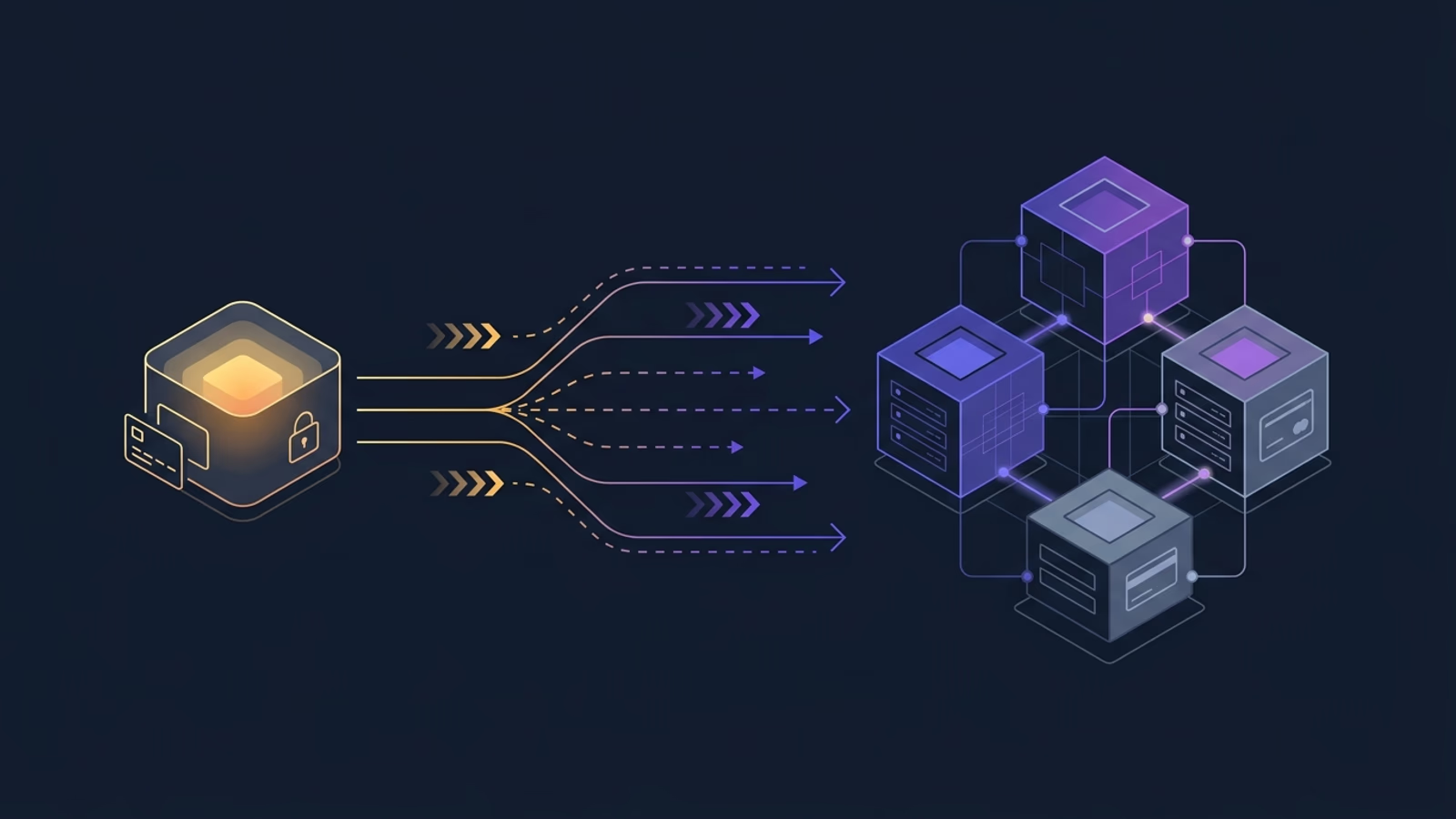
Lemon Squeezy stops processing payments on 31 March 2027. What changes when moving to Stripe Managed Payments (no license keys, digital delivery, storefront, affiliates, or PayPal subscriptions) and how to migrate to WooCommerce.
Related services
Mobile app development in React Native with Expo, in Flutter and in other technologies, built and published on your own Apple Developer and Google Play accounts.
Recommendations and reviews of working with WPPoland
Recommendations from people in the WordPress, WordCamp and e-commerce communities. They write about delivery on time, technical depth and a business-minded approach to site development.

Karolina Czapla
Marketing Strategist, Performance & Digital Strategy
“Working with Mariusz on WordCamp has shown me how rare it is to combine deep technical skill with genuine leadership. He plans, coordinates and delivers with precision, while giving the team space to grow and contribute. When others say 'it can't be done', he quietly finds a way.”
Co‑organiser, WordCamp Gdynia 2024 & 2025

Anna Kamińska
Talent Acquisition Specialist / HR People Partner
“Mariusz's portfolio speaks for itself. It reflects his precision, versatility and sense of responsibility. You can trust him to guide a project from idea to delivery, keep stakeholders informed and make sure things are done properly and on time.”
Worked on the same team

Sarah‑Luisa Kwolek
IT Project Management & Product Owner, Web/App
“For over two years I could always rely on Mariusz to handle WordPress tasks calmly and professionally, from styling and templating to third‑party integrations. He brings steadiness to the team and keeps the frontend side of projects under control.”
Mariusz was her client for WordPress work

Argert Boja
Senior Full‑Stack Developer
“Mariusz is the teammate everyone hopes for: strong full‑stack WordPress skills, clear explanations and a positive attitude even under pressure. He moves easily between custom plugins, performance work and Gutenberg layouts while keeping the bigger picture in mind.”
Worked alongside Mariusz on WordPress projects

Varun Patil
Growth & CRM Lead
“Beyond development, Mariusz understands SEO, analytics and growth. He talks directly with stakeholders, asks the right questions and ships solutions that move business metrics, from AMP to tracking to performance.”
Managed Mariusz on growth initiatives

Rafał Osiński
Founder @ EasyTrips.pl, Senior WordPress Dev
“I've known Mariusz through the WordPress community for many years. He's reliable, deeply involved and consistently shows up, at meetups, WordCamps and in projects. If you care about long‑term collaboration and someone who treats your site like his own, he is the right person.”
WordPress community co‑organiser

Daniel Blossfeld
Process Optimization & Digitalization Consultant
“I had the pleasure of working with Mariusz for almost three years. During that time, his WordPress development skills proved invaluable across a range of projects, from website builds to online member areas and even Shopify integrations. He's a reliable and capable developer.”
Mariusz was his client for WordPress work

Natalie Wiszczor
CRM & E-Mail Marketing Manager
“I had the great pleasure of working with Mariusz for over 4 years in the technical field. During this time, he proved to be a competent and reliable colleague. What stood out in particular was his friendly nature and his remarkable perseverance in solving complex technical challenges. Even in stressful situations, he always kept a clear head and contributed significantly to a positive and productive working atmosphere with his upbeat attitude. 🙏🏻🚀”
Worked with Mariusz on different teams

Mark Chalklen
Head of Design & Build at Itineris Limited
“Mariusz is a great member of the team, always happy to get stuck into any task and happy to learn new things. A great communicator and all round nice guy to work with. Hard to beat on our weekly Strava leader board though!”
Managed Mariusz directly

Jessica Di Pasquale
Leading SEO initiatives with data-driven growth strategies.
“Mariusz is a very skilled, patient and expert guy. Always ready to help and to fix errors, I really appreciated working with him. He is such a great colleague!”
Managed Mariusz directly

Biki John
Content Marketing Aficionado & SEO Enthusiast
“It was great to work with Mariusz. I really appreciated his extensive knowledge of WordPress and how that came in handy whenever I needed support navigating the CMS. I commend Mariusz totally for his patience, good nature and expertise in his craft, he will be thoroughly missed by all.”
Worked with Mariusz on different teams

Rafal Borowiec
Software Developer, Consultant, Manager and Lecturer
“I had an opportunity to work with Mariusz for 7 months. He excels in technical optimization for search engines (SEO). Mariusz has also strong expertise in AMP development, GTM, and GA. Mariusz feels very comfortable with WordPress - he worked on a variety of WordPress related projects and tasks, including landing pages development, performance improvements and much more. If you are looking for a solid WordPress expert specializing in SEO, tracking, performance, and development - don't hesitate to get in touch with Mariusz.”
Managed Mariusz directly

Belinda Koch
Web-Tracking Analyst at TUI
“Mariusz is a great person to work with. He is extremely motivated to learn new things and share his knowledge, and is very knowledgeable on a wide range of topics. We worked together on digital analytics and tracking topics and I am very grateful for all the energy, support, and insights he brought to the projects.”
Worked with Mariusz on digital analytics and tracking topics

Ali Nezamolmaleki
Growth, SEO, Analytical thinking, AMP
“Mariusz is an extremely talented person in his field of work. He is always capable of giving a new perspective to solve problems and to think out of the box in situations where everything seems to be locked. Working with him is always a pleasure because of his positive personality and can-do attitude.”
Worked with Mariusz on the same team

Karol Jakubcewicz
Front-end / JavaScript Developer
“Mariusz is an incredibly experienced WordPress developer and SEO/SEM specialist I've had the pleasure to work with for almost two years. As a pilot of the team responsible for AirHelp's website development, he's been one the key figures in charge of constant load time and page rank improvement. I admire his skills and knowledge vital for such complex, multilingual and highly customized WordPress project. Lots of experience, tons of positive attitude - I highly recommend cooperating with Mariusz in any web development project.”
Worked with Mariusz on the same team

Paweł Lewczuk
Front-end developer, WordPress developer
“I collaborated with Mariusz on several projects and our cooperation was always exemplary. I believe there are many more joint projects ahead of us. Highly recommended!”
Mariusz was Paweł's client

Przemek Wroblewski
Software Developer with 20+ years of experience
“I found Mariusz as someone with great expertise and profound knowledge of frontend solutions. Powerful, knowledgeable and accountable WordPress developer. Has an easiness to build interpersonal relations with others. He had vision to see the benefits and the passion to turn that into measurable results for AirHelp. Absolutely someone I'd want to have on my team.”
Worked with Mariusz on different teams
Send me the project details.
Say which platforms you need (iOS, Android or both), what the app should do, which system it has to talk to, and whether your Apple Developer and Google Play accounts already exist.
Plan a mobile app