Who
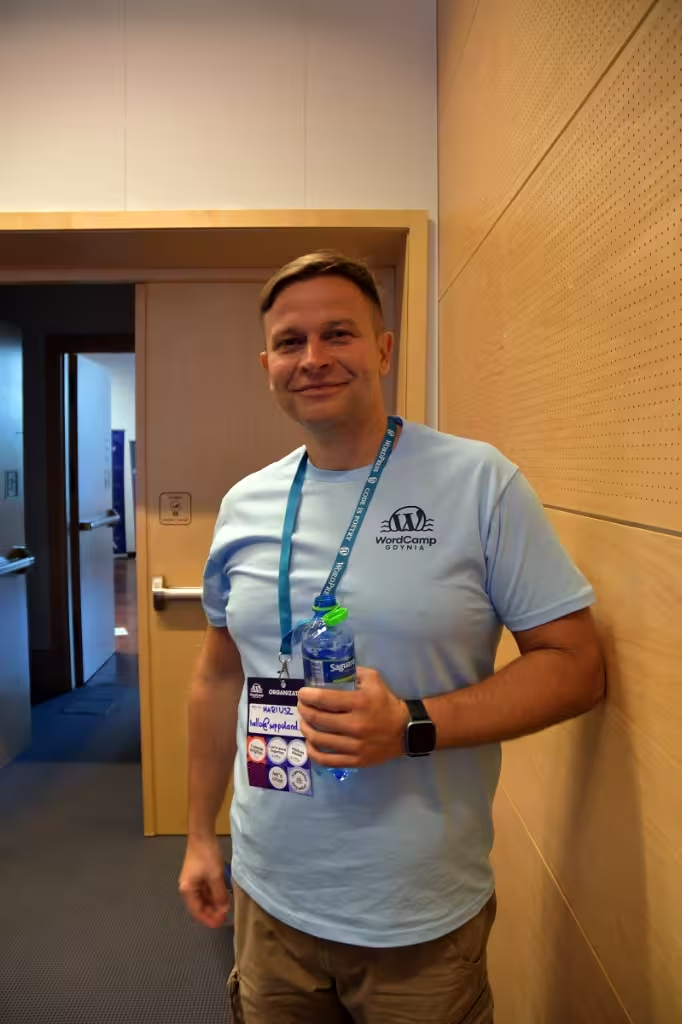
Mariusz Szatkowski, WordPress developer since 2006, trading as WPPoland. I work alone: no team, no subcontractors.
What
Rebuilding and modernizing WordPress sites: a responsive theme built from the design you supply, content migration, a 301 redirect map, performance work, accessibility in code, staging and launch. Graphic design, UX research and copywriting come from you or your designer.
What this guide covers
This is the planning side of a WordPress redesign: what to decide before anyone writes a template, and what to prepare so the quote is accurate. If you are unsure whether a rebuild is needed at all, the redesign readiness checklist asks ten questions you can answer yourself.
Step 1: name the number that should move
A redesign justifies its budget when it changes a figure you already track: enquiries, orders, load time on mobile, pages in the index. Write down the figure and its current value before choosing anything else. If no figure comes to mind, the project is probably a style refresh, and its budget and risk should stay small.
Step 2: pick the scope
| Where the problem sits | Typical signs | Scope that fits |
|---|---|---|
| Design | The site converts, but the look no longer matches the brand | Visual refresh: new templates and styles, same URLs and content |
| Stack | PHP stuck on 7.x, abandoned plugins, a page builder in every page, LCP above 2.5 s after caching | Technical modernization: new theme, fewer plugins, current PHP, cleaned database |
| Business | New audience, offer or brand; the old structure maps to nothing you sell now | New site with a new URL structure and a full redirect map |
The design column in every case comes from you. For moving off Drupal, Joomla or another CMS, see the WordPress migration guide.
Rebuild at once or in phases
Phased work is lower risk when there is no fixed launch date: navigation first, then service or product templates, then the blog, checkout last. Each phase goes live and gets measured before the next. A one-day switch makes sense for a rebrand, or when the old theme is so tangled that refactoring would cost more than writing it again.
Step 3: prepare the design
I build from a design; I do not create one. Two ways work:
- your designer delivers a Figma file with the views and states (menus open, forms with errors, empty search results);
- you fill in a spreadsheet template I send, marking which elements go on each view, and point to reference sites for the visual style.
Missing views are the most common cause of a quote changing later. A product page designed for desktop only leaves the mobile layout to guesswork.
Step 4: protect URLs before building templates
The week after launch is where rankings are lost, so the order of work is reversed: inventory first, templates second.
- Export what has value. From Google Search Console, every URL with clicks or impressions over the last 16 months. From a crawler, every indexable URL. From a backlink tool, URLs with inbound links.
- Map each one. Old URL, new URL, status code. Pages that disappear get the closest relevant target; a page with no equivalent may return 410 rather than redirect to the homepage.
- Rewrite internal links in the database to the new URLs, so visitors and crawlers skip the redirect hop.
- Carry over metadata: titles, descriptions, canonical tags, structured data, hreflang on multilingual sites.
- Crawl staging with the redirect file loaded and fix every 404 and chain before DNS moves.
- Watch Search Console for crawl errors and coverage changes in the weeks after launch.
Send your Search Console export and a crawl of the current site with the brief, and the quote will reflect the real redirect scope.
Step 5: list every integration
Forms that post to a CRM, webhooks that expect a field name, tracking scripts tied to a form ID, analytics events on CSS selectors, payment gateways, shipping plugins, newsletter sign-ups. Each one breaks quietly when templates change. A written list lets me re-test every item on staging before launch.
Accessibility: what the law asks in the UK, Ireland and the EU
EU. Directive (EU) 2019/882, the European Accessibility Act, covers e-commerce services and other listed consumer services provided after 28 June 2025. Microenterprises providing services, meaning fewer than 10 staff and annual turnover or balance sheet total up to 2 million EUR, are exempt from the service accessibility requirements. That exemption does not extend to products.
Ireland. S.I. No. 636/2023 transposes the Directive and has been in operation since 28 June 2025. The Competition and Consumer Protection Commission is the compliance authority for e-commerce services.
UK. The EAA does not apply. In England, Wales and Scotland, section 29 of the Equality Act 2010 puts a duty to make reasonable adjustments on service providers.
What I implement in code, with WCAG 2.1 AA as the target: semantic HTML and landmarks, one H1 and a logical heading order, labelled form fields with readable error messages, full keyboard operation with visible focus, skip links, alt text fields editors cannot skip. Colour contrast, link wording and captions depend on the design and content you supply; I flag problems there before building.
Step 6: performance targets
Agree targets on Google’s Core Web Vitals: LCP at or below 2.5 s, INP at or below 200 ms, CLS at or below 0.1, measured at the 75th percentile of real visits where the site has enough traffic. Lab tools help during the build, field data decides afterwards. Most gains in a rebuild come from fewer plugins, images in modern formats with set dimensions, no render-blocking third-party scripts and a theme that loads only the CSS a page uses.
Step 7: technology choices
Theme. A theme built from your design, block-based with theme.json where it fits, gives editors patterns for real content types. A premium multipurpose theme looks cheaper and usually brings the bloat the rebuild was meant to remove.
Plugins. Each plugin should have one job nobody else on the site does. Abandoned plugins and those with open security advisories go; a security audit of the old site shows which.
Hosting. Current PHP, server-side caching and staging available on the plan. If the host cannot offer a supported PHP version, moving is part of the modernization.
Headless. A separate frontend makes sense when content feeds several channels or the team already runs a JavaScript framework. For a marketing site or a WooCommerce shop it adds a second codebase to maintain.
After launch
A rebuilt site starts ageing on launch day. Care after launch covers uptime monitoring every 1 to 5 minutes, backups kept for 30+ days in EU countries and updates tested on staging before production. Before I get access to personal data, I sign a processing agreement under Art. 28 GDPR.
Start with a written brief
Send the current URL, the number that should move, the design or wireframe, the URL and integration inventory and any deadline through the contact form. I reply in writing with open questions, then a quote with assumptions.