WordPress websites for councils and public bodies
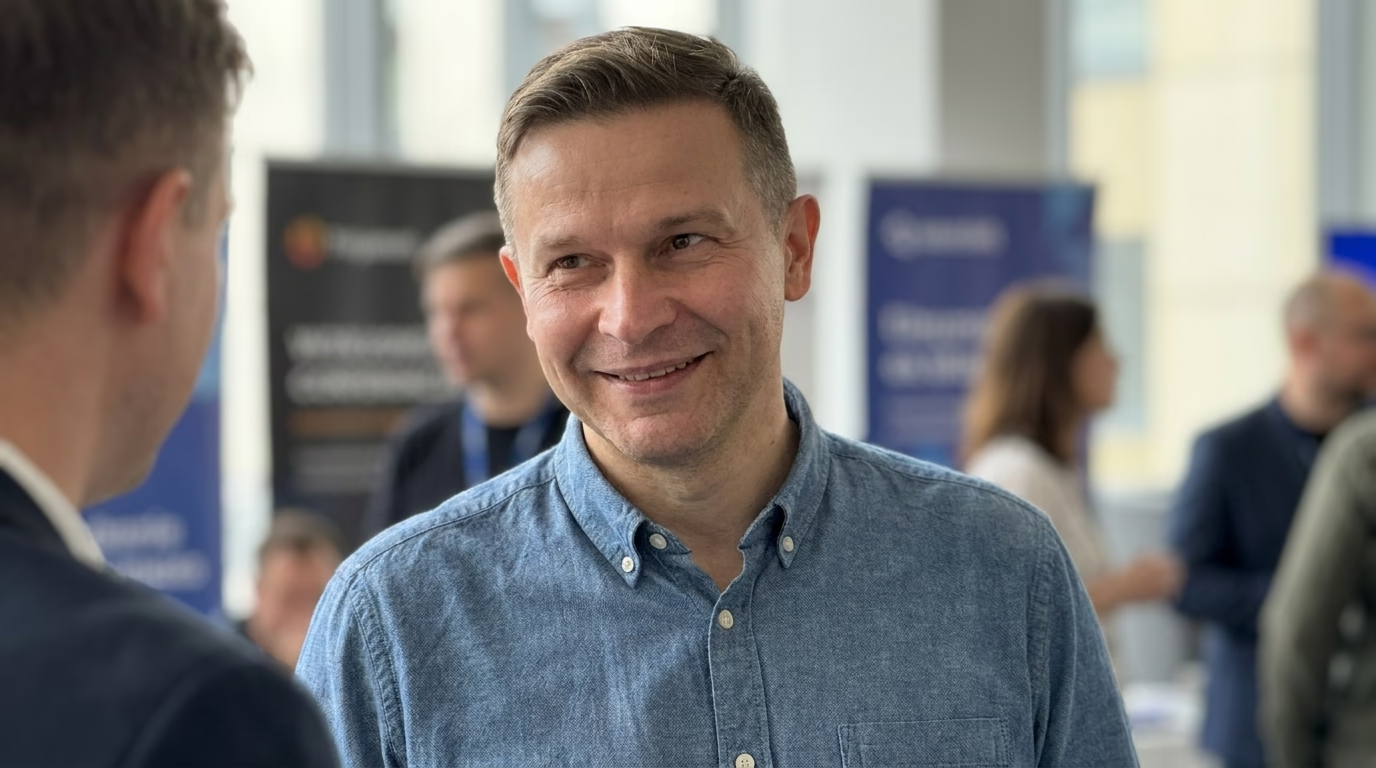
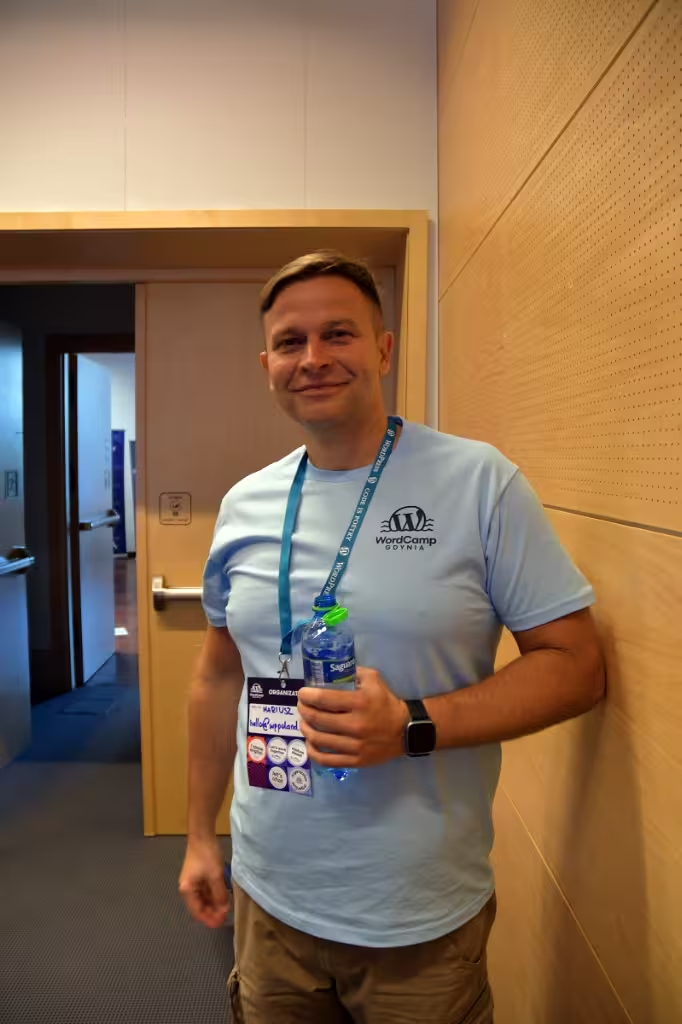
I am Mariusz Szatkowski, and I have built WordPress sites since 2006. For a council, a public agency or a body it funds, I do the technical part: a theme built from the design you supply, accessible templates, migration of the old site, and maintenance afterwards. I work alone, so the person who writes the code is the person who answers your email, and nobody else gets your credentials.
Your communications team or design supplier provides the layout, for example as a Figma file or as a filled-in template marking which element goes where on each view. I implement it as a responsive WordPress theme.
What the law asks of a public sector website in the UK and Ireland
Both countries implement Directive (EU) 2016/2102 on the accessibility of public sector websites and mobile apps. The UK did it before leaving the EU, and the rules stayed.
United Kingdom. The Public Sector Bodies (Websites and Mobile Applications) (No. 2) Accessibility Regulations 2018 require a site to be perceivable, operable, understandable and robust. Regulation 9 presumes that a site meeting the WCAG Level A and AA success criteria complies. Regulation 7 allows a disproportionate burden assessment, regulation 8 requires an accessibility statement with a contact route for reporting failures, and regulation 11 gives enforcement to the Equality and Human Rights Commission, or the Equality Commission for Northern Ireland. Public service broadcasters and most NGOs are out of scope; schools and nurseries are out except for their essential online administrative functions.
Ireland. S.I. No. 358 of 2020 sets the same requirements. Regulation 7 requires a statement based on the EU model statement, with a feedback mechanism and an adequate response within a reasonable time. Regulation 8 makes the National Disability Authority the monitoring body.
What this means for the build: WCAG A and AA is the working target, and the accessibility statement has to describe the site honestly, including what is still not accessible and why.
What I build for a public body
Templates that stay accessible after launch
Most failures I find on public sites come from content published later: an untagged PDF, a table pasted from a spreadsheet, a form field without a label. So I build the guard rails into the theme. Blocks only offer heading levels in order, images ask for alternative text, colours come from a palette that passes contrast checks, and the forms ship with labels, error messages and keyboard support already wired.
Service pages written around what residents look for
A resident searches for “register a birth” or “bin collection day”, not for the name of a department. I structure the information around those tasks, using the content map you approve. Each service page can link straight to the form or payment page your organisation already uses.
Urgent notices
A site-wide banner for weather warnings, water outages or office closures, which an editor can switch on in a minute and which screen readers announce correctly.
Several sites under one administration
Libraries, leisure centres and other bodies run by the same council can share one WordPress Multisite: one code base, one update cycle, separate editors per site.
Accessibility review of a live site
An accessibility statement is only as good as the audit behind it. I can review what is currently live, check it against WCAG A and AA criterion by criterion, and return a written report that separates what the platform causes from what the publishing routine causes. You get a list of fixes and a factual basis for your statement. Ask for an accessibility review, or read how I handle accessibility on this site.
Taking over an existing site
If your site runs on Drupal or TYPO3, it does not have to be rebuilt. I also maintain Drupal and TYPO3 sites, with version upgrades and accessibility fixes. When a move to WordPress makes sense, I migrate pages, documents and news with their original publication dates, and set redirects so old links keep working.
Since all three systems are open source, the code belongs to you and any developer can continue the work after me. No proprietary CMS licence ties you to one supplier.
Security and data protection
I keep the setup plain: few plugins, each one with a reason, file editing in the dashboard switched off, editor roles limited to what each person needs, and an activity log of who changed what. Updates go to staging first, then production. Before I touch personal data, I sign a processing agreement under Art. 28 GDPR. For a deeper look at an existing site, see the WordPress security audit.
I do not promise that a site cannot be breached, and I do not offer 24/7 cover or guaranteed response times.
How a project runs
- You send a written brief through the contact form: scope, procurement constraints, the design you have, the hosting you use.
- I ask what is unclear by email and send a proposal with scope, assumptions and a timeline.
- After the contract I work in a Git repository and show every change on staging with a written note.
- Acceptance is a checklist: keyboard paths, screen reader runs, form errors, document downloads, search and the main resident tasks. Open points are marked as blocking, deferred or rejected with a reason.
- At handover you get the source code, the editor documentation, a list of plugins and external services, and the backup and restore procedure.
- After launch I can take on maintenance: uptime checks every 1 to 5 minutes, backups for 30+ days in EU countries, updates tested on staging.
For a new build from scratch, see creating WordPress websites.
Working with me as a supplier
I invoice B2B with an EU VAT ID (PL7393037445), under contracts governed by Polish law. Communication runs by email, written documents and the repository, which also leaves the paper trail public bodies usually need. Pricing depends on scope and is set in the written proposal.
Similar accessibility and data protection requirements apply to other institutions: websites for hospitals, websites for cultural institutions and websites for foundations.