Google switched off the Content API for Shopping on 18 August 2026. Since that date, every call to the old v2.1 endpoints comes back as HTTP 410 Gone, and any integration still pointed at it has stopped sending products, prices and stock to Google Merchant Center. The good news, which most of the panicked posts skipped, is that a large share of WooCommerce stores had nothing to do.
The honest version of this story is still a triage, not an emergency. At WPPoland we build and maintain WooCommerce integrations for merchants selling across the EU, so here is who was actually affected, how to tell whether your own feed went quiet, and why the same migration is quietly the door into agentic commerce.
When was the Content API for Shopping shut down
The Content API for Shopping is Google’s legacy programmatic surface for managing everything a store sends to Merchant Center: product data, inventory, prices and account settings. It has been replaced by the newer Merchant API, which covers the same ground but is split into focused sub-APIs (Products, Inventories, Accounts, Reports) instead of one monolithic endpoint.
The date that mattered was 18 August 2026. Since then, the old Content API returns 410 Gone and does not come back. There was an earlier date too: the Merchant API v1beta retired on 28 February 2026, so code written against the beta has been dead even longer and has to sit on the stable v1.
Which WooCommerce stores need to migrate to Merchant API
This is the question that decides whether you can close this tab. There are three ways a WooCommerce store typically talks to Merchant Center.
- The official Google for WooCommerce plugin. If your product sync runs through the official plugin (formerly Google Listings and Ads), you are covered. Google and WooCommerce put the move to Merchant API inside a plugin release ahead of the cutover, so a current plugin version carries you across with no downtime and no code. Confirm you are on a recent release and that Merchant Center still shows a fresh product sync, then you are done.
- A third-party feed or marketing plugin. Some of these called the Content API directly. Check with the vendor that the Merchant API update has landed, and that you are running the version that includes it.
- A custom integration. Bespoke connectors, custom feed exporters, headless setups that push to Merchant Center from your own code, and internal tools written against the Content API. This is the group whose sync stopped on 19 August 2026 if the migration was not already done, and it is exactly the kind of build agencies put in place for larger or non-standard stores.
If you are in the first group, stop here. If you are in the third, read on.
Merchant Center feed not updating after the Content API shutdown
Nothing degraded gracefully. Since 19 August 2026 the calls simply fail with 410 Gone, and the effects cascade:
- Product listings go stale. New products stop appearing, and removed products may linger. Your Merchant Center catalogue drifts away from your real WooCommerce catalogue.
- Prices and stock stop updating. This is the dangerous one. Merchant Center keeps showing the last price and availability it received, so you can end up advertising a price you no longer charge or a product you no longer stock, which risks disapprovals and account trust.
- Shopping and Performance Max campaigns starve. Google Ads campaigns feed on the Merchant Center product data. When the feed freezes, the campaigns run on outdated inventory until they quietly underperform.
Because it fails all at once rather than warning you, an unmigrated custom integration is not slowly degrading, it is already down. The first job now is to confirm the state of your feed, not to plan a migration date.
Google states in the Merchant Center help that automatic updates are not a replacement for regular updates of your product data. They are meant to fix sporadic problems with price, availability and condition. If you expect the pricing, availability and condition of your products to change frequently, Google says you should use the Merchant API. For a store with fast-moving stock, that means pushing changes through your integration instead of relying on Google to correct the data from your pages.
How to migrate a WooCommerce integration to Merchant API
The work is methodical rather than hard, and it is ordinary server-side WooCommerce engineering.
- Confirm whether the feed is actually dead. Check the last successful product sync date in Merchant Center and search your integration logs for HTTP 410 responses on the v2.1 endpoints. That tells you whether you are restoring a broken sync or validating one that already moved.
- Inventory your Content API calls. List every endpoint your integration touches and the WooCommerce event that triggers it (product save, stock change, scheduled full sync).
- Map each call to its Merchant API sub-API. Products, Inventories, Accounts and Reports each own part of what the Content API used to do in one place.
- Re-authenticate. Merchant API uses OAuth 2.0 or a service account. Confirm your credentials and scopes carry over.
- Re-check feed labels after cutover. Label configuration does not always survive the move, and labels drive campaign structure, so verify them rather than assume.
- Pull the aggregated disapproval reasons from the Reports sub-API once the new integration runs, so you catch anything the switch changed before Google’s algorithms do.
Merchant API MCP access for AI shopping agents
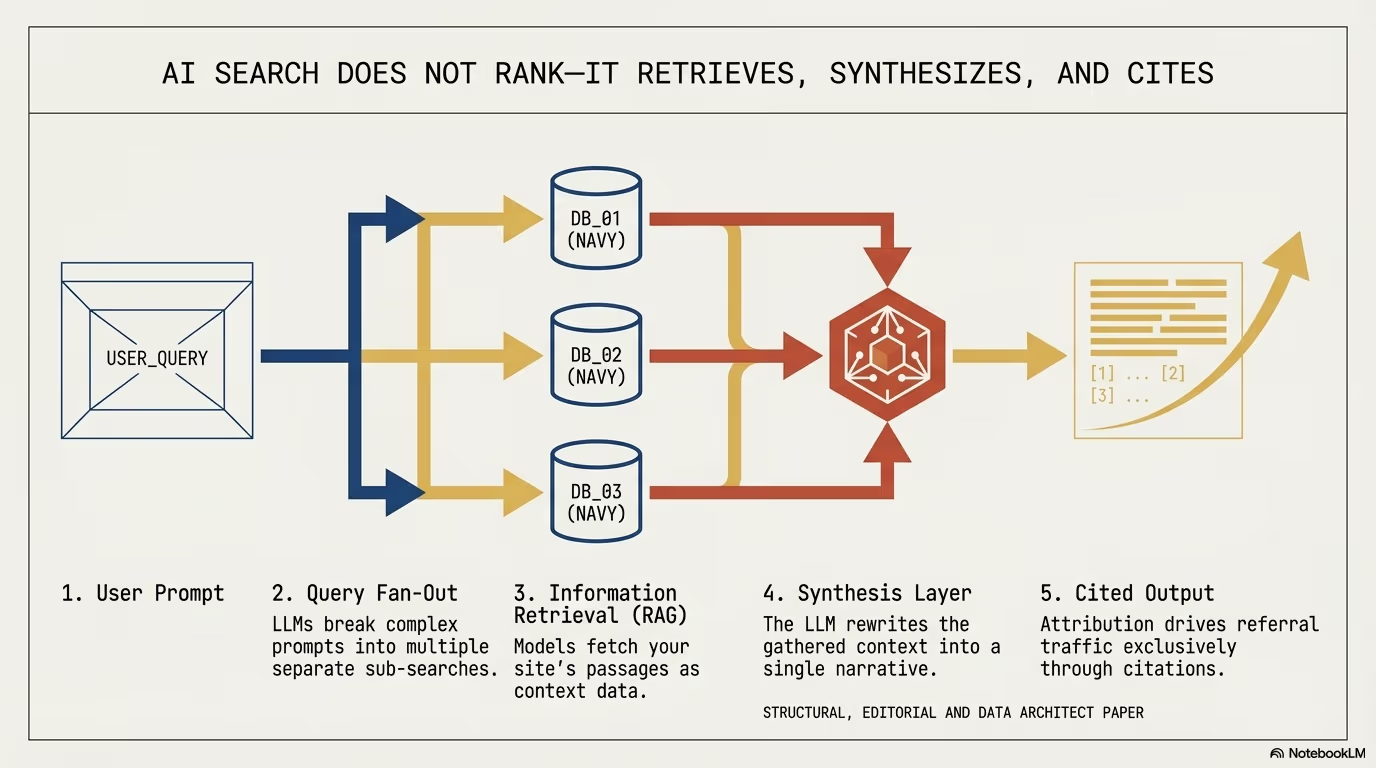
Migration framed as a chore misses the point. Moving to Merchant API also unlocks the Merchant API MCP Access Service, an alpha bridge that exposes Merchant Center data to LLMs and AI agents over the Model Context Protocol, currently read-only plus a few low-risk write tools. In plain terms, the same platform your product feed now lives on is the one AI shopping assistants will read from when they decide which products to surface.
That connects the cutover to the bigger shift we have been writing about: stores are moving from being browsed by people to being queried by agents. The migration you have to do anyway is also the on-ramp to being discoverable and buyable by those agents, which is the whole argument of our Universal Commerce Protocol guide for AI shopping agents and the scoped AI commerce readiness service page.
Conversational attributes, update of 23 October 2026: since Google Marketing Live in May 2026 the Merchant Center product data specification has six optional fields aimed at AI Mode and similar AI surfaces. Google’s help page on conversational attributes lists them: question_and_answer (product questions and answers, up to 1000 characters each), document_link (PDF manuals, user guides, assembly instructions), related_product (accessories, required parts, substitutes), item_group_title and variant_option (a shared title for a product family and the properties that tell variants apart), and popularity_rank (a number from 0 to 100 that ranks a product against the rest of your inventory). Google recommends sending them through a supplemental data source, says they do not change the approval status of existing products, and says not to repeat what already sits in description, product_highlight or product_detail. The columns are the same whatever writes the feed: a WooCommerce plugin, a feed app for a Shopify store or a custom export. The cheapest source is content you already have, such as the product FAQ and the PDF manuals linked on product pages.
What to do if your WooCommerce Google feed stopped
If you run the official plugin, confirm you are on a current version, check that Merchant Center is still receiving fresh product data, and get on with your day. If you have a custom or third-party integration that never moved, the calls are already returning 410, so treat this as a restore rather than a project: find out which sub-APIs you depend on, rebuild against them, and still test against a non-live account before you point production traffic at the new tools, because Google recommends exactly that.
We handle these migrations as part of our WooCommerce development work, alongside the analytics side of agent-driven orders, which we cover in what happens when an AI agent checks out, and the read-only WooCommerce MCP server that shows how agents read a catalogue in the first place.
How to check the Merchant API sync is working
A migrated integration that returns no errors can still send wrong data, so give the first days after cutover a fixed set of checks. Compare a few products in Merchant Center against WooCommerce, picking ones whose price or stock changed since the switch, because stale prices and availability are the failure that risks disapprovals and account trust. Confirm that the last successful sync date moves forward on every scheduled run.
Search the integration logs for any remaining 410 responses. A single one means some code path still calls a v2.1 endpoint, such as a scheduled full sync or a stock change handler that runs less often than product saves. Code written against the Merchant API v1beta belongs in the same search, since that version retired on 28 February 2026.
Then check the parts that do not fail loudly. Feed labels drive campaign structure and do not always carry over, so compare them with the pre-migration setup. Pull the aggregated disapproval reasons from the Reports sub-API, and watch Shopping and Performance Max campaigns for signs that they still run on old inventory.
Why Google shows a sale price your WooCommerce feed never sent
A working Merchant API sync tells Google what the store submits today. Google also keeps its own record of what it saw before. In a case Emina Demiri-Watson described in Search Engine Journal on 5 October 2026, Google showed Was £474, now £355 with a sale badge in Shopping. The retailer ran no sale, and no sale_price attribute had ever been submitted, in the current feed or in older ones. Three signals added up to the badge:
- the feed sent £355 as the ex-VAT price, while Google’s last page crawl read £426, the same price with VAT,
- the Product markup was an AggregateOffer with two
priceSpecificationtiers, one named “List price” at £395 and one named “Sale price” at £355, and £395 ex-VAT is £474 with VAT, - the page HTML printed “Now” next to the price, and a feed export from 15 April still carried £474 in the price field.
None of these signals asked for a badge on its own. The author’s summary: “People forget. Systems don’t.”
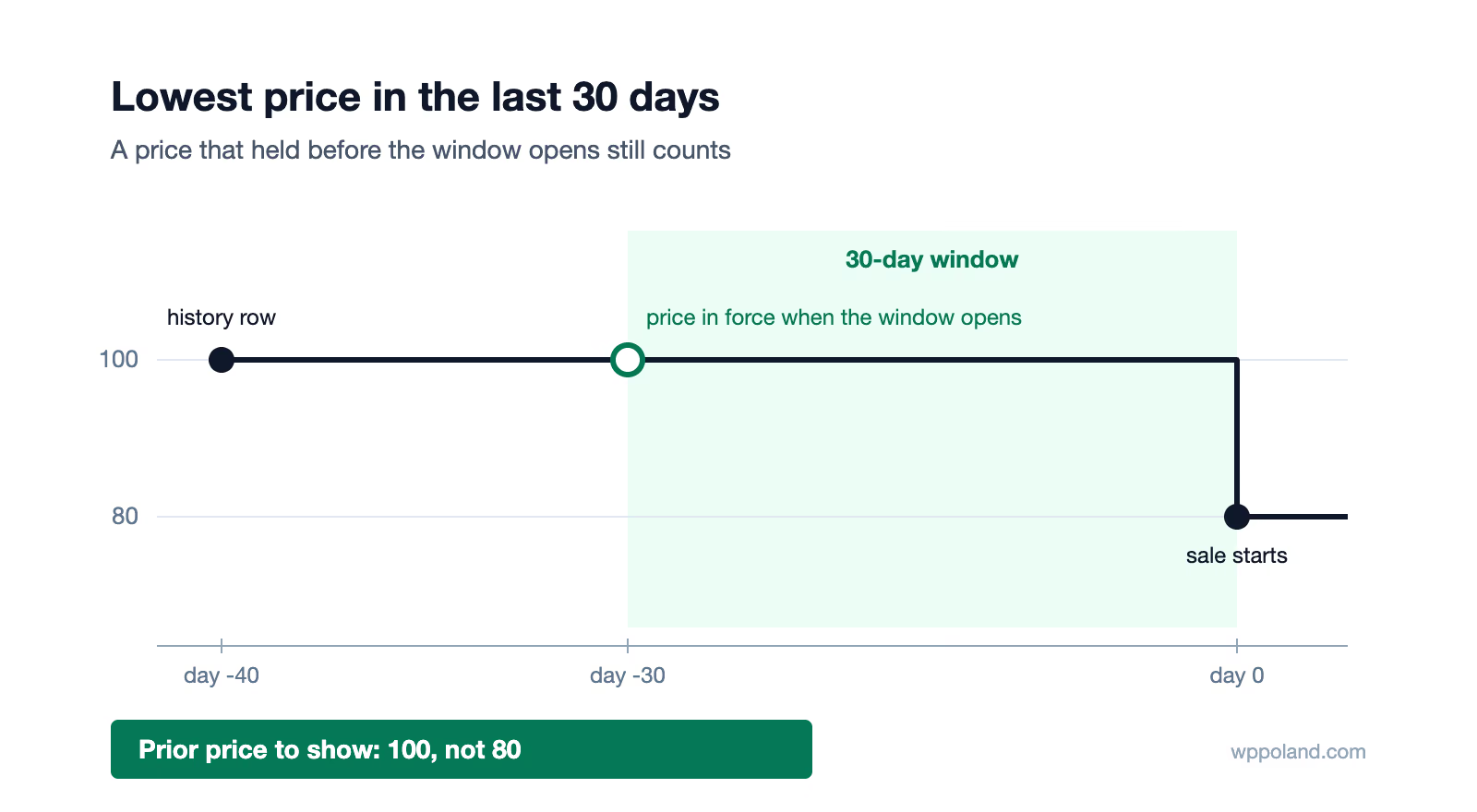
Sale badges you do request through sale_price have their own checks. Google validates that the discount is between 5% and 90% and that the base price was submitted for a qualifying period, in the UK “at least 30 days within the past 200 days”. Price drop annotations need no submission at all, because Google compares the current price with the average it recorded over the past 60 days. The memory behind this is large: the Shopping Graph “now contains over 50 billion product listings, with more than 2 billion of those refreshed every hour”, per the same article.
How to compare the feed price with the Product schema price in WooCommerce
- Read Google’s crawl first. In Merchant Center go to Products > All products, open the product and scroll to the bottom of the Product details tab. The “Information found on your site” section shows the price Google last crawled from the page, with the date. In the UK case a gap of exactly 20% against the feed price pointed to a VAT mismatch: the feed sends net, the page shows gross.
- Check WooCommerce > Settings > Tax. “Prices entered with tax” decides what the stored price means, and “Display prices in the shop” decides whether visitors see it with or without tax. Compare that with what your feed exporter sends. If the page shows gross and the feed sends net, Google has to infer VAT.
- Read the rendered JSON-LD, not the settings screen. View the source of a product page and find every
application/ld+jsonblock that holds a Product. WooCommerce outputs its own Product markup, and an SEO plugin can add a second one that disagrees with it. Look for a second price and for anypriceSpecificationname containing “Sale” or “List”. - Look for sale wording in the HTML. WooCommerce wraps the regular price in
<del>and the sale price in<ins>whenever a product has a sale price set, and themes often add “Was” or “Now” labels. If a product that is not on sale shows any of these, change the label, which is the article’s advice too. - Keep dated feed exports. The case above was solved because an export from April happened to be on file. One saved export per month turns the next investigation into a comparison of two files.
What to do with retired product images in WooCommerce
Google keeps its own index of product images, independent of image_link in the feed and of the schema. As long as an old image URL still answers, Google can keep using that image in ads and free listings after you replaced it. The article names WooCommerce directly: “WooCommerce uploads sit in the standard WordPress media library and are rarely cleaned up when products are retired.”
- Deleting a product does not delete its images. When you retire a product or replace a photo, delete the old attachment in Media > Library with “Delete permanently”. WordPress removes the file and its generated sizes, so the old URL returns 404, which is the clean signal the article recommends. Check first that no other product or page still uses that image.
- A new filename leaves the old file live. A new photo uploaded under a different name gives Google two image URLs for one product, and Google does not always pick the current one.
- Confirm the 404 at the URL itself. Request the old image address after deleting it. A CDN or page cache can keep serving the file after WordPress removed it.
- Search the old filename in Google Images. A copy on a marketplace listing or a forgotten third-party page can be the source of the wrong image, and that copy has to come down where it lives.
Last updated: 11 October 2026.