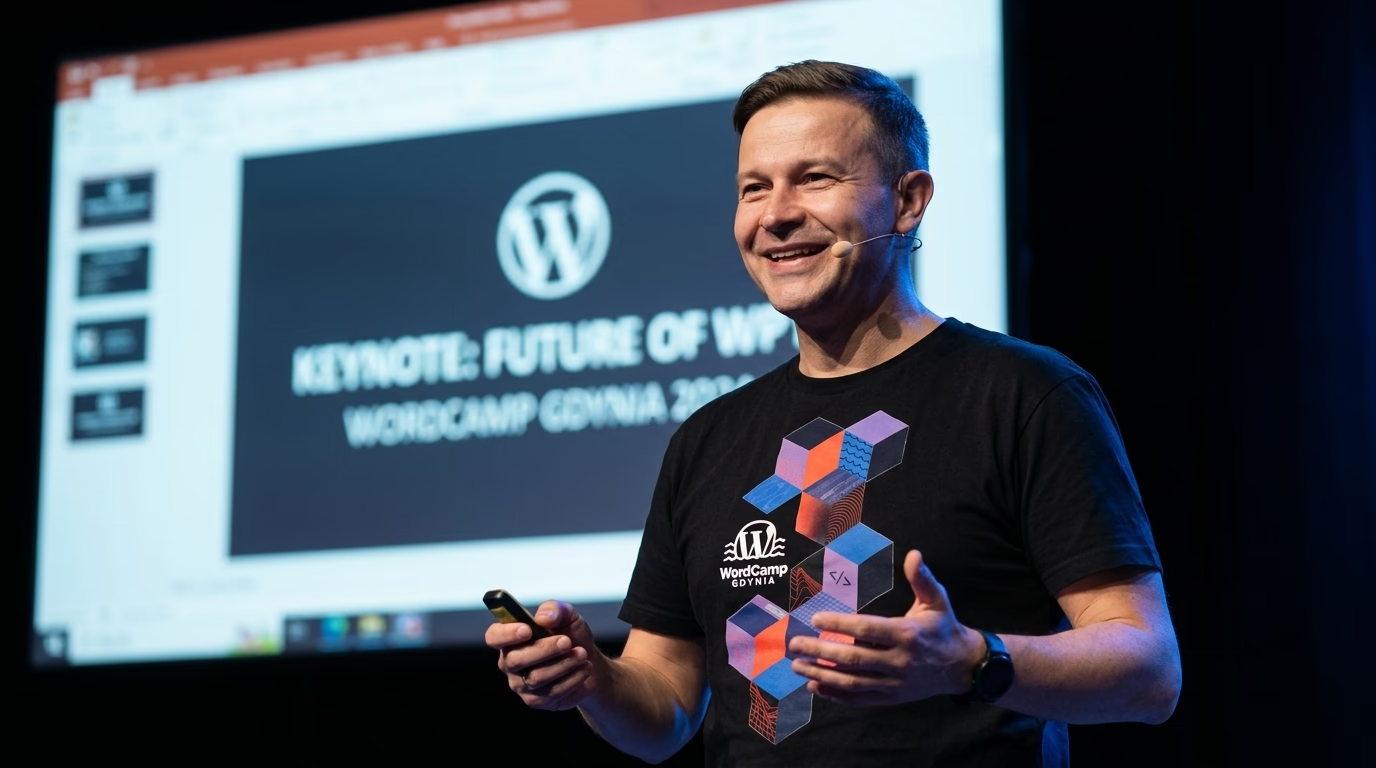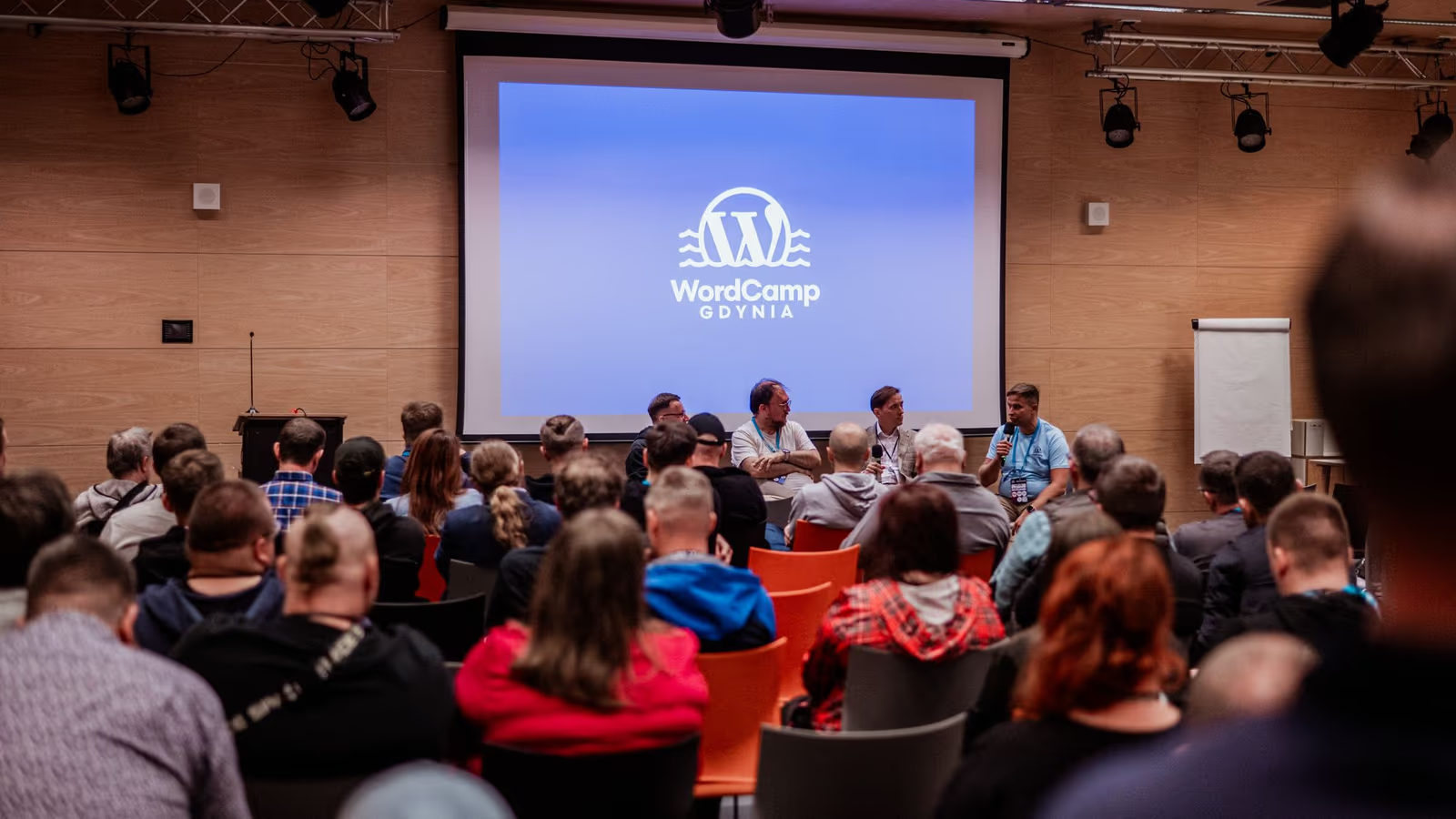
WordCamp Gdynia 2023 NextGen took place on Saturday, 30 September 2023, at Morski Instytut Rybacki (the National Marine Fisheries Research Institute) on Hugo Kołłątaja 1 in Gdynia. More than 200 WordPress developers, designers, agency owners and enthusiasts from across Poland attended. The theme, announced on the official event site, was optimisation: of the work done with WordPress and of WordPress itself.
The programme ran in two rooms. The main track carried 16 talks, and a second room hosted 4 workshops in parallel, free for every ticket holder. This summary follows the official agenda and the session descriptions published by the organisers.
If your company needs help with advanced development on its platform, see my services as a WordPress developer at WPPoland.
What a NextGen WordCamp is
NextGen was an experimental phase in how WordCamps are organised. The organisers’ explainer describes it as an invitation to local teams to propose new event formats and topics that answer what the community needs now. Classic WordCamps cover a broad mix of design, development, SEO, marketing and content. A NextGen event can narrow down to one subject, one audience or one skill level.
The same explainer lists the values every NextGen WordCamp had to keep: lower barriers to taking part, celebrate the community as a whole rather than any business or individual, and support diversity. Gdynia chose a single-day event and one theme, Optymalizacja: Praca i WordPress (optimisation: work and WordPress). The topic was open to beginners and advanced users alike.
Demand was clear early. According to the organisers, all Early Bird tickets sold out in two and a half days. The first call for sponsors in June 2023 assumed about one hundred attendees, and by the second ticket release in August the organisers expected close to 300 people.
Where WordCamp Gdynia 2023 took place
The venue was the National Marine Fisheries Research Institute, a few minutes on foot from Gdynia Główna railway station. The organisers noted on the event blog that the institute traces its history back to 1921, when it started as a fisheries laboratory in Hel. Attendees could park on the institute grounds by announcing themselves at the barrier.
The organising team listed on the event site included Mariusz Szatkowski, Marcin Robin Andrzejewski, Katarzyna Gajewska, Rafał Osiński, Dawid Urbański, Hanna Szatkowska and Marcin Szatkowski. The Tricity (Gdańsk, Sopot, Gdynia) has long been a strong hub of the Polish tech community. The recordings were later published on the WordPress Trójmiasto YouTube channel.
WordCamp Gdynia 2023 opening and schedule
Marcin Andrzejewski and Mariusz Szatkowski opened the conference at 9:45 in both rooms, after registration from 9:00. The full day, in local time (CEST), looked like this:
| Time | Main track | Workshop room |
|---|---|---|
| 9:45 | Opening: Marcin Andrzejewski, Mariusz Szatkowski | Opening |
| 10:00 | Adam Zieliński: WordPress Playground | |
| 10:15 | Przemek Hernik: Laravel Blade (75 min) | |
| 10:30 | Sebastian Kurzynowski: team practices and kaizen | |
| 11:00 | Dawid Urbański: native Gutenberg blocks | |
| 11:30 | Mateusz Gbiorczyk: image optimisation | Piotr Misztal: WooCommerce product import (90 min) |
| 12:00 | Lena Sędkiewicz: technical SEO | |
| 12:30 | Krystian Wójcik: fewer bugs in team projects | |
| 13:00 | Break | |
| 13:30 | Piotr Niewiadomski: OOP hook cares | Marcin Krzemiński: Full Site Editing (135 min) |
| 14:00 | Magdalena Paciorek: GPT writing and publishing posts | |
| 14:15 | Wojciech Babicz: personal data in hosting | |
| 14:30 | Rafał Chrzan: WooCommerce with FSE, a case study | |
| 14:45 | Maciek Palmowski: headless WordPress | |
| 15:00 | Break | |
| 15:15 | Przemek Hernik: faster WP_Query | |
| 15:45 | Tomasz Kołkiewicz: from optimisation to applications | Sebastian Kurzynowski: state machines in JS (135 min) |
| 16:15 | Max Matłoka: caching without an expiry date | |
| 16:45 | Break | |
| 17:00 | Tomasz Lach: optimisation and who needs it | |
| 17:30 | Patryk Szymulewski: shared or dedicated hosting |
The afternoon blocks from 14:00 to 15:00 were 15-minute lightning talks. Every other main-track slot was 30 minutes.
WordPress Playground and WebAssembly in the browser
The first talk came from Adam Zieliński of Automattic, creator of WordPress Playground and a WordPress core committer. Its title translates as WordPress without installation, a computer or the internet: meet WordPress Playground.
The Playground architecture documentation explains the mechanism. The PHP interpreter is compiled to WebAssembly with Emscripten. WordPress needs MySQL, but there is no WebAssembly build of MySQL, so Playground ships PHP with the SQLite driver and the official SQLite Database Integration plugin rewrites MySQL queries into SQLite. A Service Worker handles the HTTP traffic that would normally go to a remote server.
BROWSER-BASED WORDPRESS PLAYGROUND ARCHITECTURE:
+-------------------------------------------------------------+
| Web browser (Chrome / Firefox / Safari / Edge)              |
|                                                             |
| +-------------------------+     +-------------------------+ |
| | PHP interpreter built   | <-> | SQLite database via the | |
| | to WebAssembly (.wasm)  |     | SQLite Integration layer| |
| +-------------------------+     +-------------------------+ |
|              ^                                              |
|              | HTTP requests handled by                     |
|              v a Service Worker                             |
| +---------------------------------------------------------+ |
| | WordPress core files + themes + plugins                 | |
| +---------------------------------------------------------+ |
+-------------------------------------------------------------+
Because each PHP version is a separate static .wasm file, switching PHP versions only means downloading a different binary.
How teams use WordPress Playground for PR previews
WordPress Playground has grown since 2023 into tooling that development teams use every day:
- Pull request previews: the official WordPress Playground PR Preview Action adds a preview button to pull requests for plugins and themes, so a reviewer tests the change in the browser with one click.
- Client demos from a Blueprint: a Blueprint is a JSON file that describes the WordPress version, PHP version, plugins and setup steps. The Playground documentation shows how to load one through the
?blueprint-url=query parameter. - End-to-end tests: the Playground documentation includes a guide to running Playwright tests against a Playground instance, so tests do not need a shared staging database.
<!-- Embedding a Playground instance configured by a Blueprint JSON file -->
<iframe
  src="https://playground.wordpress.net/?blueprint-url=https://example.com/blueprints/staging-test.json"
  width="100%"
  height="650"
  class="rounded-xl border border-gray-200"
  loading="lazy"
></iframe>Building native Gutenberg blocks and OOP hooks
Dawid Urbański showed how to start building native blocks for the Gutenberg editor. According to the session description, he walked through installing WordPress, preparing a theme, adding JavaScript files, installing the @wordpress/scripts package, building blocks from the available components, and then compiling the block and adding it to a page in the editor. He kept to simple examples so the whole process stayed visible.
For a new project, the officially supported starting point is @wordpress/create-block. It scaffolds a plugin that registers a block, generates the PHP, JavaScript and CSS, and wires in the same build setup with no configuration.
Piotr Niewiadomski’s talk OOP hook cares dealt with a familiar irritation in object-oriented WordPress code: registering every method with add_action() and add_filter() by hand. He presented a library that attaches class methods to the right filters and actions automatically.
How to speed up WP_Query and keep team projects stable
Przemek Hernik spoke twice. His main-track talk carried the title How to speed up WP_Query up to 100 times with simple design decisions. The point, per the description, was that the architecture decisions taken before the first line of code decide how fast a plugin or a custom client solution will be. He aimed it at plugin authors and developers building bespoke solutions.
Krystian Wójcik covered how to reduce the number of bugs in team projects. He discussed the challenges development teams face, how to unify the working environment so every developer runs the same setup, and why the whole environment belongs in Git.
Sebastian Kurzynowski’s talk, titled “Żuczki, Misie i kaizen” (bugs, teddy bears and kaizen), argued for trusting yourself and the people you work with. He described team structure, working practices, growth and automation.
Image optimisation, technical SEO and LCP in WordPress
Mateusz Gbiorczyk showed, step by step, how to cut the weight of a WordPress site without losing image quality.
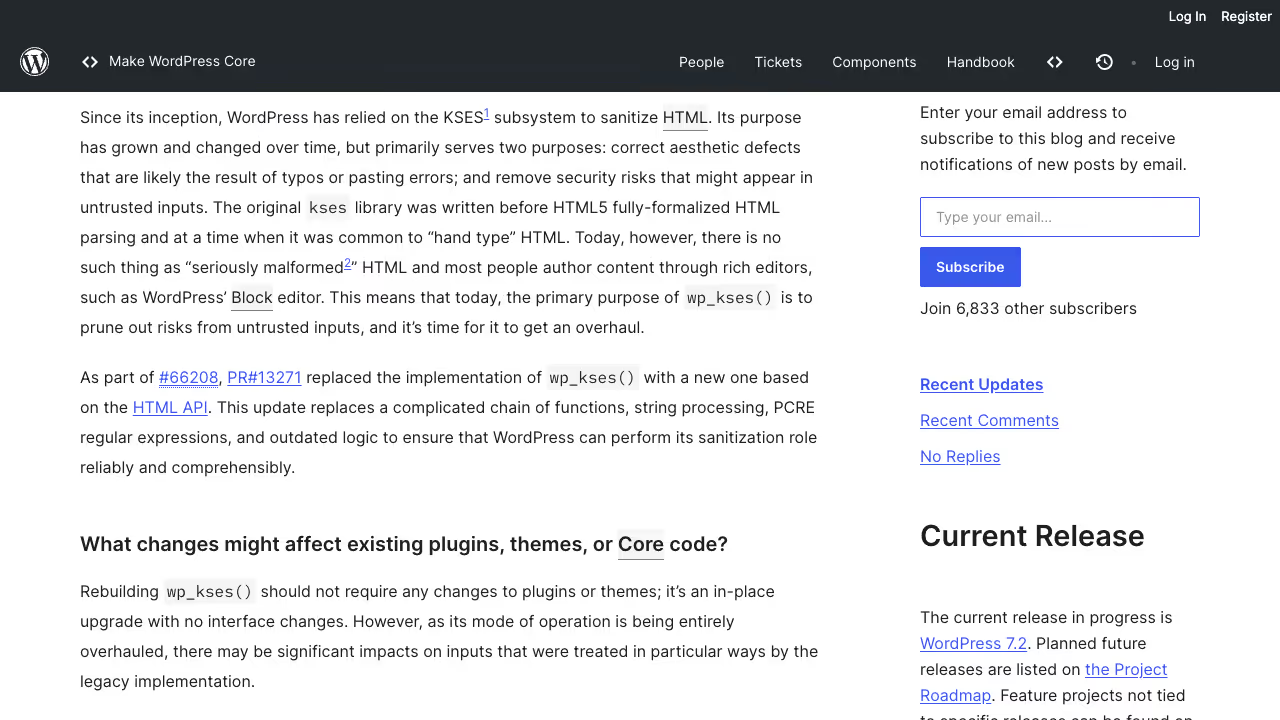
The timing was relevant. WordPress 6.3, released a few weeks before the conference, changed how core handles images. The core performance dev note says WordPress now adds fetchpriority="high" to the image it judges most likely to be the LCP element, which “typically improves LCP by 5-10%”. The same release fixed the remaining cases where core lazy-loaded images that sit in the viewport, and moved both attributes into one function, wp_get_loading_optimization_attributes(). Themes and plugins that had their own lazy-loading overrides needed a review after 6.3.
Lena Sędkiewicz’s talk, Come over to the green side of the force, covered technical SEO for WordPress. She started from familiar symptoms: a site that loads too slowly, users who cannot find what they need, frequent 404 errors, and pages that users like but Google does not see. Her talk covered the technical fixes in WordPress that give a site a chance to rank higher.
Read more about modern formats in my guide to AVIF and WebP in WordPress.
Caching WordPress as a static site
Max Matłoka’s talk, Till infinity and beyond: caching without an expiry date, described how to turn a traditional WordPress site into a static one. The session description stresses what this does for performance and scalability, and he also covered the trade-offs of the approach.
Tomasz Lach looked at optimisation from the business side. His starting point: themes, plugins, development, sales and finances all seemed fine, and he was satisfied. Then small, non-obvious changes turned out to have large effects on his work with WordPress and on his whole business.
Tomasz Kołkiewicz told the story of building commercial products out of his own needs and observations, and showed several ways he optimises his own work and business.
WooCommerce product import from CSV
Piotr Misztal ran a 90-minute workshop on importing products into WooCommerce with the importer built into WooCommerce itself. Attendees prepared the import file in a spreadsheet (Excel, Calc, Numbers or Google Sheets) following the standard WooCommerce column mapping, saved it correctly as CSV and imported it. The workshop covered product types, extra settings, descriptions, prices, images, variations, categories, tags, custom taxonomies, attributes and serialised data. It also showed how to use the same method to update existing products quickly.
The current WooCommerce CSV importer documentation fills in the details. The importer matches existing products by ID or SKU and skips an unmatched ID. It supports the types simple, variable, grouped, external, variation, virtual and downloadable. Columns it does not recognise are ignored, but custom fields can be imported with a meta: prefix in the header. Images must already be uploaded or reachable by URL, and the core importer cannot set image alt text. Large files can fail in a single request, so the documentation recommends splitting them into batches.
Rafał Chrzan presented a case study of WooCommerce combined with Full Site Editing on top of Sage 10. His topic was how a team that already has a design system can build custom e-commerce projects faster.
GPT plugin for writing and publishing WordPress posts
Magdalena Paciorek’s lightning talk was titled Let GPT write and publish for you. She explained how to build a plugin that publishes blog posts in WordPress automatically using a GPT model. The plugin fetches source texts, uses GPT to classify them and extract data, and then generates new articles for the blog from that data.
Shared or dedicated hosting and GDPR
Wojciech Babicz spoke about entrusting personal data in hosting. His starting point: anyone who runs an online shop, a site with a form or a mailbox, or who has access to a client’s hosting, processes personal data. GDPR (RODO in Polish) arrived in 2018, interest faded, and many companies still do not know where personal data travels or which data they hold. He summarised what to do to stay compliant in hosting and data processing. The legal anchor is Article 28 of the GDPR, which states that “Processing by a processor shall be governed by a contract or other legal act under Union or Member State law”.
Patryk Szymulewski closed the day with shared versus dedicated hosting. He compared price, performance and control, explained when the cheaper shared plan is enough and when a dedicated server pays off, when protection against DDoS attacks is worth buying, and how to secure a site without a large budget.
Maciek Palmowski asked whether headless WordPress makes sense. Many articles and companies present headless as the only right path for WordPress, and his talk weighed that claim against the possibility that it is simply another way to sell services.
Laravel Blade in WordPress and JavaScript state machines
Three more workshops ran in the second room. Registration opened on 4 September 2023, and the organisers warned that late arrivals would lose their seats to the waiting list.
Using Blade templates in a WordPress theme
Przemek Hernik’s 75-minute workshop explained why template engines are worth trying when building plugins or custom themes, using Laravel Blade as the example. Attendees added Blade to their own code base in a few steps. The stated requirements were a clean WordPress 6.3 install, PHP 8.1 or newer and Composer 2.5 or newer. A Blade view keeps queries and logic out of the markup:
{{-- resources/views/archive-product.blade.php --}}
@extends('layouts.app')

@section('content')
  <header class="catalog-header py-8">
    <h1 class="text-3xl font-bold">{{ $categoryTitle }}</h1>
    <p class="text-gray-600">{{ $categoryDescription }}</p>
  </header>

  <div class="product-grid grid grid-cols-1 md:grid-cols-3 gap-6">
    @forelse($products as $product)
      @include('components.product-card', ['item' => $product])
    @empty
      <div class="alert alert-info">
        <p>{{ __('No products found matching your active criteria.', 'wppoland') }}</p>
      </div>
    @endforelse
  </div>

  <div class="pagination-wrapper mt-8">
    {!! $paginationLinks !!}
  </div>
@endsectionBuilding a block theme with Full Site Editing
Marcin Krzemiński’s workshop introduced Full Site Editing and block themes. The goal was to build a complete theme in the editor without writing a line of code. It was open to every level, with basic knowledge of WordPress and the block editor as the only prerequisite. Attendees needed a computer, a browser and a local development environment, or a free InstaWP account instead.
State machines in JavaScript with XState
Sebastian Kurzynowski’s workshop introduced state machines in JavaScript. Participants needed Visual Studio Code and XState installed. XState describes itself as a state management and orchestration library for JavaScript and TypeScript with zero dependencies, built on event-driven programming, state machines, statecharts and the actor model. A state machine allows a component to be in exactly one defined state at a time, for example IDLE, VALIDATING, SUBMITTING, SUCCESS or ERROR, which rules out combinations such as a loading spinner and an error message shown together.
WordCamp Gdynia 2023 recordings and slides
All 16 main-track talks were recorded. On 3 October 2023 the organisers announced that the presentations were available on the WordPress Trójmiasto YouTube channel, and on 12 October they published the list of recordings, one per talk. The list covers the main-track talks.
The event was funded by sponsors. Gold sponsors were smarthost.pl, cyberFolks.pl, Fooz, statik space, White Label Coders and wpappointments, and WPPoland was listed among the partners.
WordCamp Gdynia 2023 takeaways for development teams
WordCamp Gdynia 2023 NextGen showed that a one-day, single-theme WordCamp can fill two rooms with practical material. Playground running in the browser, CSV imports done properly with the tools WooCommerce already ships, Blade templates that separate logic from markup and an honest look at headless and hosting choices all fit the same question: where does the time go, and what can be cut.
For the Tricity, home to the WordUp Trójmiasto meetups, hosting a national conference of this size was the result of years of work by the people who run the local community. Meeting the creators of tools such as WordPress Playground in person links the local market with global open source development.
For developers and technical leads, events like this are the best way to compare their own development process with other teams and avoid costly architecture mistakes.
If you are planning an advanced site, a large WooCommerce store optimisation or a move to a block theme, contact my WordPress development team.