The roadmap to WordPress 7.2 was published on make.wordpress.org on 18 September 2026, and the release is scheduled for 8 December 2026. Matt Mullenweg is listed as Release Lead on the official WordPress 7.2 page.
This upcoming release shifts the platform’s focus toward collaboration and security. Key items on the roadmap include new Notes features in the block editor (Beta 1 lists emoji reactions and a toolbar icon, with no suggestion mode), a sudo mode that asks for re-authentication before privileged admin actions, and a first-class Secrets API for API keys and other credentials. The roadmap itself warns that everything on it is being pursued, but not every item is guaranteed to make the final release.
Who leads the WordPress 7.2 release
Matt Mullenweg is the Release Lead of the WordPress 7.2 Release Squad, according to the 7.2 release page. The same page lists the rest of the squad:
| Role | People |
|---|---|
| Release lead | Matt Mullenweg |
| Release coordination | David Baumwald |
| Tech leads | George Mamadashvili, Peter Wilson |
| Default theme design lead | Henrique Iamarino |
| Default theme development leads | Maggie Cabrera, Carolina Nymark |
| Triage leads | Jb Audras, Eshaan Dabasiya |
| Test leads | Md Noruzzaman, Jina Parekh, Erick Wambua |
The release cycle overlaps with a short leadership dispute at Automattic, the company Mullenweg runs. On 10 September 2026 Automattic said he was on leave and that CFO Mark Davies would lead the company as interim CEO. On 12 September a company spokesperson told CMSWire that Mullenweg was chairman and CEO with the full support of the board, and Automattic later put his absence at 33 hours and 20 minutes without explaining the leave. His role in the WordPress open source project did not change during those days: WordPress Executive Director Mary Hubbard stated that he remained the leader of the project (WebHosting.Today).
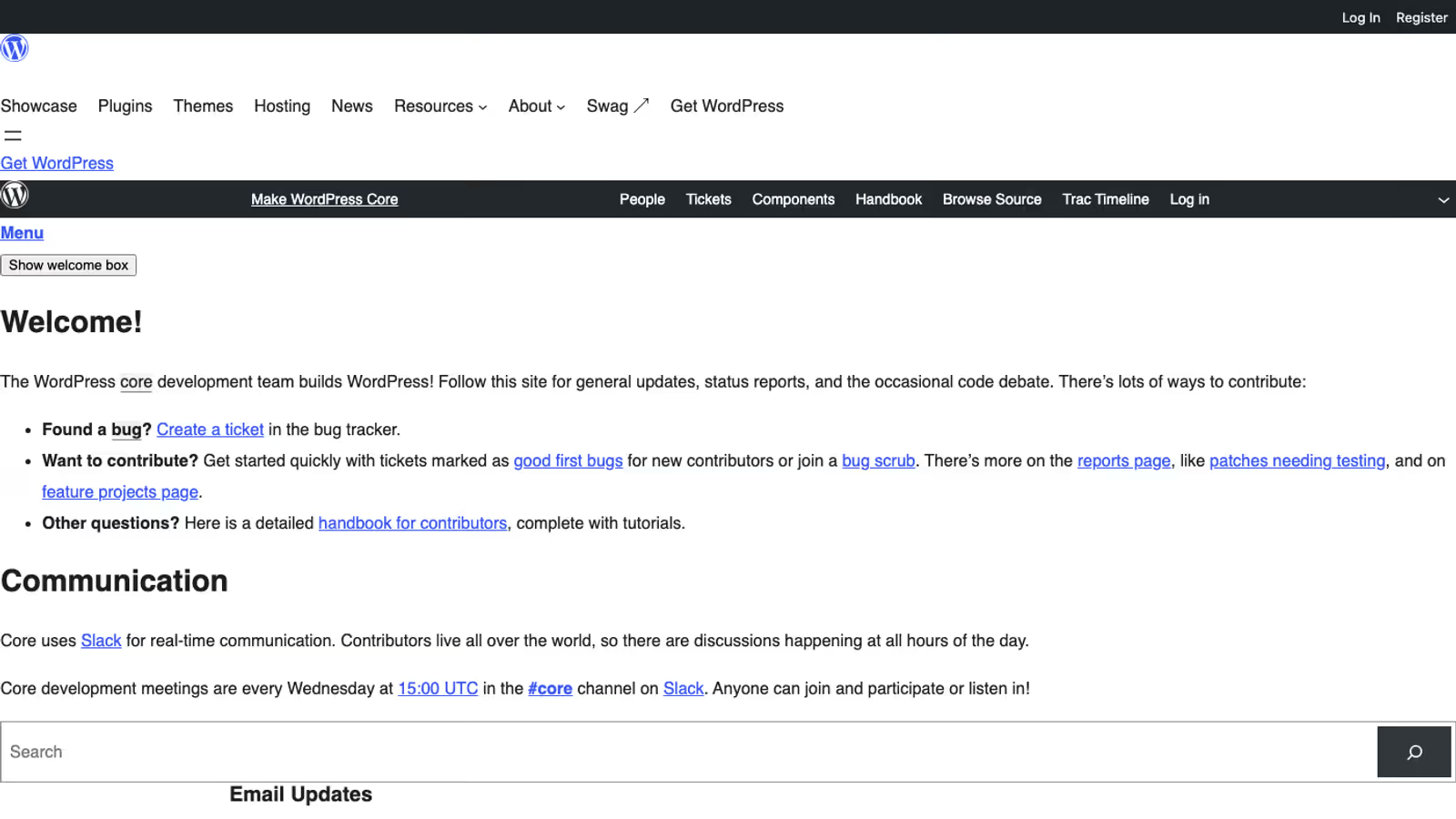
The release team makes and communicates release decisions and collects community input. Weekly developer chats take place in the #core channel of the Making WordPress Slack on Wednesdays at 15:00 UTC.
Gutenberg Notes in WordPress 7.2
Notes are already in core. WordPress 7.1 shipped inline notes on selected text, rich text in note bodies, @mention autocomplete and email notifications for mentioned users, according to the Notes iteration issue for 7.2. The roadmap names three additions for 7.2.
The roadmap planned that, with Notes in 7.2, editorial teams could:
- Propose an edit in suggestion mode, which the author then accepts or rejects.
- Add emoji reactions to notes for quick feedback.
- Add a note from the block toolbar, because the option is hard to find today.
As of the 30 September update to that issue, suggestion mode sits behind an experiment in nine pull requests that had not yet had a full review, emoji reactions were carried over from 7.1 and moved to a new emoji picker, and the toolbar shortcut pull request was approved. A separate 7.3 tracking issue collects work that will not fit, so check the Beta 1 dev notes before promising suggestion mode to an editorial team.
Update, : The Beta 1 announcement of 20 October lists emoji reactions on notes, a new toolbar icon, notes in the editor canvas and a minimized Notes mode. Suggestion mode is not on that list, so do not plan a 7.2 editorial workflow around it.
Real-time collaboration in WordPress 7.2
Real-time collaborative editing is not part of 7.2. The roadmap leaves it out while architectural decisions are settled. Real-time collaboration was removed from WordPress 7.0, and on 18 September 2026 Chris Zarate proposed a server-aware approach. Today browsers merge edits directly and send the result when someone saves. Under the proposal, every update passes through WordPress, which records who made it, checks authorization, merges it and stores the result, then sends peers the changes they lack or raises a conflict for review. Browsers would no longer exchange updates with each other.
The post says the exploration is early and not ready for core. Three candidate sync engines (Yjs-server, Distributed Editing and Intent log) live in the gutenberg-sync-engines repository as an exploratory plugin. Hosting is the open cost: merging on the server adds load, frequent polling is more expensive on low-resource plans, and a WebSocket transport would need a daemon running outside the PHP worker pool, managed by the host.
What is sudo mode in WordPress 7.2
As the web adapts to automated scanning and sophisticated session-hijacking scripts, traditional administrator authentication is no longer sufficient. If a malicious script or attacker intercepts an active administrator’s cookies or session token, they gain unrestricted access to the entire site.
The roadmap lists sudo mode for 7.2: re-authentication before highly privileged actions. The name comes from the Unix sudo command. A stolen session cookie alone would then not be enough to run a privileged action, because the action asks for the credentials again.
Which actions will be gated is not public yet. The roadmap says a proposal and a call for collaboration will follow, and no sudo mode proposal had been published on make.wordpress.org/core when I checked on 12 October 2026. Until it lands, the useful preparation is an inventory: list the custom admin screens and REST endpoints in your plugins that change users, roles and capabilities, files or security settings, because those are the flows a re-authentication step would sit in front of.
Update, : the Beta 1 announcement does not list sudo mode in either the editor or the developer section. If it lands in 7.2, it will be in a later beta.
WordPress 7.2 Secrets API for API keys
Storing sensitive credentials (such as Stripe API keys, Mailchimp tokens, or custom database logins) has historically been an architectural vulnerability in WordPress. For over two decades, developers had no choice but to hardcode keys into wp-config.php or save them as un-encrypted options in the wp_options table.
Eric Mann’s Secrets API proposal of 25 August 2026 targets 7.2 with a first-class store for credentials. Its problem statement is concrete: plaintext keys in the options table end up in database dumps, backups, staging clones and CLI output, and plugins that encrypt their own keys each do it differently. AI integrations raise the cost of a leaked key further.
The proposed design:
- Encryption is always on. Each secret gets its own data key, wrapped by a master key, which the site key wraps in turn (envelope encryption). There is no plaintext mode and no constant to switch encryption off. The cryptography uses libsodium, with
sodium_compatas the fallback. - The default store is the options table, holding only ciphertext with
autoload=no, excluded from options.php and the REST settings endpoint. A dedicated constant is the preferred key source; sites without one fall back to a key derived from the existing salts. - External stores plug in through a drop-in. A
secrets.phpdrop-in exposes two separate extension points: storage (for example HashiCorp Vault or AWS Parameter Store) and keyring (a KMS or HSM). - It fails closed. When the backend is unreachable, the call fails with no local fallback. Values are write-only: there is no export.
Secrets API functions in WordPress 7.2
wp_set_secret( string $name, string $value ): bool|WP_Error
wp_get_secret( string $name, string $version = WP_Secret_Version::CURRENT ): WP_Secret|null|WP_Error
wp_delete_secret( string $name ): bool|WP_Error
wp_import_option_as_secret( string $option, string $name ): bool|WP_Error
wp_get_secret() returns a WP_Secret object, not a string. The value comes out through reveal(), and fingerprint() gives an identifier that is safe to log. The object masks itself in logs, var_dump() and error output, and refuses serialization. The function returns null when the secret does not exist and a WP_Error when it exists but cannot be decrypted. Names are namespaced by convention as plugin-slug/secret-name.
Two capabilities guard the store: manage_secrets and manage_network_secrets. On multisite a network root key derives per-site subkeys, and site and network secrets use separate functions with no implicit fallback between them. Rotation is operator-driven with two version slots, CURRENT and PREVIOUS, and a hook fires on every write with the actor, the timestamp and the old and new fingerprints.
There is no filter on the retrieval path, on purpose: a filter would let any plugin intercept credentials, so hosts plug in through providers instead. The proposal is also explicit about its limits. Any code running inside WordPress can call wp_get_secret(), and the plugin slug in a secret name is not authenticated, so the API does not isolate one plugin’s secrets from another’s. What it removes is plaintext keys in dumps, backups and staging copies.
For agencies and developers building modern WordPress integrations (including AI agent integrations where API keys are heavily utilized), the Secrets API provides a standardized framework that brings WordPress security closer to enterprise standards.
How to migrate plugin API keys to the Secrets API
The proposal ships no admin screen in 7.2: a settings screen is deferred to 7.3. WP-CLI support is in scope for 7.2, so that credentials stop appearing in shell history and process lists, but the command names are not decided yet (it is one of the open questions in the post). The proposal plans a feature plugin first and a core patch with the same API after it.
In plugin code, migration is a deliberate step per option through wp_import_option_as_secret(), not an automatic sweep. Imported secrets are flagged for rotation, because the old plaintext value has already travelled into every backup taken so far. A version-safe read for a plugin that has to run on 7.1 and 7.2 looks like this:
$name = 'my-plugin/stripe-key';

if ( function_exists( 'wp_get_secret' ) ) {
	$secret = wp_get_secret( $name );
	if ( null === $secret && get_option( 'my_plugin_stripe_key' ) ) {
		wp_import_option_as_secret( 'my_plugin_stripe_key', $name );
		$secret = wp_get_secret( $name );
	}
	$key = $secret instanceof WP_Secret ? $secret->reveal() : '';
} else {
	$key = (string) get_option( 'my_plugin_stripe_key', '' );
}
The signatures come from the proposal and can change before Beta 1, so keep the function_exists() guard and the old path for sites on 7.1. The proposal does not say whether the import removes the original option, so check the dev note before deleting anything. Once the key lives in the Secrets API, rotate it at the payment or API provider.
Why hosts object to the Secrets API proposal
The comment thread under the proposal shows where the design is still contested. Chris Reynolds of Pantheon wrote that Pantheon runs an external secrets store with read-only access from applications, asked whether read-only providers are in scope and how plugins should handle the WP_Error a write would return, and noted that platform stores which need plaintext conflict with the drop-in model. Ryan McCue of Altis opposed the proposal as written and argued that WordPress should only read secrets, with encryption left to external HSMs.
Eric Mann replied that a read-only provider can turn the setter into a no-op and that hosts will be able to swap in a stronger provider, with an AWS Secrets Manager example in his secrets-api repository. A pull request to wordpress-develop (#13759) addresses the host provider concerns. Five open questions remain in the post, among them whether two version slots are enough and which WP-CLI commands come first.
For a plugin author the practical consequence is that wp_set_secret() may fail on a managed host by design. A settings form that saves a key must show the returned error instead of assuming success.
Application Passwords changes in WordPress 7.2
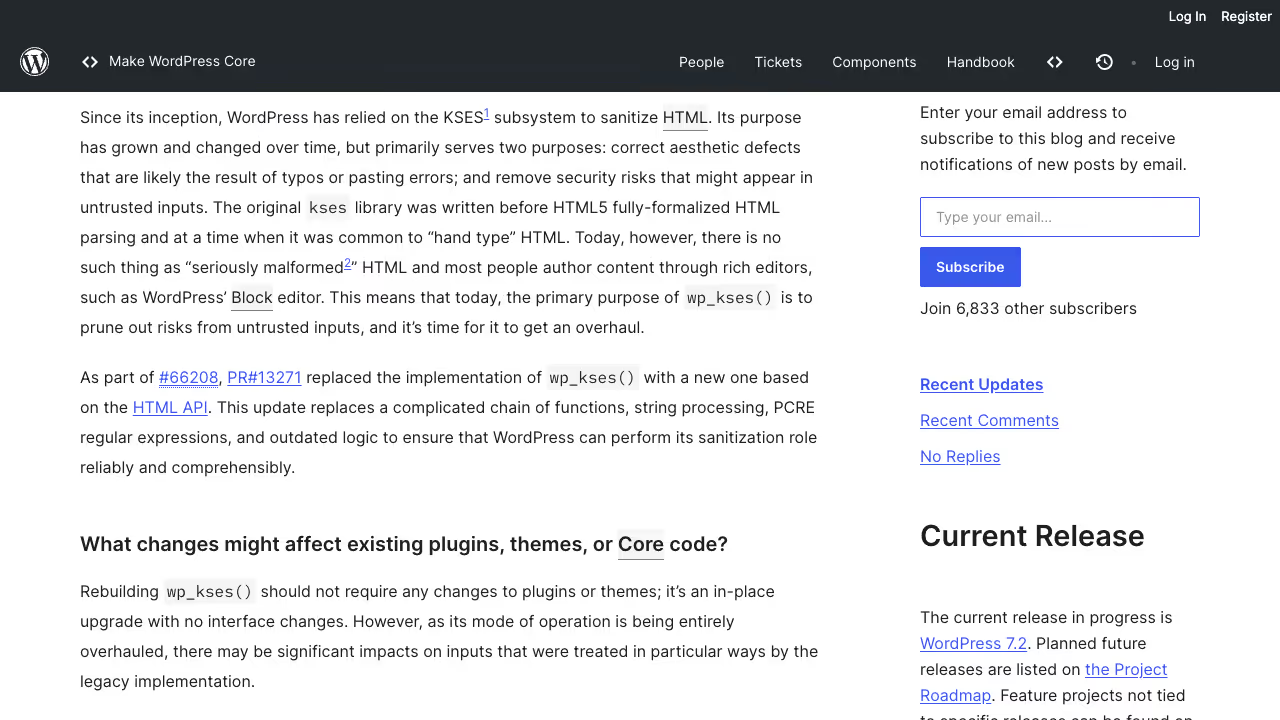
The security section of the roadmap also lists Application Passwords hardening: UX improvements, an email notification when a new application password is added, fixes to environment detection, safer handling of default_role, and SameSite cookie support. The work is tracked in Trac tickets #66009, #63927, #57388, #46744 and #37000. Hardened HTML processing on top of the HTML API completes the security list.
Application passwords are the credential most REST API integrations use, so the notification gives a site owner a signal when someone adds one without their knowledge.
Other features on the WordPress 7.2 roadmap
Ipsum, the new default theme, is a minimal blog theme built as a blank canvas, with dotted underlines, a handful of type sets and style variations that recolour the whole page, images included. Every colour and style combination meets WCAG AA contrast, according to Henrique Iamarino’s introduction post. It also ends year-based names for default themes. The code is on GitHub for testing, and the team describes the timeline as tight.
AI work continues in the AI plugin, with no guarantee that it lands in core: more abilities (experimental read-only coverage for media, taxonomies and comments), an MCP Adapter updated to the current MCP specification and distributed through the plugin directory, agent identities with auditable permissions, and streaming responses in the PHP AI Client.
Update, : the MCP Adapter plugin is at version 0.7.1, released on 15 October 2026. It caps stored session initialisation data at 4 KiB (affected clients reconnect once), returns clearer errors for unavailable abilities and adds a site-owner guide to connecting an AI client with Application Passwords and troubleshooting. Plugin authors should note a change from 0.7.0: bundling the adapter as a library is deprecated, and sites are expected to install the plugin instead.
In blocks and APIs the roadmap lists a Description list block for <dl>, <dt> and <dd>, keyword search in the Icon block, a data-wp-html directive and a router in the Interactivity API, and server-side rendering for the Table of Contents block so it can become stable. The React 19 upgrade has largely landed in Gutenberg but is unlikely to ship fully in 7.2.
In the admin, DataViews and DataForms get server-registered views, fields and actions, and the post inspector is being replaced by a DataForm. Error messages become easier to diagnose and get a copy button, and a rebuilt Site Editor foundation lets plugins register their own screens. On performance, script and style concatenation is being replaced by prefetching (Trac #57548), alongside work from the Enhanced Responsive Images plugin.
Update, : Gutenberg 24.2, released on 14 October, turns the React 19 experiment on by default in the plugin. Sites running it load React 19 for the react and react-dom scripts unless a theme or plugin on its list of known incompatible ones is active, in which case they keep React 18. If something breaks, React 19 can be switched off under Gutenberg, Experiments. The Gutenberg team asks authors of plugins and themes that use React to test with 24.2 and report issues, and offers the new @wordpress/react-inert-value package for setting the inert attribute in a way that works with both versions. The Beta 1 announcement does not mention React 19, so test your React code against Gutenberg 24.2 instead of assuming what 7.2 itself will ship.
WordPress 7.2 release schedule
David Baumwald published the WordPress 7.2 release party schedule on make.wordpress.org on 6 October 2026. Every milestone starts at 15:00 UTC.
| Milestone | Date |
|---|---|
| Beta 1 | 20 October 2026 |
| Beta 2 | 27 October 2026 |
| Beta 3 (with 7.1.4) | 28 October 2026 |
| Beta 4 | 3 November 2026 |
| Beta 5 | 10 November 2026 |
| Release candidate 1 (RC1) | 17 November 2026 |
| Release candidate 2 (RC2) | 24 November 2026 |
| Release candidate 3 (RC3) | 1 December 2026 |
| Dry run and 24-hour code freeze | 7 December 2026 |
| Final release | 8 December 2026 |
Beta 1 is the point where core contributors switch to testing and bug fixing and dev notes start to appear. RC1 brings the Field Guide, a hard string freeze and the release branch. After feature freeze only bug fixes are committed, with regressions first.
Install Beta 1 on a staging copy of your site on 20 October and repeat the plugin and theme tests on RC1 (17 November), so conflicts show up on staging before 8 December.
Update, : Beta 1 shipped on schedule, and the announcement confirms the final release date of 8 December 2026. The Secrets API is in Beta 1 (Trac #66187) with encryption at rest, credential rotation and customizable storage providers. Developers also get an expanded Abilities API for accessing and querying WordPress data, trusted HTML rendering and reactive navigation in the Interactivity API, and an admin that loads scripts and stylesheets individually instead of in large combined files and prefetches the next screen’s resources. The Media Library resizes, compresses and converts images in the browser before upload. The quickest test is wp core update --version=7.2-beta1 on a staging copy.
Update, : The Beta 1 announcement also lists an On This Day dashboard widget (Trac #65116) that surfaces posts published on the same date in earlier years, a dedicated URL that redirects to a randomly selected post (Trac #64498), text shadow with presets in theme.json, and icons from the WordPress icon library replacing Dashicons in the admin bar and sidebar. Notes move onto the editor canvas and gain emoji reactions and a toolbar icon. The announcement does not mention sudo mode or the notes suggestion mode, so check their Trac tickets and the developer notes before RC1 (17 November) before you plan work around either.
Update, . The beta count shifted after the security release. Beta 2 shipped on 27 October for testing (wp core update --version=7.2-beta2 on staging). On 28 October the WordPress 7.2 page records Beta 3 as released together with WordPress 7.1.4 (the wordpress-7.2-beta3.zip package carries that day’s timestamp). The party schedule for 3 November is now Beta 4, and 10 November is Beta 5; RC1 stays 17 November and the final remains 8 December. As of this update the Beta 4 zip was not published yet - wait for the make.wordpress.org/core/7-2 ZIP link or the WordPress.org news post before you bump staging past beta3. Keep production on 7.1.4.
How to test the WordPress 7.2 beta
There are two documented routes. The WordPress Beta Tester plugin, found under Tools, Beta Testing (Settings on multisite), switches the built-in updater from the default Point release channel to Bleeding edge (trunk) or to beta and RC packages. On the command line, wp core update accepts --version=nightly or a path to a downloaded zip file. Take a backup first and keep betas off production.
What to test follows from the roadmap: plugins that store API keys in options, custom admin flows that change users or files, editorial workflows that rely on Notes, and child themes if you plan to move a site to Ipsum.
How to prepare your site for WordPress 7.2
WordPress 7.2 represents one of the most structurally significant updates of 2026. The combination of collaborative editor workflows and hardened backend security primitives means agencies and developers must begin preparing their custom setups now.
Update, : A core commit of 19 October 2026 by Weston Ruter (r64585) retires script and style concatenation in the admin and on the login screen. wp-admin/load-scripts.php and wp-admin/load-styles.php now answer every request with 410 Gone and a one-line plain text explanation, without loading WordPress. The CONCATENATE_SCRIPTS constant is no longer read and no longer appears in Site Health. The compatibility audit in pull request 14463 searched the plugin and theme directories: no theme there uses the retired code, and about 45 plugins request the two loaders directly, usually from their own dialogs, previews or setup pages. Among maintained plugins the audit names Ad Inserter (the preview window controls are likely broken), CartFlows (a failed request on every admin screen, nothing visible), Modula (its Classic Editor gallery dialog inserts nothing) and UiPress Lite (an unstyled toolbar on its screens).
What to check on a staging copy running Beta 1:
- Site owners: open the dialogs, previews and setup screens of your plugins and watch the browser’s network tab for requests to
load-scripts.phporload-styles.phpthat return 410. An unstyled page or a button that does nothing is the visible symptom. This test is my suggestion, not part of the sources. - Plugin developers: replace hard-coded loader URLs with enqueued assets, or with
wp_print_scripts()andwp_print_styles()on a standalone page, as the audit recommends. - Plugin developers: code that sets
do_concattotrue, or returnsfalsefromprint_head_scripts,print_footer_scripts,print_admin_stylesorprint_late_stylesto hold output back, no longer works, because every item is printed right away as its own tag. - Plugin developers:
_print_scripts(),_print_styles(),script_concat_settings(),in_default_dir()andWP_Dependencies::get_etag()are deprecated, and the four print filters now trigger a deprecation notice when hooked. The deprecatedWP_ScriptsandWP_Stylesproperties stay declared and raise no notice.
Checking plugins on staging before a major release is part of my WordPress maintenance work.
I am already preparing my headless Astro setups and serverless MCP integrations to consume the new Secrets API and adapt to Sudo Mode re-authentication flows.
Are you looking to secure your enterprise WordPress installation or migrate your custom plugins to the new 2026 core standards? Contact my core development team today for a custom migration plan.