WPPoland (Mariusz Szatkowski) is WordPress website maintenance: daily backups, updates tested on staging first, uptime monitoring every 1 to 5 minutes, around the clock. WordPress since 2006, from Gdynia. Written quote after a short brief.
WordPress maintenance and support for UK and Irish businesses
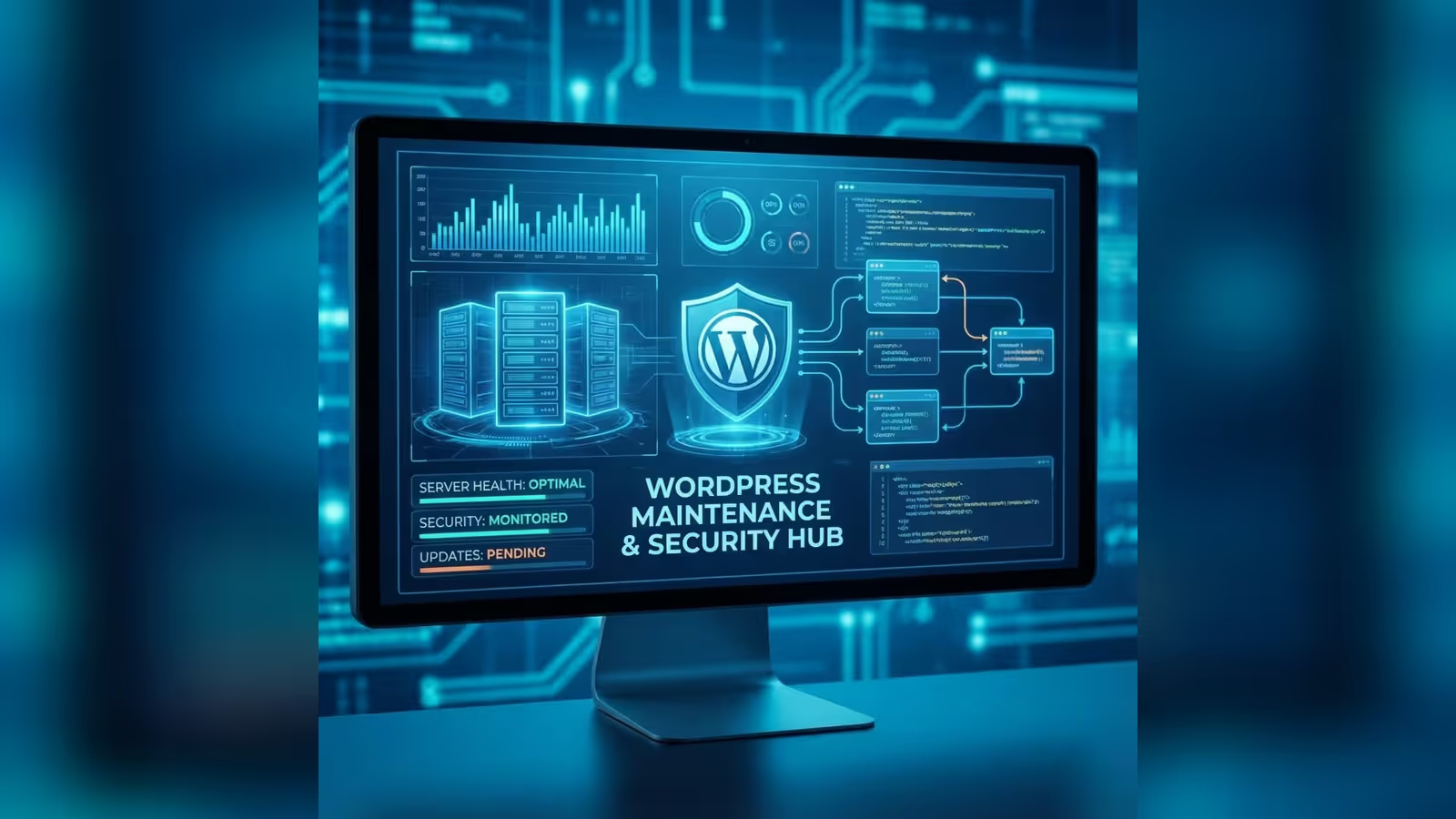
WordPress maintenance is the standing technical work that decides whether a site stays up, loads quickly and does not serve malware. A site without updates collects plugin vulnerabilities, and a site without a tested backup can lose orders and invoices at the first hosting failure.
I run maintenance remotely, so a business in London, Manchester, Edinburgh, Dublin or Cork gets the same scope as one in Gdynia. My working day runs on Central European Time, one hour ahead of the UK and Ireland all year round. When a site has already stopped working, it needs WordPress repair and technical support rather than a monthly plan.
For takeovers and stack moves, start with a WordPress migration assessment before the first maintenance month. After the move, keep a shop on the Store Reliability Plan so monitoring and update checks stay explicit. If checkout is already down, start with the WooCommerce rescue sprint before any monthly plan.
What WordPress maintenance includes
Maintenance is made of a few standing jobs. Each one has its own page with the detail.
I update core, plugins and themes every week, on staging first, after a full backup, and compare screenshots from before and after each update. Moving to a newer PHP version is part of maintenance too. I review major plugin versions monthly and the whole plugin list quarterly. The schedule, how one round runs and what I do when an update breaks something are on the WordPress update service page.
Monitoring scans files for malware and checks their integrity. If a site is broken into, I follow a fixed order: evidence, diagnosis, cleanup on a copy, new passwords, a Google review request. The detail, with the ICO and DPC reporting rules, is on the WordPress malware removal page. For a single, thorough review of the site’s security, there is the WordPress security audit.
The ranges for a company website and a shop, what the monthly fee covers and what I bill separately are on the WordPress maintenance cost page.
I measure Core Web Vitals every month and keep the result from slipping. A focused, one-off speed improvement is a job for WordPress speed optimisation.
To see measured numbers for one address before I talk about scope, use the WordPress site check.
How maintenance starts
The first month of maintenance. The onboarding audit is included in that month's fee.
Quote after a short brief
You send the site address and a note on what runs on it. I reply with a written quote showing the fee, the hour allowance and the reaction time.
Data processing agreement before access
Before I get access to the site, I sign a data processing agreement under Article 28 of the GDPR, or the UK GDPR for UK clients. You remain the controller and I am the processor.
Access in one sheet
I collect the logins for hosting, domain, WordPress and Search Console in one place. With several sites the sheet also shows where each one is hosted and which are shops.
Onboarding audit
I check the PHP version, plugins, theme, server access and whether the existing backups can be restored. The audit is not charged separately.
Backups, monitoring and staging
I set up daily cloud backups kept for at least 30 days, uptime monitoring every 1 to 5 minutes with alerts to me, and a staging clone for testing updates.
First report
The audit result, update status and a list of things to fix, in order. Work outside the maintenance scope gets its own quote.
WordPress maintenance schedule
The standing rhythm of work on one site. For a shop I set the update windows separately.
Weekly
- Minor fixes and security releases through a staging clone
- Tests of the main paths and screenshot comparison before release
- Release in the agreed window
Monthly
- Review of major plugin versions and their changelogs
- Review of administrator accounts
- Core Web Vitals measurement and database cleanup
- Report: updates, uptime, performance, indexing errors
Quarterly and twice a year
- Quarterly: plugin list review, removal of abandoned plugins
- PHP version upgrade: on plan, tested on staging
- Twice a year: security review of file integrity, accounts, capabilities, exposed endpoints and a staging to live comparison
Every day, outside the schedule, a backup is taken and monitoring checks uptime every 1 to 5 minutes and watches the files.
What WordPress maintenance involves
A WordPress site is built from code by many authors: core, a theme, and plugins that each ship on their own timetable. Maintenance is the set of regular technical tasks that keep that combination working, secure and fast. A site needs that attention for as long as it is live.
Maintenance covers core, theme and plugin updates, security monitoring, backups, performance and incident response. These areas depend on each other: an update without a backup is a gamble, and a backup nobody has ever restored as a test can fail on the day it is needed.
Ongoing maintenance differs from one-off fixes in that it repeats. The same steps run in the same order at every update, and every change goes into the report. After a failure, you can see what changed on the site and when.
Why WordPress maintenance matters
The first reason is security. WordPress is the most attacked CMS because it is the most used, and the attack counts that circulate online have no source anyone can check, so I do not repeat them. Every outdated plugin or theme with a published vulnerability is a possible way in. Regular updates close known holes before someone uses them.
The second reason is performance. A neglected WordPress site gathers unneeded data in its database and loads assets it does not need. Regular measurement shows a slowdown before customers feel it.
The third reason is legal duties. If a break-in leaks customers’ personal data, the site owner, as controller, has duties under the UK GDPR or the GDPR, including reporting the breach to the ICO or the Irish Data Protection Commission, as a rule within 72 hours. If the site starts serving malware, Google flags it with a warning, and Google says a review after cleanup can take from a few days to a few weeks. I cover this in detail on the WordPress malware removal page.
The fourth reason is cost. Repairing a site after a break-in, or restoring data after a hosting failure, usually costs more than regular maintenance and lands at the worst possible moment.
Proactive maintenance compared with fixing things when they break
The most common mistake site owners make is treating maintenance as a cost to cut: “I will call a developer when something breaks.” On WordPress a failure is rarely a single event. More often it is the result of neglect that built up over months. The reactive model looks cheap on a spreadsheet until you price one day of a WooCommerce shop being down on the Friday before a bank holiday weekend.
Two patterns come up again and again. In the first, a contact form plugin with a published vulnerability goes unpatched for months and becomes the way a script gets injected into the site; the site ends up with a Google warning, and cleanup plus the review take longer than a year of routine updates would have. In the second, the owner takes backups by hand “when I remember”; after a hosting failure the newest backup turns out to be weeks old, and the orders and VAT invoices issued since then cannot be recovered.
| Area | Reactive (fix after the fact) | Proactive (ongoing maintenance) | Risk of the reactive model |
|---|---|---|---|
| Plugin and core updates | Only when something stops working | Weekly, tested on staging | A published vulnerability left open as a way in |
| Backups | By hand, irregular | Daily, automatic, with test restores | Lost orders, VAT invoices and customer data |
| Uptime monitoring | The customer reports it when they notice | Around the clock, alert before a customer notices | Hours of downtime and abandoned baskets |
| Core Web Vitals (LCP, INP, CLS) | Not measured | Measured monthly, acted on | Lower Google rankings with no known cause |
| Data protection | Reaction after an incident | Review of administrator accounts and capabilities | Personal data leak, a duty to report, lost trust |
| Cost | Seems low, jumps at a failure | Predictable, a fixed monthly fee | A repair costs several times a year of maintenance |
Ongoing maintenance does not remove every failure. It shortens the time from failure to response, because monitoring reports downtime before a customer notices it, and the backup and staging copy are ready before the incident. The cost becomes a fixed monthly fee instead of a one-off repair on the day something breaks.
Updates and security
The WordPress security team releases fixes for discovered vulnerabilities, but a fix only works once it reaches your site. According to the security team’s page, only the latest version of WordPress is officially supported. A site left several versions behind can end up without a fix.
The update process in maintenance is always the same. A full backup of the database and files first, then the update on staging, a copy of your site, and tests of the main functions. After the update I compare screenshots of selected pages from before and after the change, because a functional test will not notice a broken layout. The change goes live only after the tests pass, and for the next 24 hours I watch the site closely. If something goes wrong, I return to the previous version from the backup. Staging first is why WP Rocket 3.23.2.2 went onto the clone before WordPress 7.1: WP Rocket, the WordPress 7.1 fatal error and Cloudflare.php.
Critical security fixes do not wait for the weekly cycle. They go first, by the same route through staging, and the exact window for them is written into the quote. I learn about vulnerabilities from vulnerability databases, including WPScan and Patchstack. The full schedule is on the WordPress update service page. If you want a single, thorough review before ongoing maintenance starts, begin with a WordPress security audit.
Backups and restores
Backups protect against hardware failure, human error, break-ins and failed updates. In maintenance they run daily, incrementally, go to cloud storage away from the web server and are kept for at least 30 days. An incremental backup stores only the changes since the previous one, so it does not load the server and still lets you go back to several points in time. That matters when a problem comes to light a few days later.
I follow the 3-2-1 rule with one copy off the server. Off the server means a different provider from the host, never the same account. I restore the database separately from the uploads folder.
A backup proves itself only when it is restored, so I run regular test restores, and the report shows backup status and the date of the last test restore. After a break-in I restore a backup only after checking the infection date: a backup from last week will not help if the malicious code has been on the site for a month.
Performance
Page speed affects how people use the site and where it ranks, because Google takes Core Web Vitals into account. In maintenance I measure them every month. When the result drops, I look for the cause: a new plugin, larger images, a growing database.
I judge the database by its size, query times and table structure. Among other things I look at transients, revisions, orphaned metadata and missing indexes. I delete data only after confirming the application does not need it.
I choose cache layers to fit the site’s architecture: page, object and browser caching are not always all needed at once. Where needed, I set up a CDN and image optimisation. I compare the effect of every change with a baseline measurement. Large changes to the theme or architecture sit outside maintenance; for those I start with WordPress speed optimisation.
Monitoring, technical SEO and the monthly report
Many technical factors Google considers depend on the state of the site: speed, HTTPS, correct canonical URLs, the XML sitemap, robots.txt. In maintenance I check that new content gets indexed and that Search Console shows no indexing errors or traces of spam after a break-in.
An infected site can get a warning in Google results, so I check security alerts, HTTPS and certificate validity. If the host handles certificate renewal, I check that this automation works.
The technical report shows update status, uptime, performance and indexing errors found. It contains a list of actions. Content strategy and SEO are separate services.
WordPress technical support within maintenance
Within maintenance I answer questions, advise on configuration, and diagnose and fix faults within the monthly hour allowance. I run maintenance myself, so I know the specifics of your site and you do not have to explain the context from scratch each time.
You send requests by email or through the ticket system. Each one is logged, so the report shows what was done and when. Monitoring checks the site every 1 to 5 minutes, day and night, and alerts me, so I see many problems before you notice them. I respond during working hours, Central European Time, within the window in the contract.
E-invoicing, ERP and other integrations in maintenance
Shops in the UK and Ireland face e-invoicing deadlines over the next few years: HMRC plans to require e-invoices for all VAT invoices from April 2029, and in Ireland large corporates must issue them from 1 November 2028, with every business able to receive them from that date. The detail for WooCommerce is in e-invoicing in WooCommerce for the UK and Ireland. In maintenance I keep existing connectors working after updates and issue a test invoice in the provider’s test environment after each connector update; building a new integration is a separate project.
I describe connections between a shop and other systems in the WooCommerce ERP integration guide and the WordPress API-first guide.
Maintenance for sites not built on WordPress
Some businesses run another system next to WordPress, or a whole site outside it. I maintain those too, on the same principle: backup, staging, tests, release in a window, rollback plan.
- Drupal: security updates through a Composer and Drush workflow, version migrations, custom modules. Drupal 10 loses security support on 9 December 2026, as I explain in Drupal 10 end of life: upgrade or migrate.
- TYPO3: security updates, moves to new LTS versions, extensions in Extbase and Fluid.
- Laravel: patch releases on the live server within days, together with Composer dependency updates, always on a test server first.
- Symfony: upgrades from older versions, integration layers between WordPress or WooCommerce and an ERP, CRM or PIM.
I quote maintenance for such a system after an audit, because the scope depends on the version, the number of modules and who manages the server. When keeping an old system alive stops paying off, a move to WordPress is worth considering. An anonymised TYPO3 to WordPress case study shows how that goes, and I cover when migration makes sense in the posts on moving from TYPO3 and from Joomla.
Maintenance alongside migrations, integrations and audits
Maintenance keeps what already works running. When a site needs a bigger change, I do it as a separate project with its own quote, and the site then returns to the ordinary monthly plan.
Moving WordPress to a new host covers the backup, the transfer of the database and files, the DNS change and checks after go-live. When the site needs a different architecture, I do a migration to Next.js or Astro.
Shops where every trading day counts run on the Store Reliability Plan, and a shop with a broken checkout goes through the WooCommerce rescue sprint first. An anonymised WooCommerce case study shows how a shop got its performance back without a rebuild.
Sites that have to show compliance with EU rules start with an audit: WCAG accessibility for the European Accessibility Act, Core Web Vitals or NIS2 and DORA readiness. Maintenance then keeps the audit result in place.
How does maintenance work when one owner has 5 to 10 WordPress sites?
Several sites, one owner, one person responsible. In practice:
- Before I start, I list in one sheet where each site is hosted, who holds the hosting and domain logins, and which sites are shops.
- I write the scope per site, because a WooCommerce shop and a brochure site do not need the same attention.
- The hour allowance and the reaction time go into the written quote as figures, never as “it depends”.
- A Multisite network is priced individually, like the rest of the portfolio.
- The ranges for ongoing maintenance are on the WordPress maintenance cost page and the pricing page. The price for your portfolio comes with the quote after a short brief.
What is included in WordPress maintenance and what is not?
Included
- Updates: core, plugins, themes and PHP version, on staging first
- Backups: daily, incremental, in the cloud, kept for at least 30 days, with restore after a failure
- Monitoring and security: uptime every 1 to 5 minutes, malware scans, file integrity checks
- Onboarding audit in the first month, with no separate fee
- Data processing agreement (Article 28 GDPR or UK GDPR) before access to the site
- Performance: monthly Core Web Vitals measurement, database cleanup
- Requests: by email or the ticket system, each one logged
- Report: update status, uptime, performance, indexing errors
- Hosting, domains, email: only when written into the quote
Not included
- Rebuilding a feature that needs new code after an update
- Data lost before the first backup existed
- Security changes outside the agreed scope
- Large changes to the theme or site architecture
- New pages, new features, graphic design
- Content strategy and a separate SEO service
- Migrations, new integrations and one-off audits
- Reporting a breach to the ICO or the DPC on your behalf, unless the contract says so
- Hosting, domains and email that the quote does not list
How do the hour allowance and reaction time work?
Developer hours have a monthly allowance set in the quote, together with the rate for hours above it. No figure appears on this page because it depends on how many sites you have and what kind they are. Unused hours do not roll over to the next month. Work outside the scope gets its own quote and starts once you confirm it.
Monitoring runs around the clock. I reply on working days (CET), with no guaranteed response time; I do not offer 24/7 on-call cover. Reaction time applies on working days, Central European Time, and means diagnosis and a plan, with no guaranteed repair time. Maintenance lowers the risk of a break-in but cannot guarantee that a site will never be hacked. Liability between us is set by the contract.
How I work with code
I keep every piece of code I touch in maintenance under version control: theme fixes, plugins written for the business, configuration. I check WordPress code against the WordPress Coding Standards with PHP_CodeSniffer and the WPCS rules, and PHP outside WordPress (Laravel, Symfony, Drupal modules) against PSR-12. PHPStan static analysis catches errors before they reach testing on staging. Before release I review my own change again, separately from writing it. After a year of maintenance your site has a change history any other developer can pick up.
Who runs the maintenance
WPPoland is Mariusz Szatkowski, senior WordPress developer, working with WordPress since 2006. I run maintenance personally: updates, backups, monitoring and reports are done by the person you agree the scope with. I write the quote after a short brief, and the first month starts with the onboarding audit, included in that month’s fee. Hard one-off cases without a maintenance contract, such as recurring outages or malware, I take on as a WordPress specialist.
Before I agree on scope, look at the site yourself: the WordPress site check fetches the public version of one address and reports measured numbers, including the requests that block first paint and what they weigh. Results appear immediately and no email address is required.